5
Using the keyboard
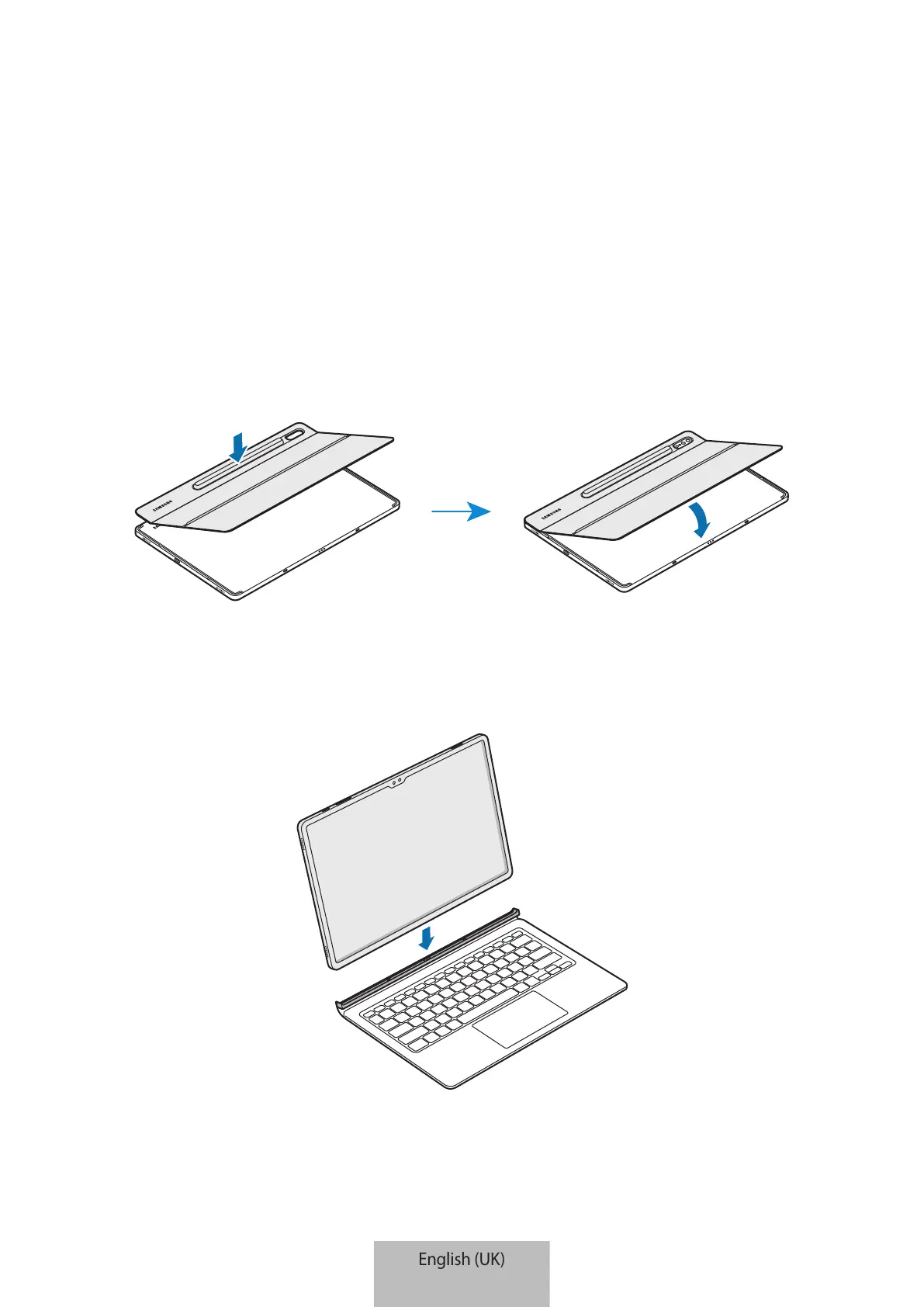
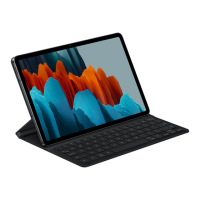
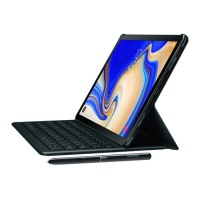
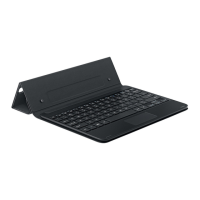
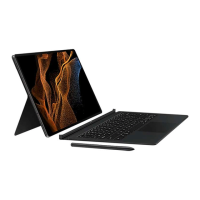
Attaching the keyboard
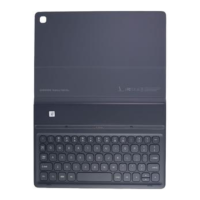
1 Check the location of the camera and the camera hole, and then align each corner of the
S Pen cover with the tablet.
2 Attach the S Pen cover first, and then press down the rest part of the stand cover.
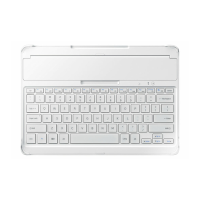
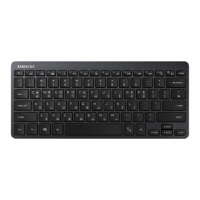
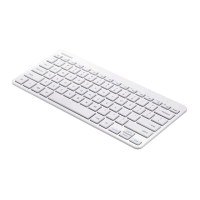
3 Line up the connectors of the tablet and the keyboard, and then attach the keyboard to
the tablet.
You can use the keyboard instantly.


 To Next Page