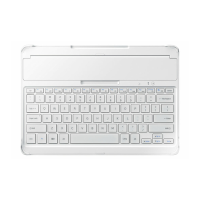
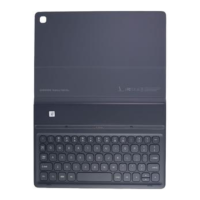
Using the keyboard
6
•
Do not apply excessive pressure on the keyboard while covering the tablet’s screen.
Doing so may cause screen damage.
•
If the tablet and the keyboard connectors are dirty, the keyboard may not be
recognised or work properly.
•
While moving to another place with the device, close the keyboard. If you move
while the keyboard is opened, it may separate and be damaged.
•
Use the product on a flat surface.
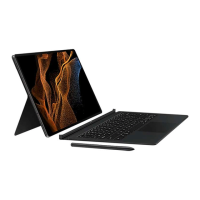
You can use the keyboard as a screen cover. The screen turns off when you cover it with
the keyboard, and it turns on when you open the keyboard.
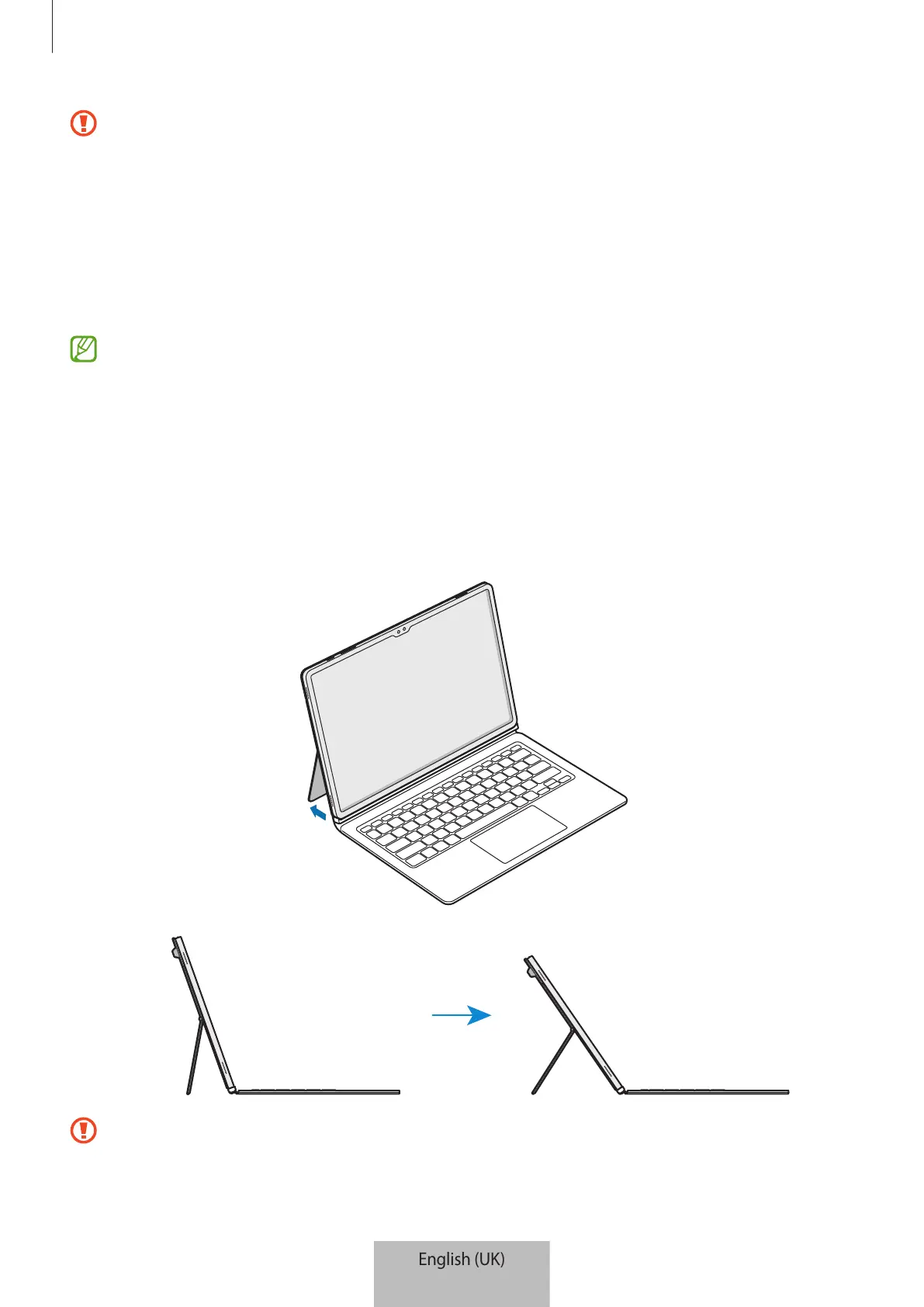
Adjusting the tablet angle
You can adjust the tablet angle with the stand cover. Flip out and adjust the stand until you
find the desired angle.
•
Do not tilt the stand cover excessively. Doing so may cause damage to the hinge.
•
Do not apply pressure to the tablet’s screen while the angle of the stand cover is
adjusted low. Doing so may cause the stand to fall over.


 To Next Page