52
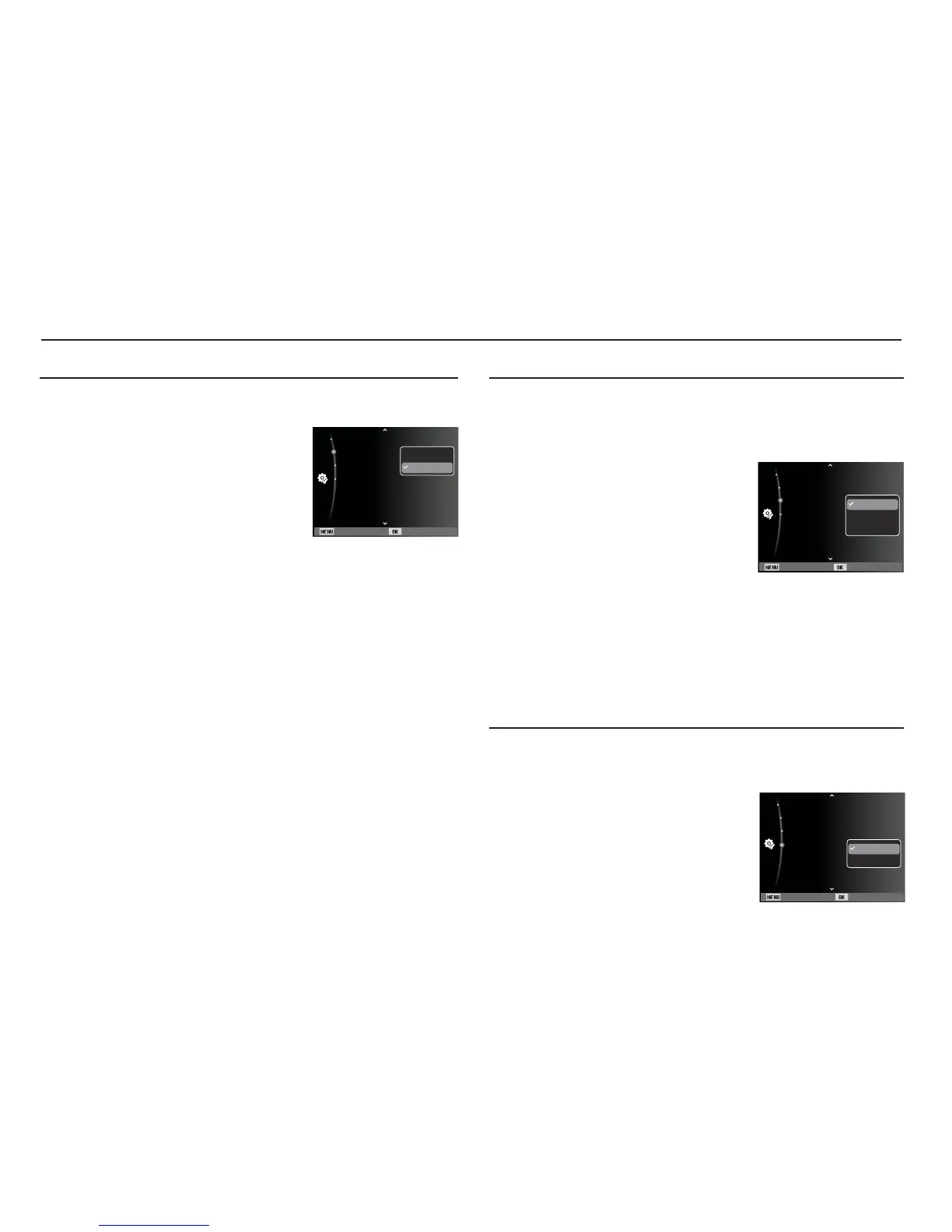
You can turn on and off the Auto Focus lamp.
- Sub menus
[Off] : The AF lamp will not light up in
low light conditions.
[On]*
: The AF lamp will light up in low
light conditions.
Auto Focus lamp
Settings
(
”
)
Selecting a battery type
If a battery type is selected, the camera will be optimized according
to the selected battery type.
[Battery Type] sub Menu : [Alkaline]* / [Ni-MH]
Setting the USB
If the camera is set to connect automatically to a PC or a printer using
a USB cable, you can manually set [Computer] or [Printer].
-[USB] sub menus:
[Auto]* : Automatically enables an
external device connected
with a USB cable.
[Computer] :
Sets computer connection
mode if the connected external
device cannot be recognized
automatically.
[Printer] : Sets printer connection mode if the connected external
device cannot be recognized automatically.
Back Set
AF Lamp :On
USB :Auto
Battery Type :Alkaline
Video Out :NTSC
Off
On
Back Set
AF Lamp :On
USB :Auto
Battery Type :Alkaline
Video Out :NTSC
Auto
Computer
Printer
Back Set
AF Lamp :On
USB :Auto
Battery Type :Alkaline
Video Out :NTSC
Alkaline
Ni-MH


 To Next Page