English-6
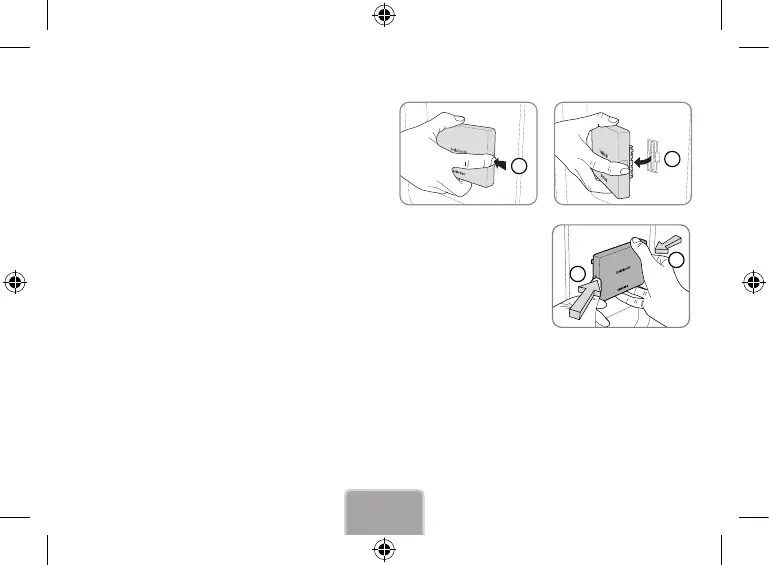
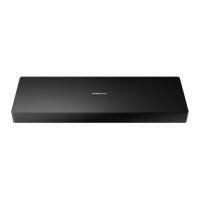
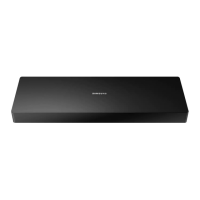
Detaching the Evolution Kit
Grab the Evolution Kit’s edges and pull out the Evolution kit with
the right side pushed to detach it from the TV, as illustrated by the
figure side.
1
2
Correcting if Improperly Attached
Push one of the corners in the direction of arrow ① and press the PUSH button indicated
by arrow ②.
1
2
Recovering a Previous State
1. Turn off the TV and then disconnect the TV power plug.
2. Detach the Evolution Kit from the TV.
3. Turn on the TV, navigate to Software Update (Support > Software Update), and then update the software.
✎
Update the software via the Internet. Otherwise, you will not be able to update via USB or play DRM-protected videos.
[SEK-1000]BN68-05216E-01L02.indb 6 2013-07-26 4:41:51



 To Next Page