
 Need help?
Do you have a question about the Samsung Fibre TV Set-Top Box and is the answer not in the manual?
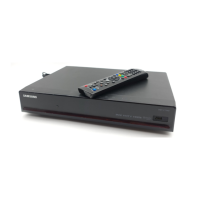
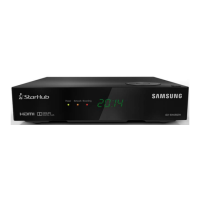
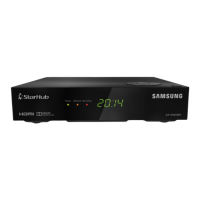
Details about the Fibre TV Set-Top Box and its indicators.
Explanation of the StarHub remote control buttons and functions.
Information about HDTV features and benefits.
How to adjust video output resolution for optimal viewing.
How to enable Dolby Digital 5.1 surround sound output.
Navigation and access to the main menu and options.
Details on accessing and using the Info Bar for programme information.
How to use the TV Guide for programme schedules and information.
How to add, access, and remove favourite channels.
How to search for programmes by title.
How to use the Picture-In-Picture (PIP) feature.
How to personalize viewing preferences.
How to control content based on rating levels and lock channels.
Accessing and purchasing movies and shows on demand.
Browsing and searching titles in the on-demand catalogue.
Catching up on missed TV episodes within 7 days.
Accessing and using various interactive applications.
Creating and managing user accounts for personalized settings.
Overview of the Smart TV service for enhanced viewing.
Pausing, rewinding, and replaying live TV using the buffer.
Recording a programme while watching it.
Recording programmes based on their show title.
Recording all future episodes of a TV series.
Scheduling recordings by specifying date and time.
Managing and organizing all recorded programmes.
Step-by-step guide for connecting via HDMI.
Tips for improving TV reception and resolving common issues.
 General
| Brand | Samsung |
|---|---|
| Model | Fibre TV Set-Top Box |
| Category | Set-top boxes |
| Language | English |


 To Next Page