EasyManua.ls Logo

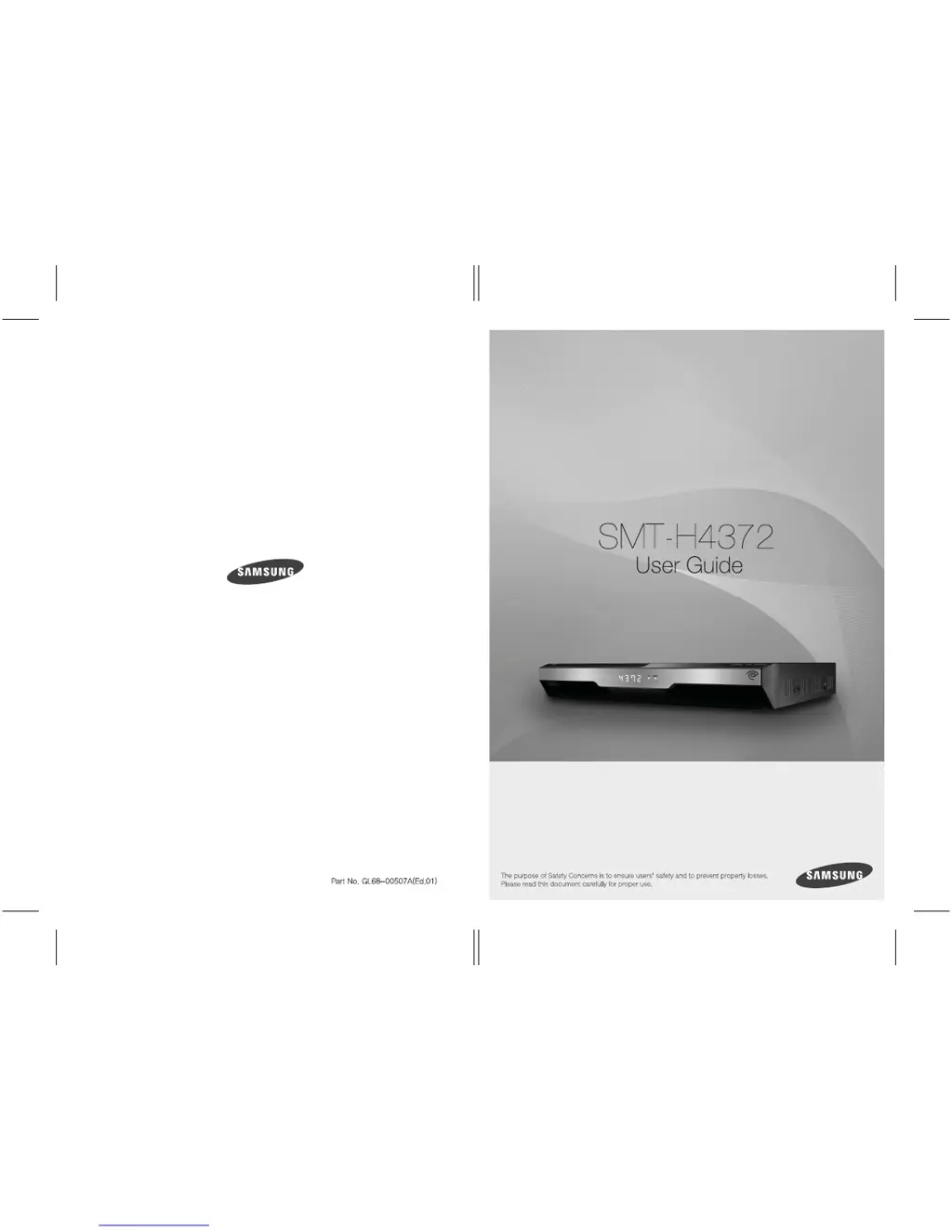
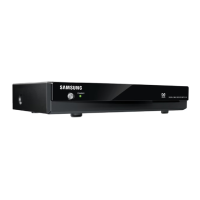
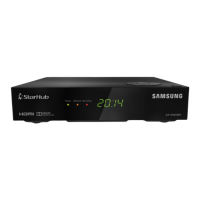
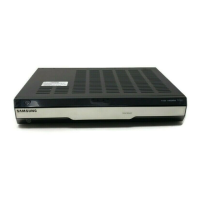
Samsung SMT-H4372 - User Manual

Samsung SMT-H4372
37 pages
Print Icon
To Next Page IconTo Next Page
Loading...
SMT-H4372

Other manuals for Samsung SMT-H4372

Questions and Answers

  • B
    Bryan BradyAug 1, 2025
    What to do if my Samsung DVR remote control does not operate?
    • E
      Emily WoodsAug 1, 2025
      If your Samsung DVR remote control isn't working, try these steps: 1. Ensure the remote is compatible with the STB. 2. Replace the batteries to see if that resolves the issue. 3. Make sure the batteries are correctly inserted. 4. Remove any obstructions between the remote and the STB. 5. Test the remote at a close distance to the STB.
  • C
    calhounjasmineAug 12, 2025
    Why is there no sound on my Samsung DVR TV?
    • A
      Amanda WilsonAug 12, 2025
      If you're not getting any sound from your Samsung DVR, first, verify that the audio ports on your TV are correctly connected to the audio output ports on the STB. If the cable connections are correct, check if the mute function is enabled. If it is, press the [Mute] button on the remote control to disable it.
  • A
    Amanda RobertsAug 20, 2025
    How to fix a Samsung DVR when the TV screen does not appear?
    • P
      pamela02Aug 20, 2025
      If your Samsung DVR isn't displaying on the TV screen, please check the following: 1. Ensure both the TV and STB are powered on. 2. Verify the cable is connected to the ‘CABLE IN’ port. 3. Confirm that the STB is selected as the TV’s source.

Summary

SAFETY CONCERNS

Warning

Provides critical safety instructions and precautions to avoid severe injury or fatality.

Caution

Outlines important information and instructions to prevent service failure or damage to the set-top box.

Important Safety Instructions

Presents a comprehensive list of essential safety guidelines for proper and safe operation of the unit.

INSTALLATION

Peripheral Device Connection Guide

Illustrates how to connect various external devices to the set-top box.

HDMI Cable Connection

Details how to establish a high-definition connection between the STB and a TV using an HDMI cable.

TROUBLESHOOTING

Screen Display Issues

Addresses problems related to the TV screen not displaying an image and provides troubleshooting steps.

Remote Control Malfunctions

Offers solutions for when the remote control fails to operate the set-top box.

Audio Output Problems

Provides guidance on resolving issues with no sound from the TV or digital audio output.

Samsung SMT-H4372 Specifications

General IconGeneral
BrandSamsung
ModelSMT-H4372
CategorySet-top boxes
LanguageEnglish

Related product manuals