12
Contacts
Create a New Contact
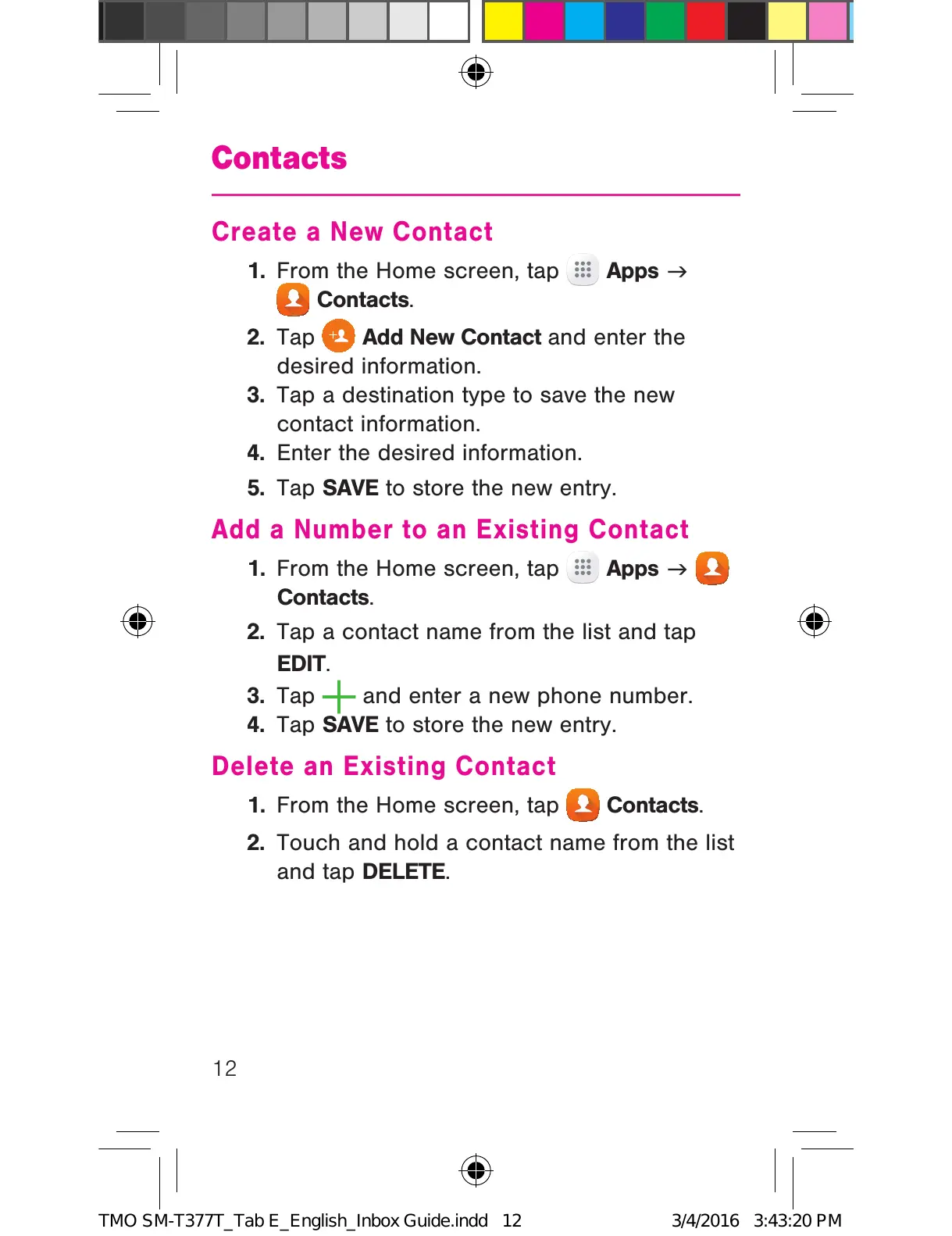
1. From the Home screen, tap Apps
g
Contacts.
2. Tap
Add New Contact and enter the
desired information.
3. Tap a destination type to save the new
contact information.
4. Enter the desired information.
5. Tap SAVE to store the new entry.
Add a Number to an Existing Contact
1. From the Home screen, tap Apps
g
Contacts.
2. Tap a contact name from the list and tap
EDIT.
3. Tap
and enter a new phone number.
4. Tap SAVE to store the new entry.
Delete an Existing Contact
1. From the Home screen, tap Contacts.
2. Touch and hold a contact name from the list
and tap DELETE.
TMO SM-T377T_Tab E_English_Inbox Guide.indd 12 3/4/2016 3:43:20 PM











 To Next Page