11
Formatting the memory card on a PC may cause •
incompatibility with your phone. Format the
memory card only on the phone.
Frequent writing and erasing will shorten the life •
span of memory cards.
Remove the back cover and battery.1.
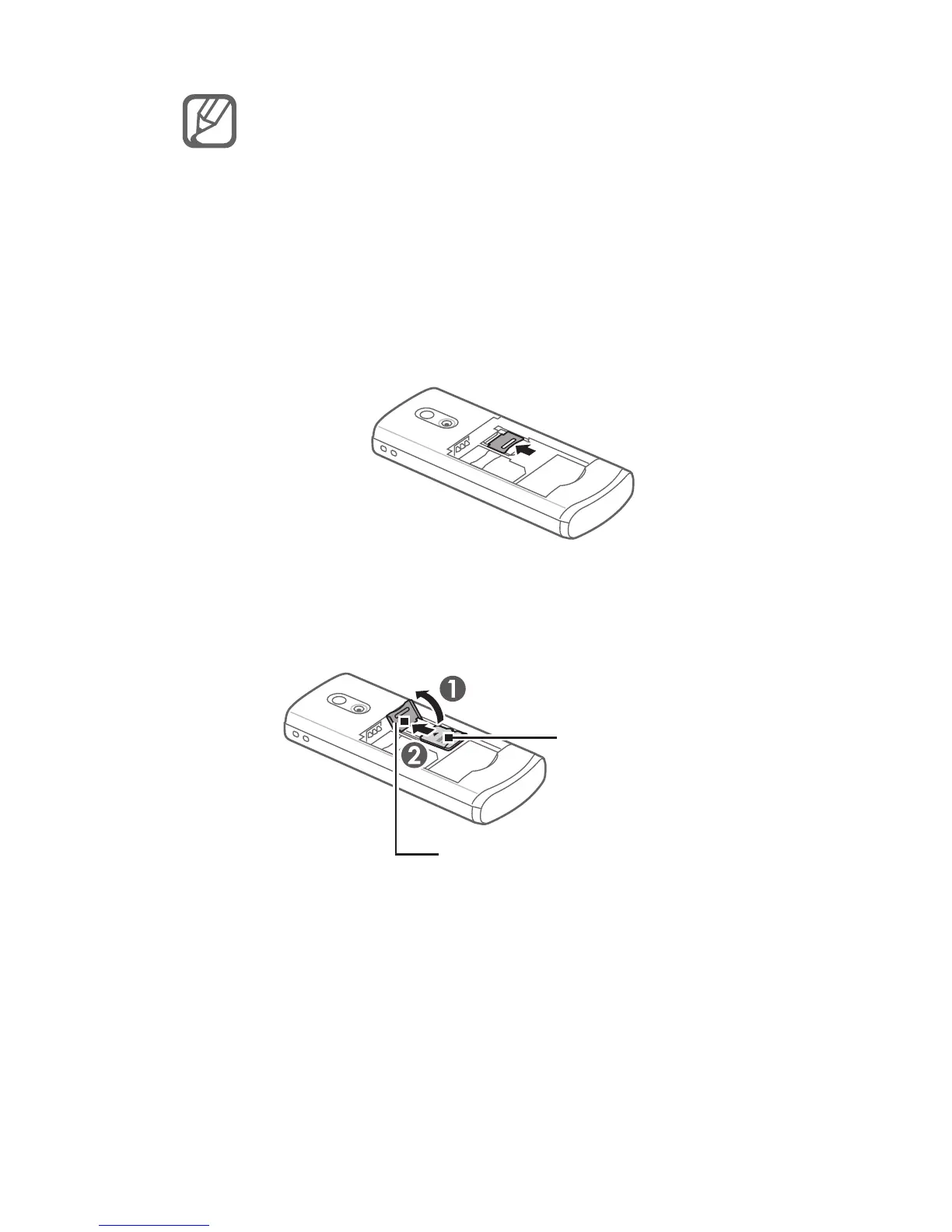
Unlock the memory card cover.2.
Lift the memory card cover and insert a 3.
memory card with the label side facing up.
Close and lock the memory card cover.4.
Replace the battery and back cover.5.
Memory card cover
Memory card



 To Next Page