8
Icons
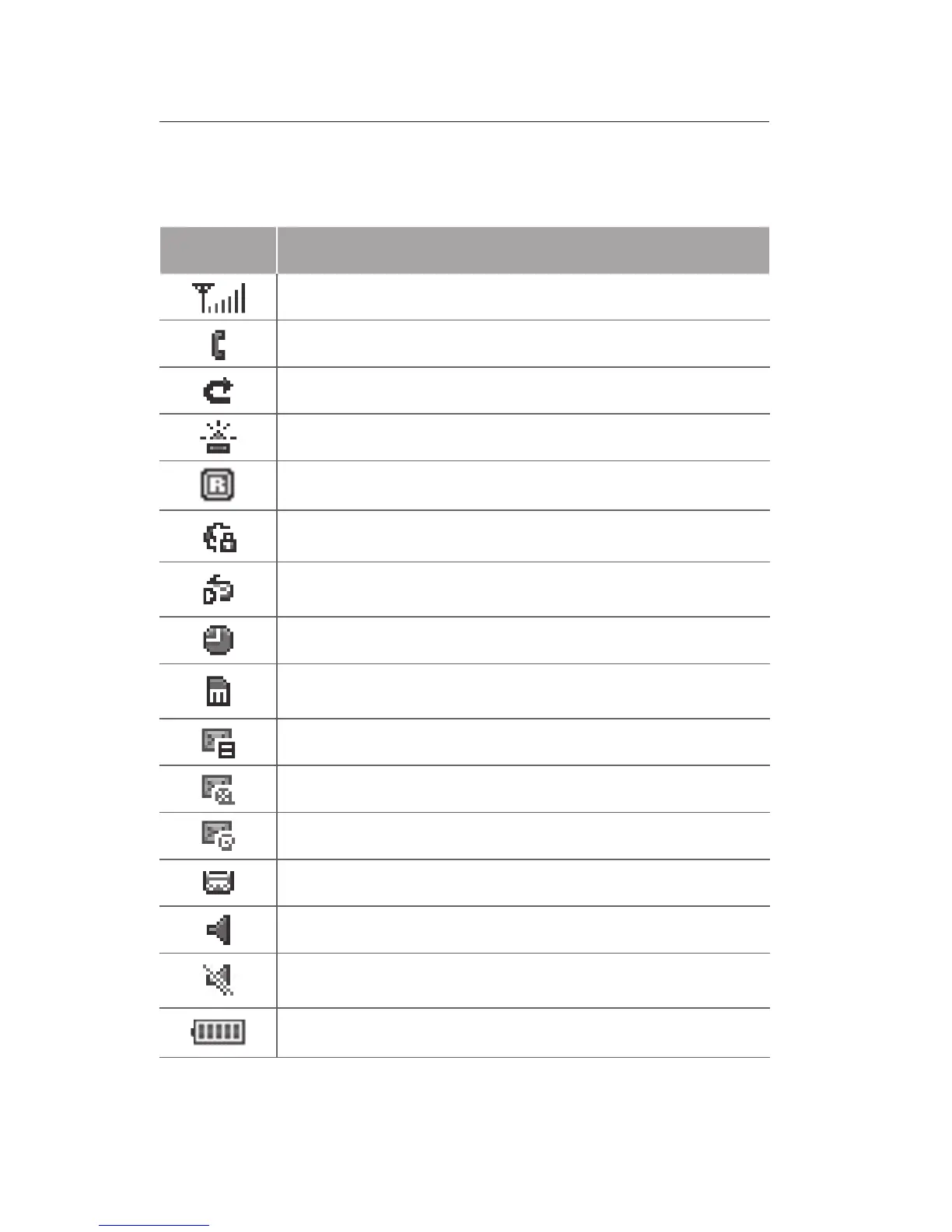
Your phone displays the following status indicators
on the top of the screen:
Icon Denition
Signal strength
Call in progress
Call diverting activate
SOS message feature activated
Roaming (outside of normal area)
Connecting to secured web page
FM radio on
Alarm activated
Memory card inserted
New text message (SMS)
New multimedia message (MMS)
New email message
New voice mail message
Normal prole activated
Silent prole activated
Battery power level



 To Next Page