2
Using this manual
This user manual has been specially designed to
guide you through the functions and features of
your mobile phone. To get started quickly, refer to
"Introducing your mobile phone," "Assembling and
preparing your mobile phone," and "Using basic
functions."
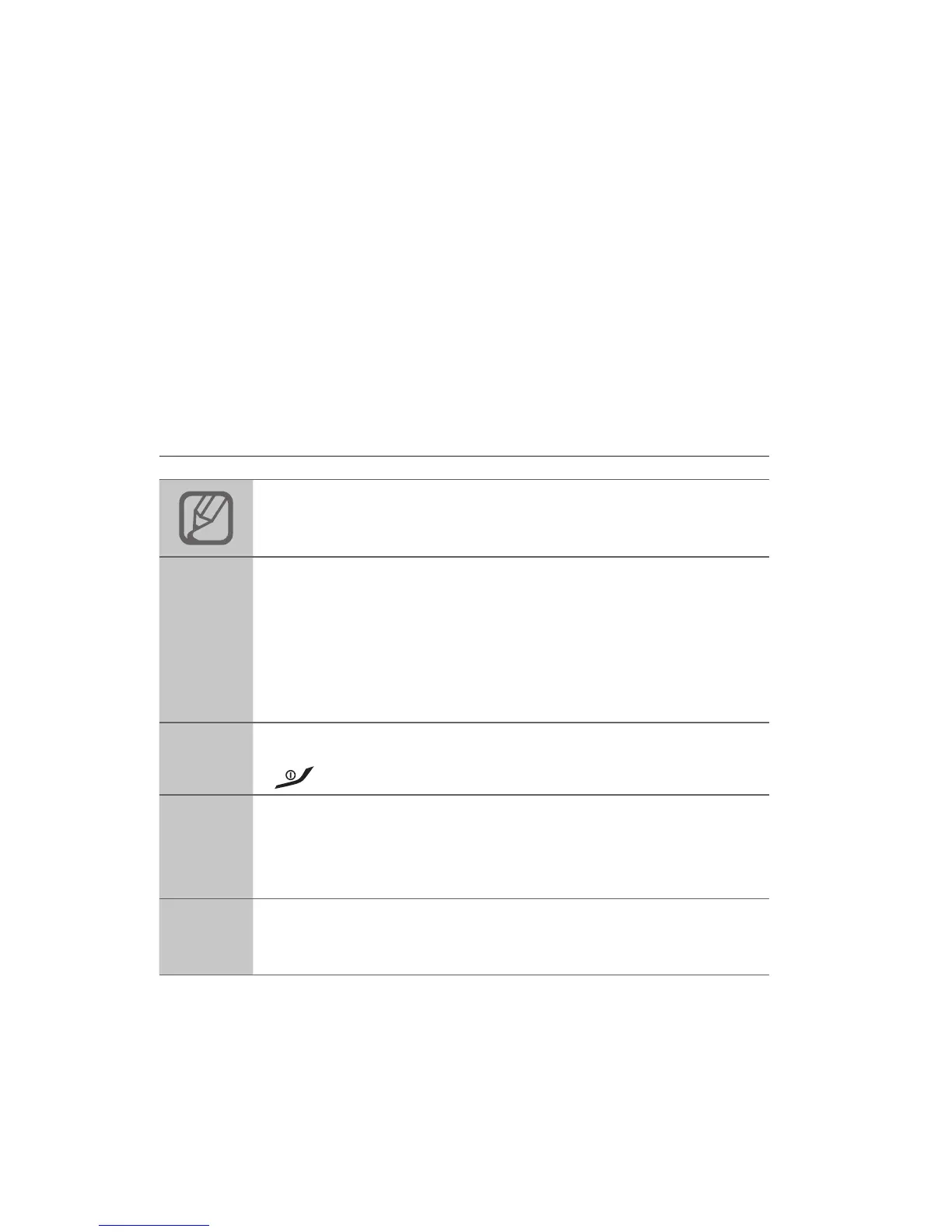
Instructional icons
Note: notes, usage tips, or additional
information
→
Followed by: the order of options or menus
you must select to perform a step; for example:
In Menu mode, select Messages → Create
message (represents Messages, followed by
Create message)
[ ]
Square brackets: phone keys; for example:
[
] (represents the Power/End key)
< >
Angled brackets: softkeys that control different
functions at each screen; for example: <OK>
(represents the OK softkey)
►
Refer to: pages with related information; for
example: ► p. 12 (represents "see page 12")



 To Next Page