introducing your mobile phone
13
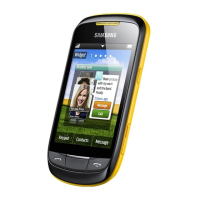
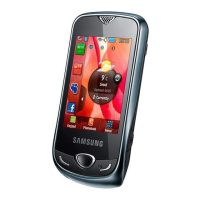
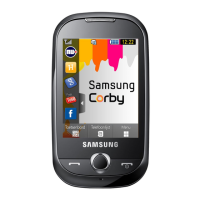
Phone layout
The front of your phone includes the following keys
and features:
The rear of your phone includes the following keys
and features:
Touch screen
Back key
Power/Menu
exit key
Volume key
Dial key
Earpiece
Mouthpiece
Multifunction
jack
You can lock the touch screen and keys to
prevent any unwanted phone operations. To
lock, press [Hold]. To unlock, press and hold
[Hold], or touch and hold the lock icon on the
screen.
Battery cover
Internal
antenna
Camera key
Hold key
Speaker
Camera lens
S3650.book Page 13 Friday, September 4, 2009 8:15 AM

 To Next Page
 Loading...