9
English
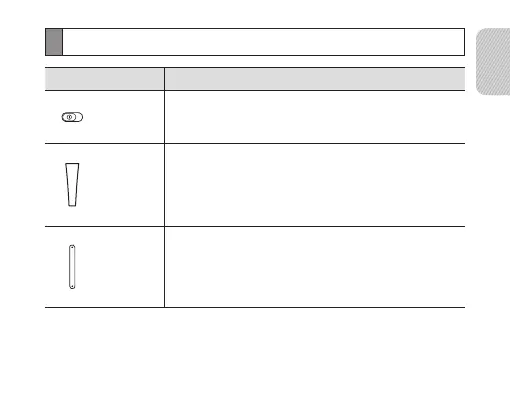
Button functions
Button Function
Power
switch
Slide to turn the headset on or off.•
Talk
Press and hold for 3 seconds to enter Pairing mode. •
Press to answer or end a call.•
Press and hold to reject an incoming call. •
Press and hold to place a call on hold. •
Press and hold to switch between calls.•
Volume
Press to adjust the volume.•
Press and hold to turn the microphone on or off during a •
call.


 To Next Page