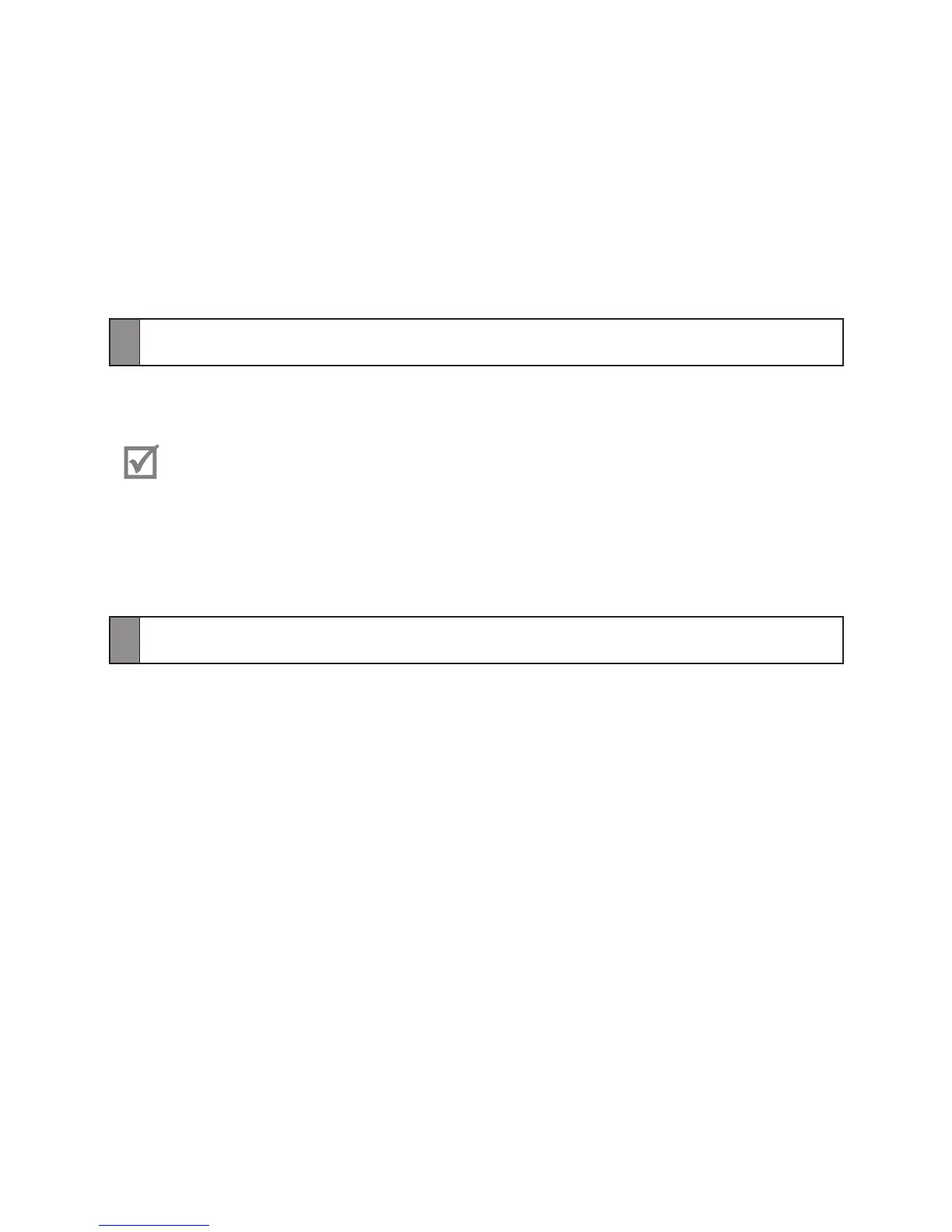
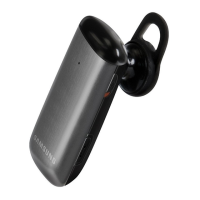
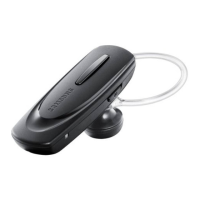
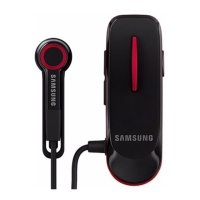
Turning the headset on or off
To turn the headset on
Press and hold the Talk button. The blue indicator light flashes 4 times.
Turning the headset on for the first time, it will automatically enter pairing
mode for approx 3 minutes. For more information, see page 11.
To turn the headset off
Press and hold the Talk button for 3 seconds. The indicator light flashes blue and red
then turns off.
Activating Vibration mode
You can change the headset setting to vibrate when you receive a phone call, turn the
Headset on or off.
To activate Vibration mode
Press and hold the Talk button and the Volume up button at the same time for 1
second and release them. Your headset will vibrate if the vibration mode is activated
successfully.



 To Next Page