6 - English
Getting Started
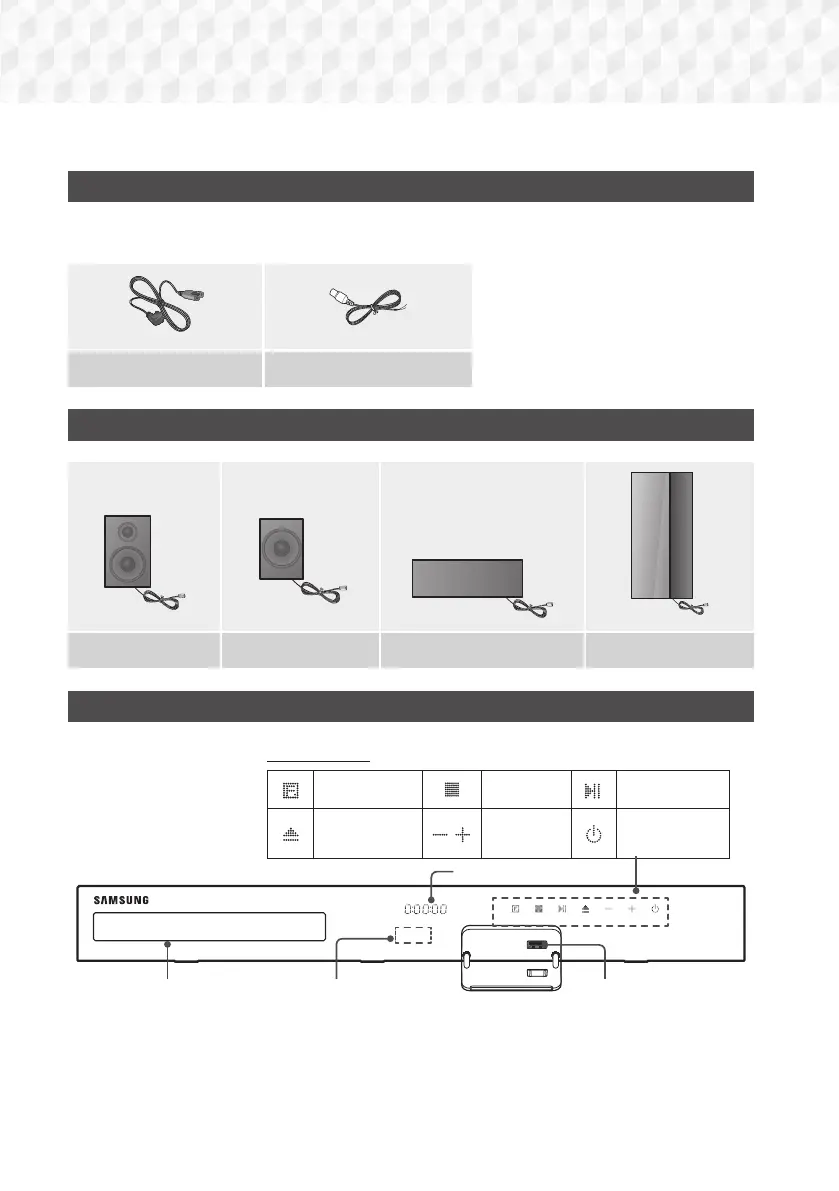
Check the box for the accessories and speaker components listed or shown below.
Accessories
●
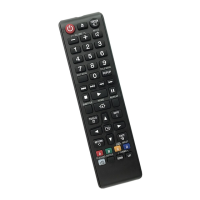
Remote Control (AH59-02533A)
●
Batteries (AAA size) (4301-000116)
●
User Manual (AH68-02798A)
Power Cable (3903-000598) FM Antenna (AH42-00021A)
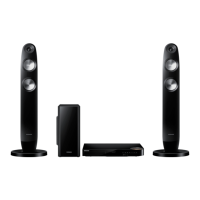
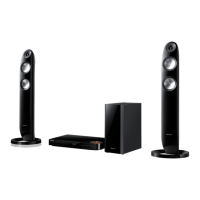
Speaker Components
Front x 2 Surround x 2 Center Subwoofer
Front Panel
DISPLAY ICONS
FUNCTION
STOP
PLAY/PAUSE
OPEN/CLOSE
VOLUME
CONTROL
POWER
USBREMOTE CONTROL SENSOR
DISPLAY
DISC TRAY
✎
When the product is on, do not let children touch the product's surface. It will be hot.
✎
To upgrade the product's software through the USB jack, you must use a USB flash drive.


 To Next Page