Get Started 4
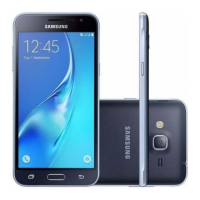
Turn the phone or screen on or off, enable Airplane mode, or Restart
the phone.
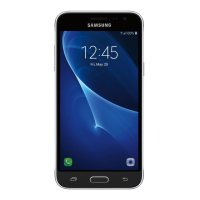
Return you to the previous screen, or close a dialog box, options
menu, the notification panel, or the keyboard.
Returns you to the home screen.
Access recently used apps.
Display information needed to operate your phone, such as the call
status, the Contacts list, and the date and time. Also provides one-tap
access to all of your features and applications.
Adjust the ringtone or media volume or adjust the voice volume during
a call.
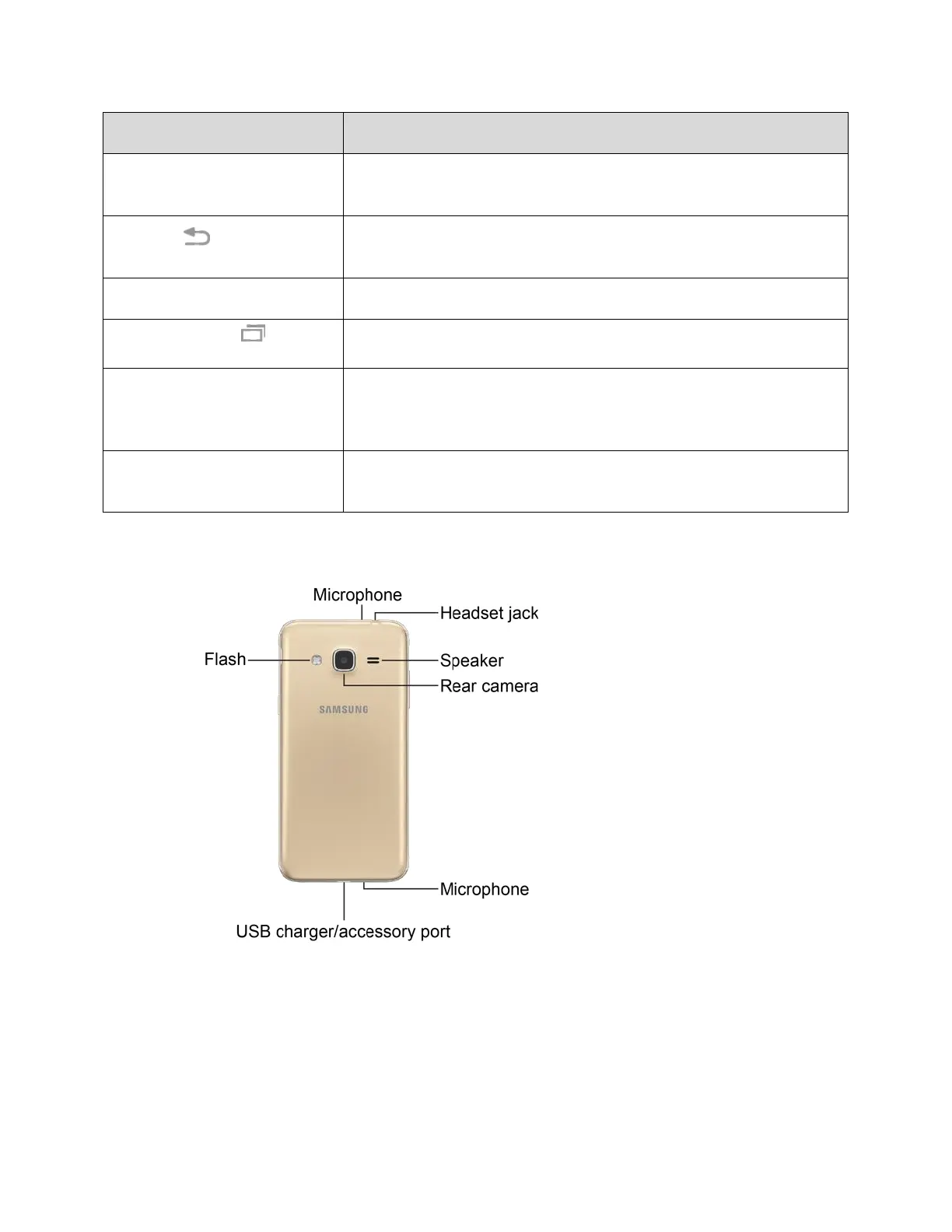
Rear View







 To Next Page