Messaging and Internet 152
Bookmark Options
● Editing Bookmarks: From the browser, tap Bookmarks , touch and hold a bookmark, tap
More > Edit bookmark, edit the bookmark, and then tap Save.
● Deleting Bookmarks: From the browser, tap Bookmarks , touch and hold a bookmark, and
then tap Delete.
View Browser History
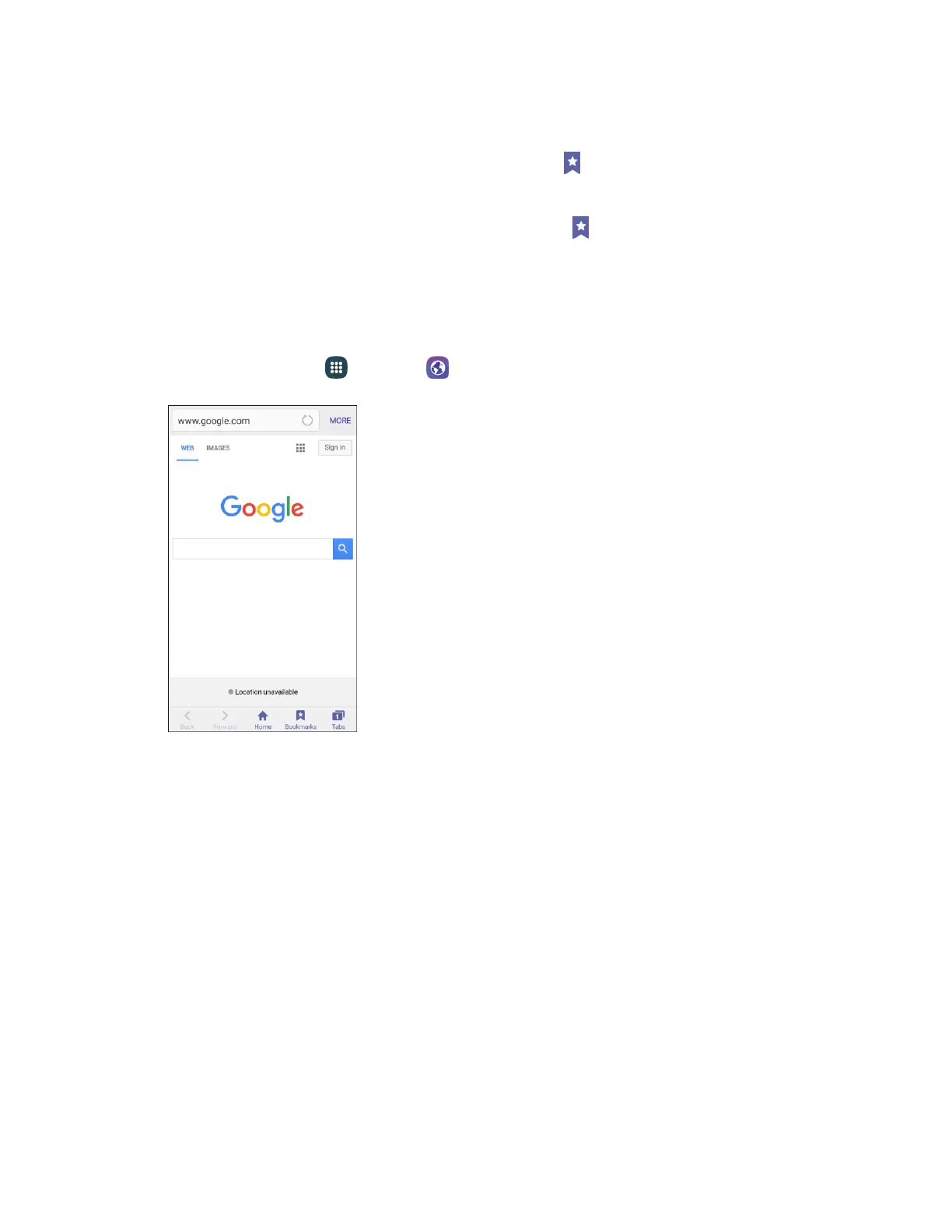
Use the browser menu options to view your browsing history.
From home, tap Apps > Internet . 1.
The browser opens.






 To Next Page