Get Started 10
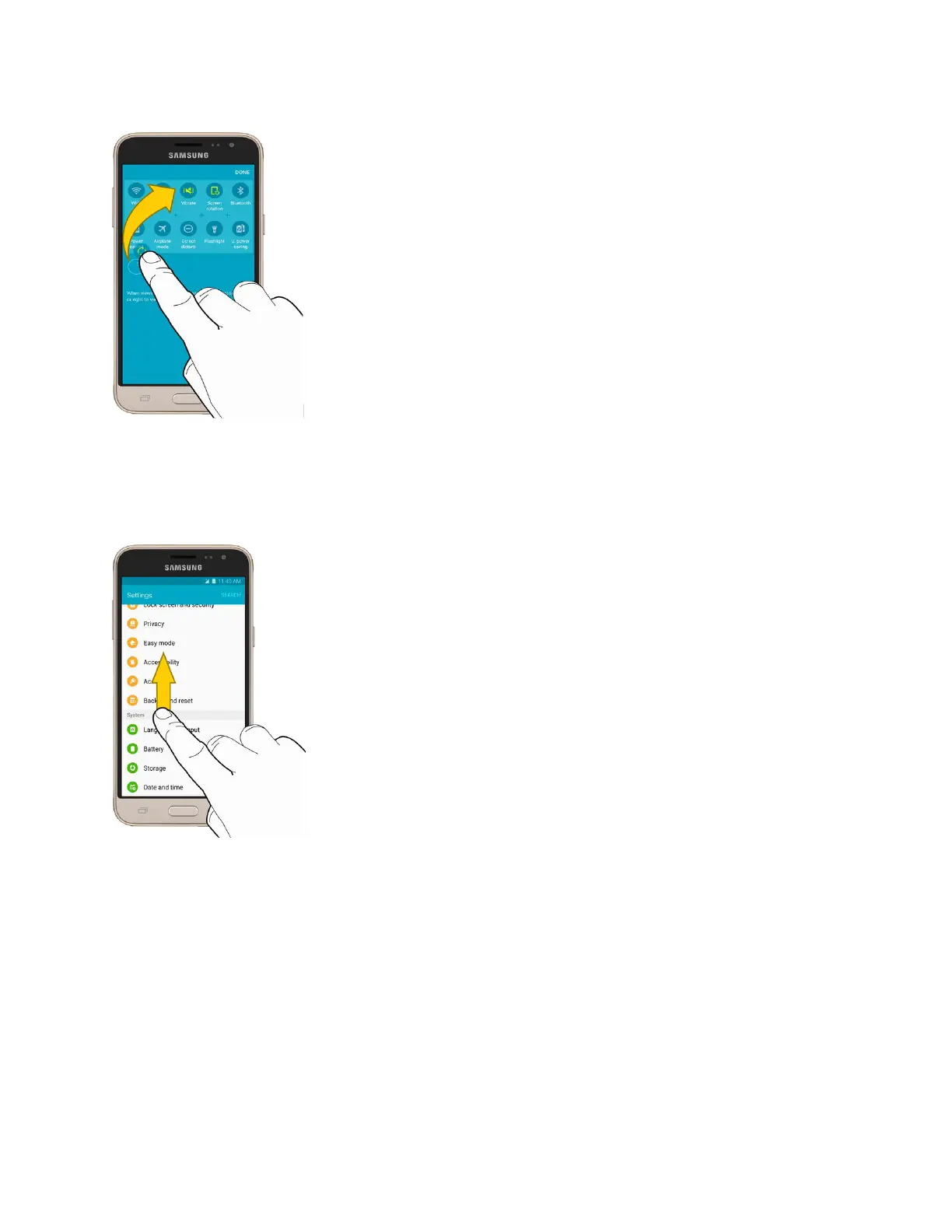
Flick
Flicking the screen is similar to swiping, except that you need to move your finger in light, quick strokes.
This finger gesture is always in a vertical direction, such as when flicking the contacts or message list.
Rotate
For most screens, you can automatically change the screen orientation from portrait to landscape by
turning the phone sideways. When entering text, you can turn the phone sideways to bring up a bigger
keyboard. See Enter Text for more details.






 To Next Page