EasyManua.ls Logo

Samsung J4300 Series - User Manual

Samsung J4300 Series
45 pages
Print Icon
To Next Page IconTo Next Page
Loading...
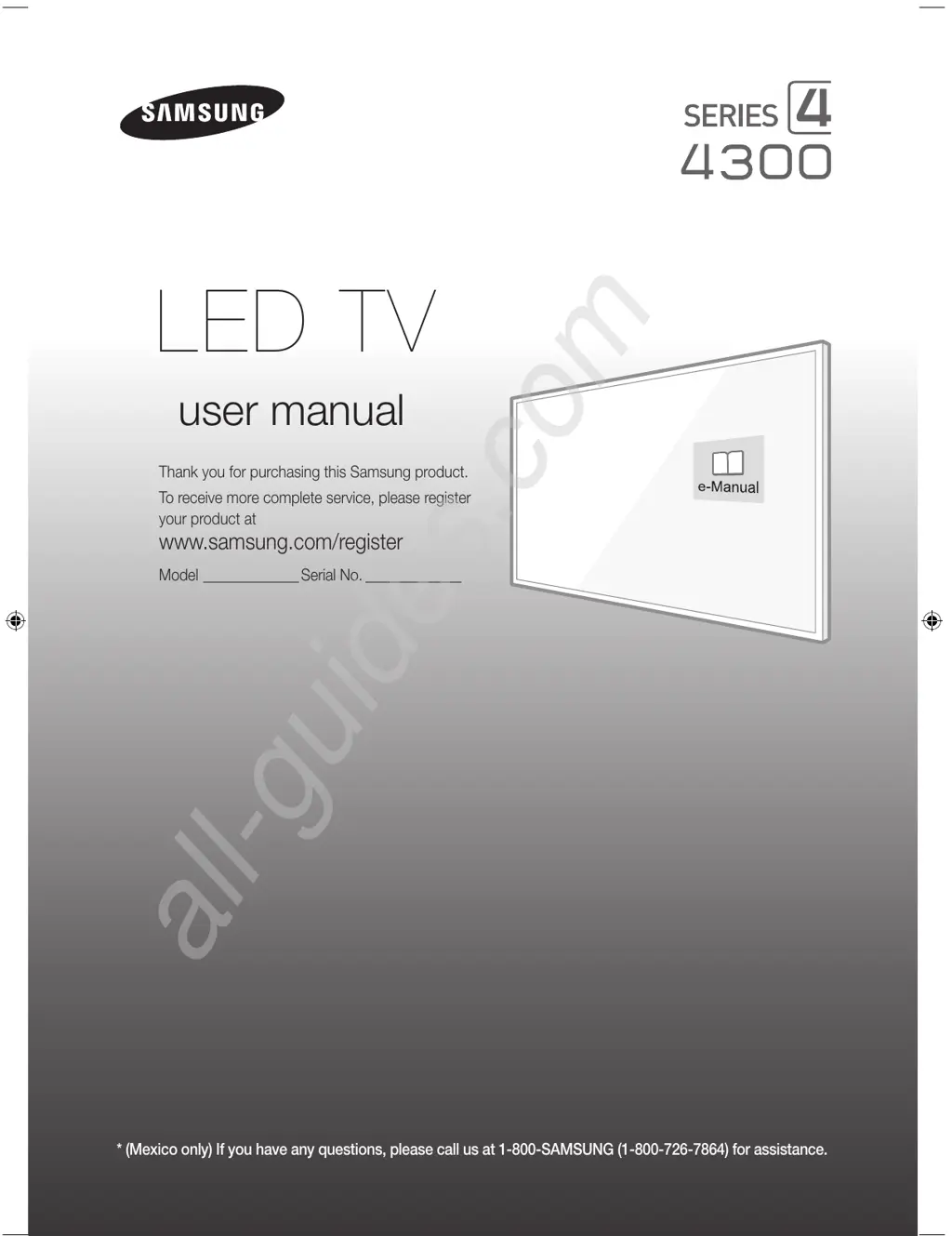
* (Mexico only) If you have any questions, please call us at 1-800-SAMSUNG (1-800-726-7864) for assistance.
Thank you for purchasing this Samsung product.
To receive more complete service, please register
your product at
www.samsung.com/register
Model _____________Serial No. _____________
user manual
LED TV
[J4300-ZX]BN68-07181B-01L02.indb 1 2015-04-15 오후 4:03:37
All manuals and user guides at all-guides.com
all-guides.com

Questions and Answers

  • M
    Michael GambleSep 9, 2025
    Why is there picture but no sound on my Samsung LED TV?
    • M
      Mrs. Kim Andrews DDSSep 9, 2025
      If the picture is good but there is no sound on your Samsung LED TV, navigate to Sound and set Speaker Select to TV Speaker. If using an external device, check its audio output option. If using a DVI to HDMI cable, a separate audio cable is required. Also, ensure nothing is plugged into the headphone jack and reboot the connected device.
  • B
    Brenda GrahamAug 23, 2025
    How to stop my Samsung LED TV from flickering?
    • B
      Brian LaneAug 23, 2025
      If your Samsung LED TV is flickering or dimming sporadically, disable the energy efficiency features. You can disable Energy Saving in the Eco Solution settings.
  • L
    Lori ToddAug 25, 2025
    What to do if my Samsung J4300 LED TV won't turn on?
    • X
      xwilliamsAug 25, 2025
      If you are having problems powering on your Samsung LED television, check the power cord connection and ensure the remote control is working. Also, check the antenna cable connection or ensure the cable/satellite box is turned on.
  • R
    Ryan TorresAug 27, 2025
    Why is there no sound on my Samsung LED TV?
    • D
      Danielle JohnsonAug 27, 2025
      If there is no sound or the sound is too low at maximum volume on your Samsung LED TV, please check the volume of the device connected to your TV, such as a cable/satellite box, DVD, or Blu-ray player.
  • S
    sydney34Aug 28, 2025
    How to adjust brightness on Samsung LED TV?
    • M
      Michelle AvilaAug 28, 2025
      If you find that the colors on your Samsung LED TV are correct but too dark or bright, adjust the picture settings. Navigate to Picture and adjust Backlight/Cell Light, Contrast, Brightness, Sharpness, Color, Tint and other picture quality settings.
  • G
    Gregory ChambersAug 29, 2025
    Why is the picture distorted on my Samsung J4300?
    • R
      roy01Aug 29, 2025
      If the picture on your Samsung LED TV is distorted, it might be due to video content compression, especially in fast-moving scenes, or a weak signal. Also, mobile phones used close to the TV may cause noise.
  • C
    Chad WilliamsSep 18, 2025
    Why do 3D images not look right on my Samsung J4300 LED TV?
    • S
      Steve CookSep 18, 2025
      The ideal viewing distance for 3D images on your Samsung LED TV is three times or more the height of the screen. It is also recommended to sit with your eyes level with the screen.
  • R
    Ryan EstradaSep 22, 2025
    How to make the batteries in my Samsung LED TV 3D glasses last longer?
    • B
      Benjamin MeyerSep 22, 2025
      To prolong the battery life of the 3D glasses for your Samsung LED TV, turn them off when you are not using them. Leaving them on shortens the battery lifespan.
  • K
    Kathy HarrisonSep 7, 2025
    How to find channels on Samsung LED TV?
    • S
      Sarah ColeSep 8, 2025
      To find a channel on your Samsung LED TV, run Setup or Auto Program in the Broadcasting settings.
  • M
    Mr. Christopher PetersenSep 4, 2025
    Why is the color missing on my Samsung J4300?
    • M
      Mark PriceSep 4, 2025
      If you’re using a Component connection on your Samsung LED TV, make sure that the component cables are connected to the correct jacks. Incorrect or loose connections may cause color problems or a blank screen.

Samsung J4300 Series Specifications

General IconGeneral
Display TypeLED
Smart TVNo
HDMI Ports2
USB Ports1
Contrast RatioMega Contrast
EthernetNo
Speaker Type2 CH
Refresh Rate60Hz
Screen Size32 inch, 40 inch
Audio Output Power20W
Digital BroadcastingISDB-T

Related product manuals