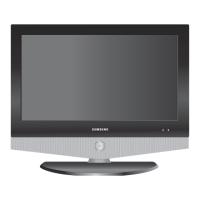
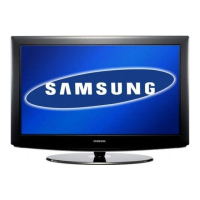
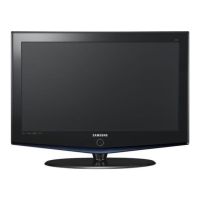
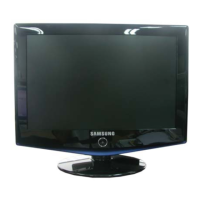
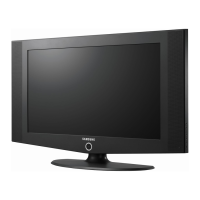
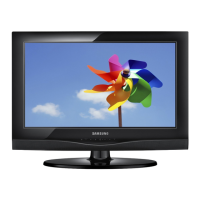
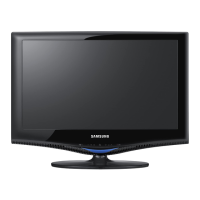
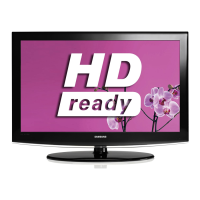
LCD TV
LE23R8
LE26R8
Owner’s Instructions
Before operating the unit,
please read this manual thoroughly,
and retain it for future reference.
ON-SCREEN MENUS
PC DISPLAY
PICTURE IN PICTURE (PIP)
TELETEXT
BN68-01169J-01
Contact SAMSUNG WORLDWIDE
If you have any questions or comments relating to Samsung products,
please contact the SAMSUNG customer care centre.
Ota yhteyttä Samsungiin
Jos sinulla on kysymyksiä tai kommentteja koskien Samsung tuotteita
voitte ottaa yhtyettä Samsung tukeen.
Country
Customer Care Centre
Web Site
BELGIUM 02 201 2418 www.samsung.com/be
CZECH REPUBLIC 844 000 844 www.samsung.com/cz
“Distributor pro Českou republiku:
Samsung Zrt., česka organizační složka Vyskočilova 4, 14000 Praha 4”
DENMARK 70 70 19 70 www.samsung.com/dk
FINLAND 030-6227 515 www.samsung.com/fi
FRANCE 3260 SAMSUNG(7267864) (€ 0,15/min) www.samsung.com/fr
GERMANY 01805-121213 (€ 0,14/Min) www.samsung.de
HUNGARY 06-80-SAMSUNG (7267864) www.samsung.com/hu
ITALIA 800 SAMSUNG(7267864) www.samsung.com/it
LUXEMBURG 0032 (0)2 201 24 18 www.samsung.lu
NETHERLANDS 0900 20 200 88 (€ 0,10/Min) www.samsung.com/nl
NORWAY 815-56 480 www.samsung.com/no
POLAND 0 801 801 881 www.samsung.com/pl
PORTUGAL 80 8 200 128 www.samsung.com/pt
REPUBLIC OF IRELAND 0818 717 100 www.samsung.com/uk
SLOVAKIA 0800-SAMSUNG (7267864) www.samsung.com/sk
SPAIN 902 10 11 30 www.samsung.com/es
SWEDEN 0771-400 200 www.samsung.com/se
SWITZERLAND 0800-7267864 www.samsung.com/ch
U.K 0870 SAMSUNG (7267864) www.samsung.com/uk
ESTONIA 800-7267 www.samsung.ee
LATVIA 800-7267 www.samsung.com/lv
LITHUANIA 8-800-77777 www.samsung.lt
KAZAKHSTAN 8 800 080 1188 www.samsung.kz
RUSSIA 8-800-200-0400 www.samsung.ru
UKRAINE 8-800-502-0000 www.samsung.com/ur
UZBEKISTAN 140-1234 www.samsung.uz
Kontakta SAMSUNG
Om du har några frågor eller synpunkter om Samsungs produkter,
är du välkommen att kontakta Samsung Support.
This product is only applicable in Finland. Its quality is not guaranteed in other countries.
Tämä tuote soveltuu vain Suomessa. Sen laatua ei taata muissa maissa
Den här produkten är endast tillämplig i Finland. Dess kvalitet garanteras inte i andra länder.
Register your product at www.samsung.com/global/register
Record your Model and Serial number here for future reference.
▪ Model _______________ ▪ Serial No. _______________

 Need help?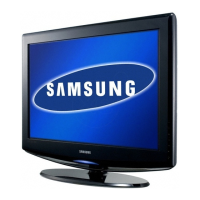

 To Next Page
 General