English-10
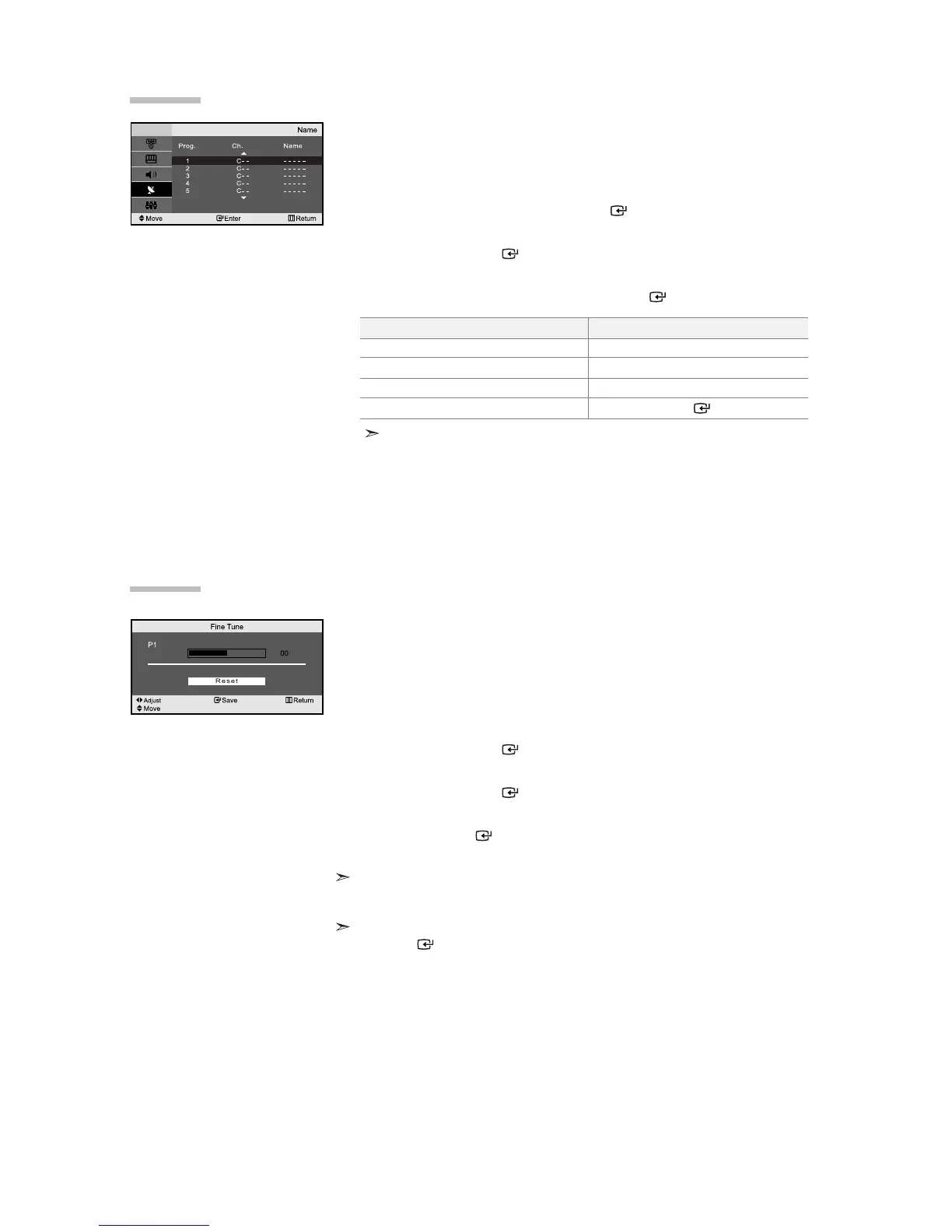
Channel names will be assigned automatically when channel information
is broadcast.
These names can be changed, allowing you to assign new names.
1. Press the MENU button to display the menu. Press the or button to
select “Channel”, then press the
ENTER button.
2.
Press the or button to select “Name”,
then press the
ENTER button.
3.
If necessary, select the channel to be assigned to a new name by
pressing the
or
button. Press the
ENTER
button.
4.
The characters available are :
Letters of the alphabet (A~Z)
Numbers (0~9)
Special characters (
-
, space)
5.
Repeat steps 3 to 4 for each channel to be assigned to a new name.
6.
Press the EXIT button to exit.
Assigning Channels Names
To...
Select a letter, number or symbol
Move on the next letter
Move back the previous letter
Confirm the name
Then...
Press the
or
button
Press the
button
Press the
button
Press the ENTER button
Fine tuned channels that have been saved are marked with an asterisk “*” on the
right-hand side of the channel number in the channel banner. And the channel number
turns red.
To reset the fine-tuning, select “Reset” by pressing the
or button and then press
the
ENTER
button.
Use fine tuning to manually adjust a particular channel for optimal
reception.
1. Use the number buttons to directly select the channel that
you want to fine tune.
2. Press the MENU button to display the menu.
Press the
or button to select “Channel”,
then press the
ENTER button.
3. Press the or button to select “Fine Tune”,
then press the
ENTER button.
4. Press the or button to adjust the fine tuning.
Press the
ENTER
button.
5. Press the EXIT button to exit.
Fine Tuning Channel Reception



 To Next Page