9
GB
Using the Power Defrost Feature
The Power Defrost feature enables you to defrost meat, poultry or fish.
The defrost time and power level are set automatically.
✉ Use only dishes that are microwave-safe.
First, place the frozen food in the centre of the turntable. Then, close
the door.
✉ You can also defrost food manually. To do so, select the
microwave cooking/reheating function with a power level of
180W. Refer to the section entitled “ Cooking/Reheating” on page
6 for further details.
Power Defrost Settings
Remove all kinds of packaging material before defrosting.
Place the frozen foods on a turntable.
Turn the food over when the oven beeps.
Keep the corresponding standing time after Auto Defrosting has
finished.
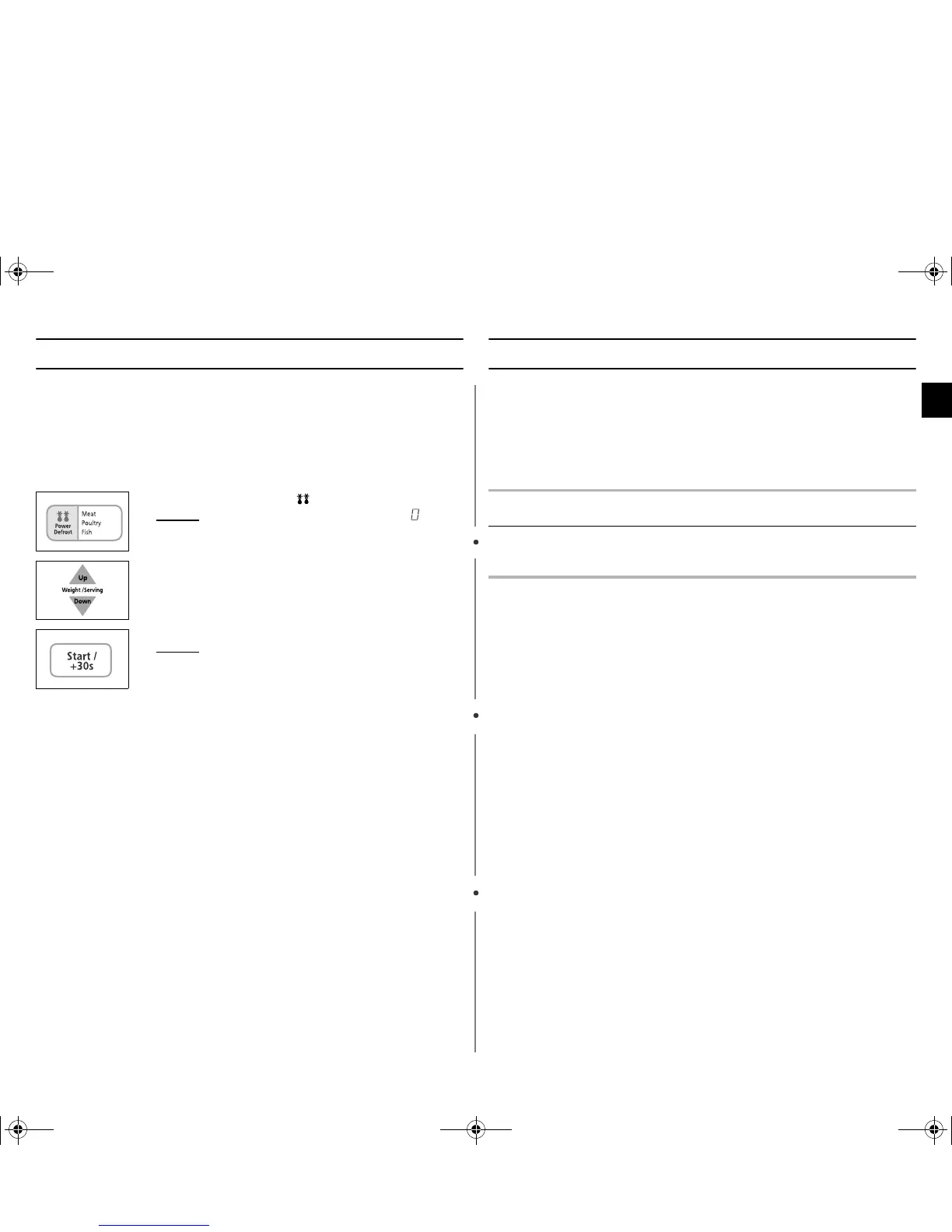
1. Press the Power Defrost ( ) button.
Result :
The following indication is displayed .
2. Select the food weight by pressing the Up/Down button.
It is possible to set up to a maximum of 1500g.
3. Press Start button.
Result :
◆ Defrosting begins.
◆ The oven beeps halfway through
defrosting to remind you to turn the food
over.
◆ Press Start again to finish defrosting.
Food Portion Standing
Time
Recommendation
Meat
Poultry
Fish
200-1500g
200-1500g
200-1500g
20-60 min
20-60 min
20-50 min
Shield the edges with aluminium foil.
Turn the food over when the oven
beeps.
tX_ZkuniUGGwG`GG~SGtGX`SGYWWZGGXXa\WGht


 To Next Page