21
Fast/Slow Playback
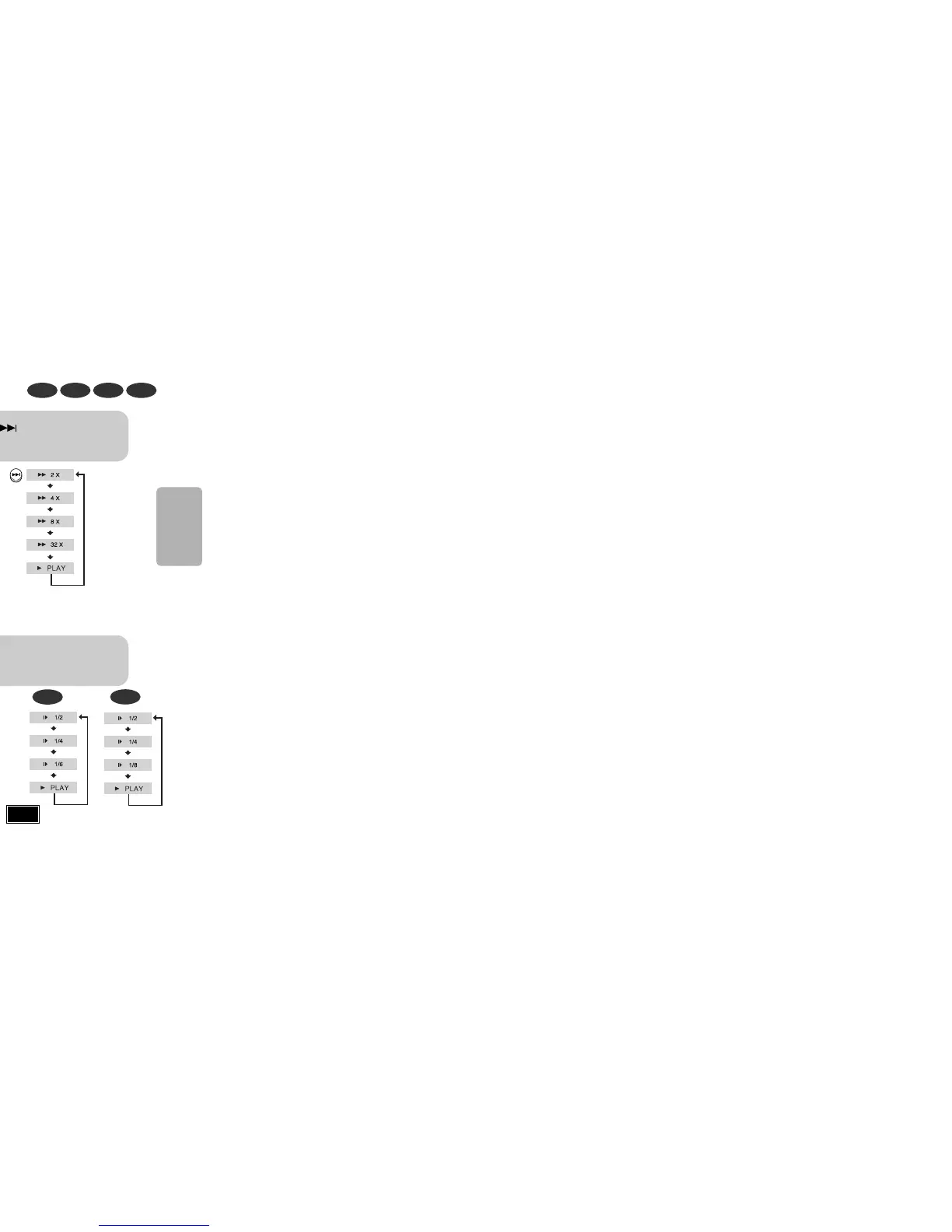
Fast Playback
DVD VCD CD MP3
Press and hold .
•
Each time the button is held down during playback,
the playback speed changes as follows:
Press SLOW button.
•
Each time the button is pressed during playback,
the playback speed changes as follows:
Slow Playback
DVD VCD
DivX
22
Displaying Disc Information
You can view playback information on the disc on the TV screen.
Press INFO button.
•
Each time the button is pressed, the display changes as follows:
DVD
Display disappears
Display disappears Display disappears
VCD CD
MP3 JPEG
•
What is a Title?
A movie contained in a DVD disc.
•
What is a Chapter?
Each title on a DVD disc is divided into several smaller sections called "chapters".
•
appears on the TV screen!
If this symbol appears on the TV screen while buttons are being operated, that
operation is not possible with the disc currently being played.
•
What is a Track (File)?
A section of video or a music file recorded on a VCD, CD, or MP3-CD.
Screen Display
DVD display
VCD display
CD display
MP3 CD display
TITLE display
CHAPTER display
TRACK (FILE) display
ELAPSED TIME display
REPEAT PLAYBACK display
AUDIO LANGUAGE display
SUBTITLE display
STEREO (L/R) display
DOLBY DIGITAL display
ANGLE display
•
Depending on the disc, the disc
information display may appear different.
•
Depending on the disc, you can also
select DOLBY DIGITAL, or PRO LOGIC.
Note
DivX
DivX display
•
Reverse slow playback does not work with VCDs and DivX.
Note
•
During fast playback of a CD or MP3-CD, sound is heard only at
2x speed, and not at 4x, 8x, and 32x speeds.
•
No sound is heard during slow playback and step motion
playback.
OPERATION



 To Next Page