A
PPENDIX
7.18
Changing LLPR Properties
You can fine tune the printer’s properties by opening the LLPR
Properties window.
To open the LLPR Properties window:
1
From the application you are using, select the Print
command.
2
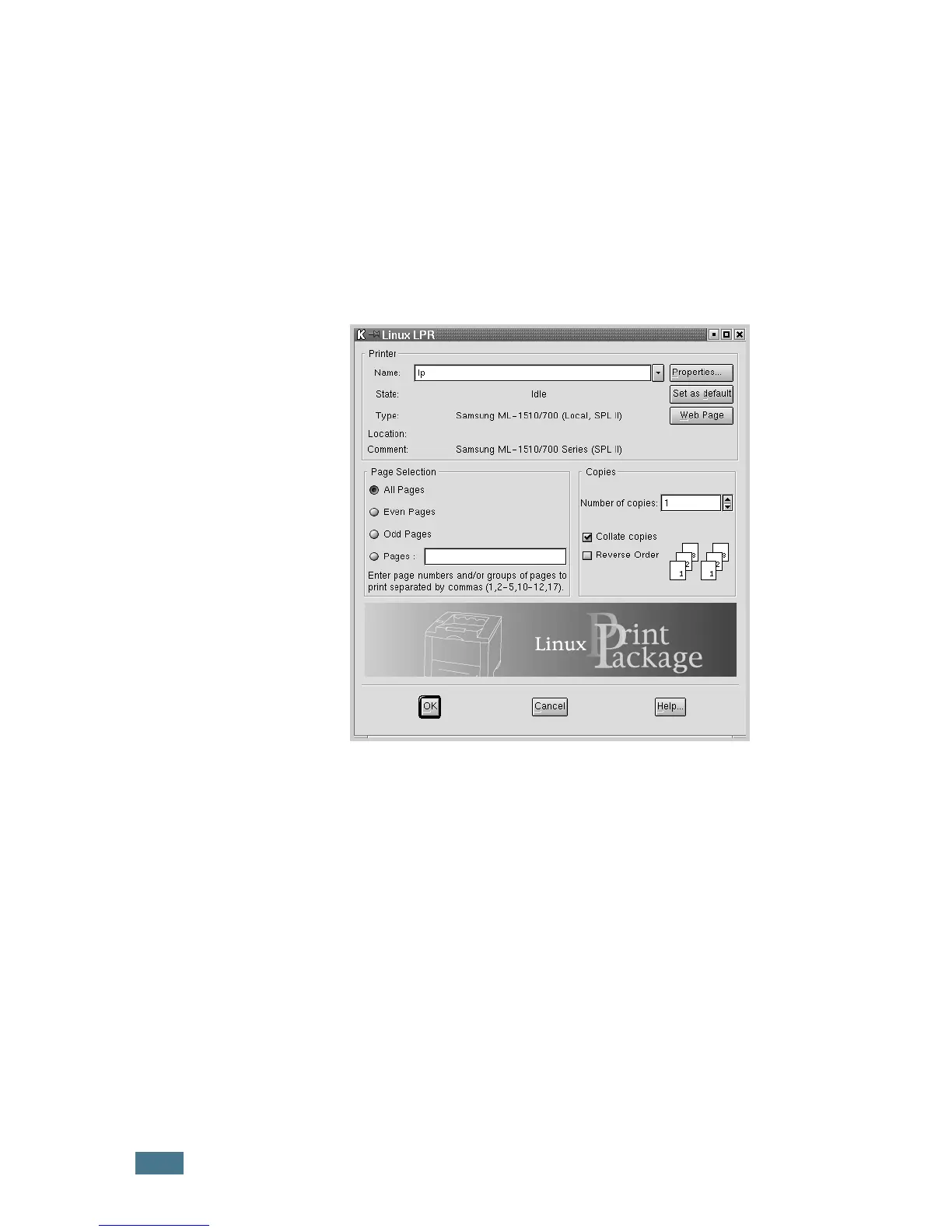
When the Linux LPR window opens, click Properties.
You can also open the LLPR window by using the following:
• Click the Startup Menu icon at the bottom of the screen
and select Linux Printer and then Linux LPR.
• If the Linux Printer Configuration window is currently
open, select Test Print from the Print menu.



 To Next Page
 Loading...








