P
RINTER OPTIONS
H.5
Network Interface Card
Review the precautions on page H.1 and then follow this procedure to install the Network card
option in your printer.
1
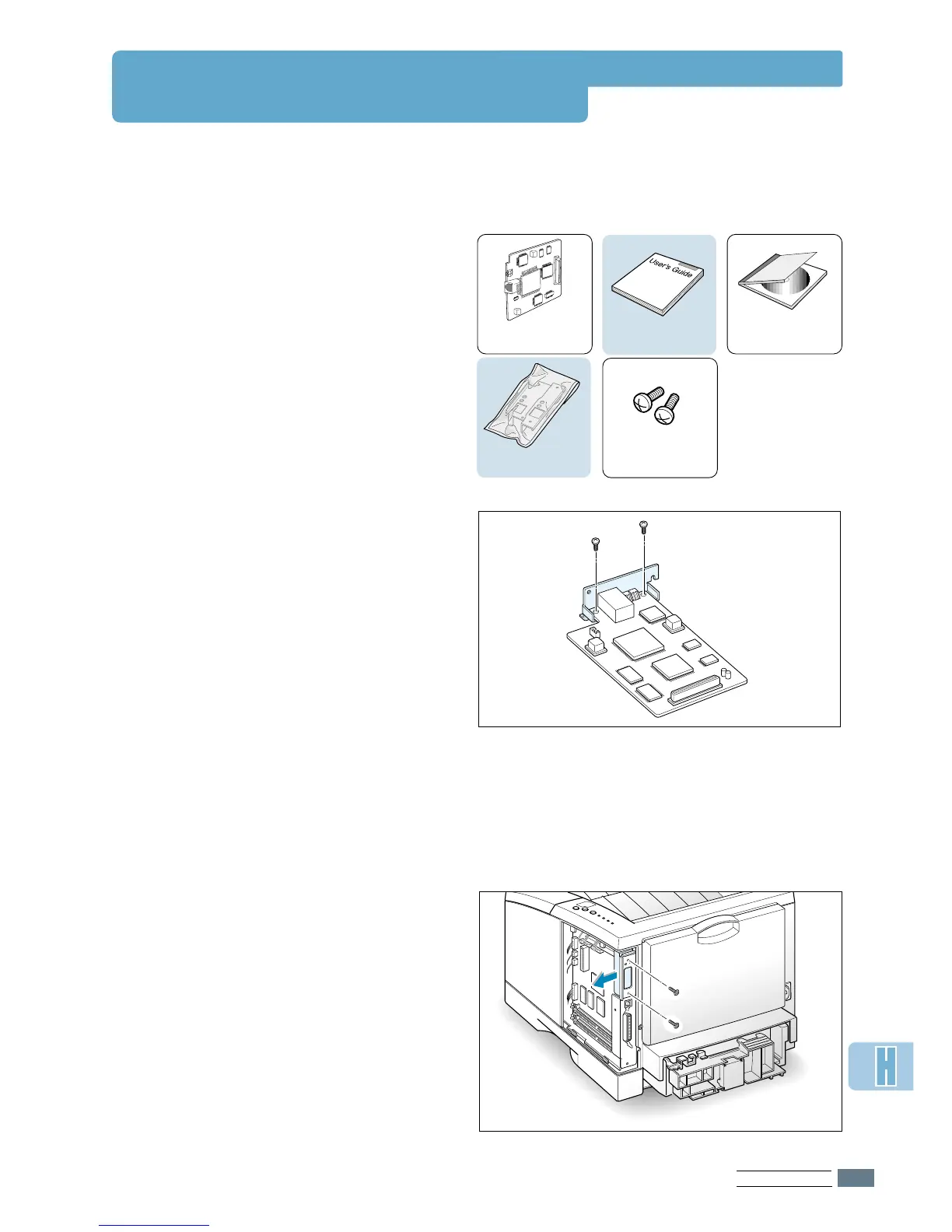
Unpack the network printer card. You
should find the following items.
2
Two brackets come with the network
card. Select the short bracket and
attach it to the network card with two
screws provided.
3
Turn the printer power off and unplug
all cables from the printer.
4
Remove the two screws on the back of
the printer, then remove the control
board cover. See the figure on page H.2.
5
Remove the two screws, then remove
the plate.
Network card
(PortThru)
Screws
User’s guide
CD-ROM
(SyncThru)
Brackets


 To Next Page