Using a program’s setting
143
6. Copying
8
Loading Programs
1
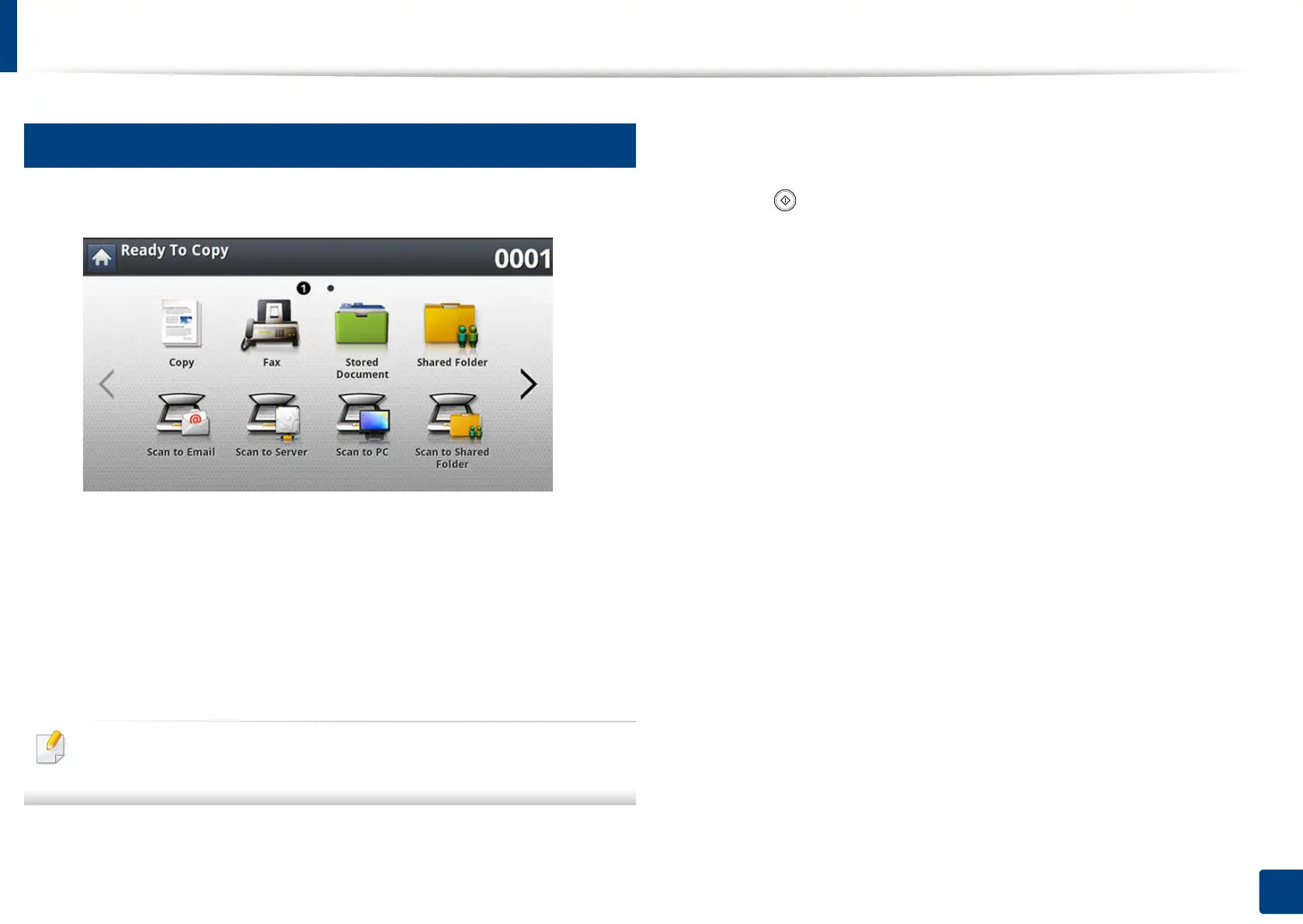
Press Copy from the display screen.
2
Place the originals face up in the RADF or place a single original face
down on the scanner glass and close the RADF (see "Loading originals"
on page 72).
3
Press Programs > Load.
4
Press a program name you want to use on the list.
To delete a program, select the checkbox for that program, and then tap
Delete.
5
Press Apply.
The machine is now set to copy according to the setting you selected.
6
Press (Start) from the control panel to begin copying.













 To Next Page