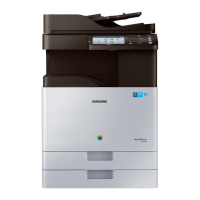
Cleaning the machine
322
14. Maintenance
Cleaning the scan unit
Keeping the scan unit clean helps to ensure the best possible copy quality. We suggest that you clean the scan unit at the start of each day and during the day, as
needed.
• Turn the machine off and unplug the power cord. Wait for the machine to cool down. If your machine has a power switch, turn the power switch off before
cleaning the machine.
• Illustrations on this user’s guide may differ from your machine depending on its options or models. Check your machine type (see "Machine overview" on page
20).
1
Prepare a soft, lint-free cloth.
2
Open the scanner lid.



 To Next Page
 Loading...