English 17
Troubleshooting
Refer to the chart below when this unit does not function properly. If the problem you are
experiencing is not listed below or if the instructions below do not help, turn off the unit,
disconnect the power cord, and contact the nearest authorized dealer or Samsung
Electronics Service Center.
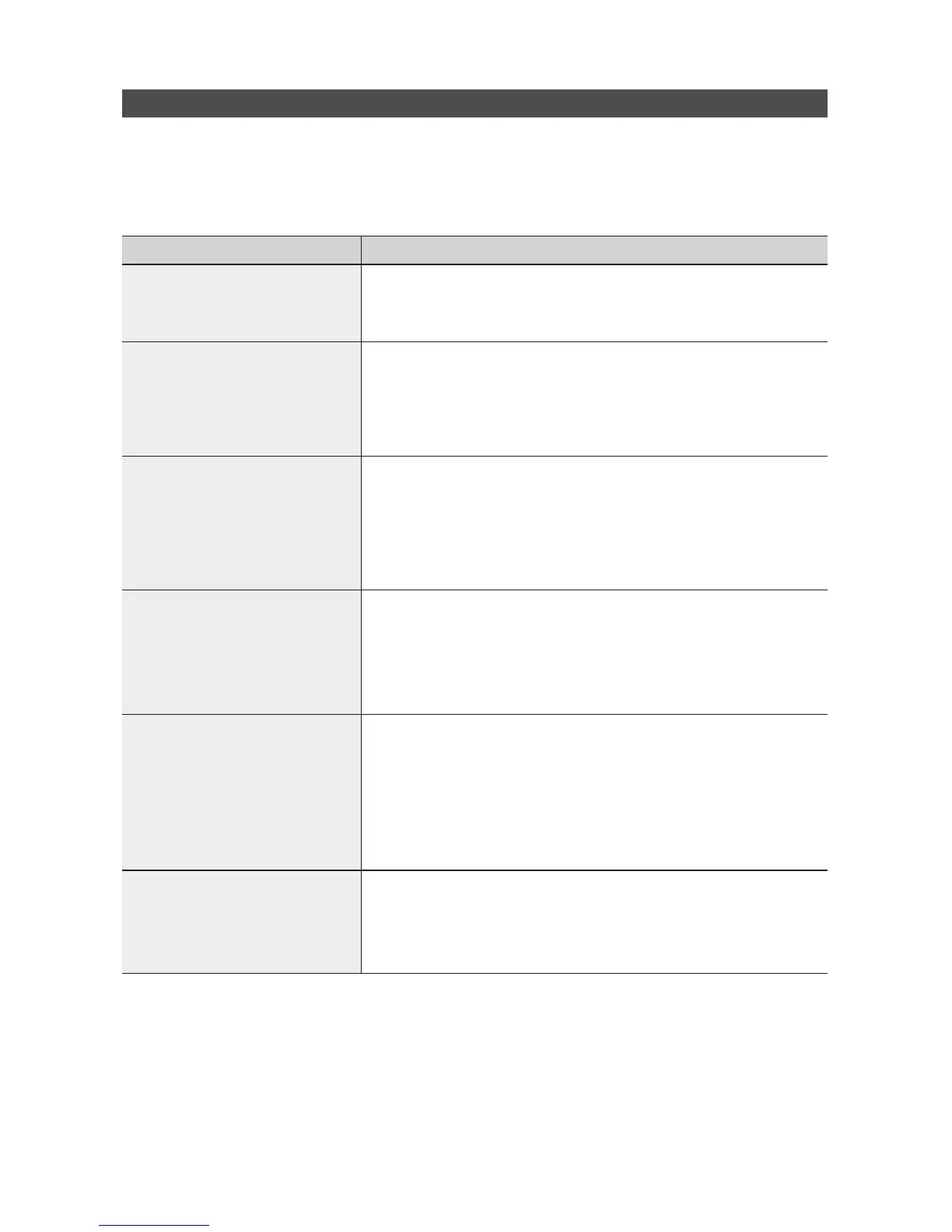
Symptom Check/Remedy
I cannot eject the disc.
•Isthepowercordpluggedsecurelyintotheoutlet?
•Turnoffthepowerandthenturnitbackon.
Playback does not start
immediately when the
Play/Pause button is pressed.
•Areyouusingadeformeddiscoradiscwithscratchesonthesurface?
•Wipethediscclean.
No sound.
•Theunitdoesnotproducesoundduringfastplaybackandslow
playback.
•Arethespeakersconnectedproperly?
•Isthediscseverelydamaged?
The remote control does not
work.
•Istheremotecontrolbeingoperatedwithinitsoperationalangleand
distance range?
•Arethebatteriesdrained?
•Theproductisnotworking.
(Example: The power goes out or
the front panel key doesn't work
or you hear a strange noise.)
•Theproductisnotworking
normally.
•Reset the unit: With no disc inserted and the “NO DISC” message on
the display of the product, press and hold the
STOP (@)
button on the
main unit for longer than 5 seconds.
Using the RESET function will erase all stored settings.
Do not use this unless necessary.
Can't receive radio broadcast.
•Istheantennaconnectedproperly?
•Iftheantenna'sinputsignalisweak,installanexternalFMantennainan
area with good reception.


 To Next Page