EasyManua.ls Logo

Samsung NA36K6550T SERIES - User Manual

Samsung NA36K6550T SERIES
84 pages
Print Icon
To Next Page IconTo Next Page
Loading...
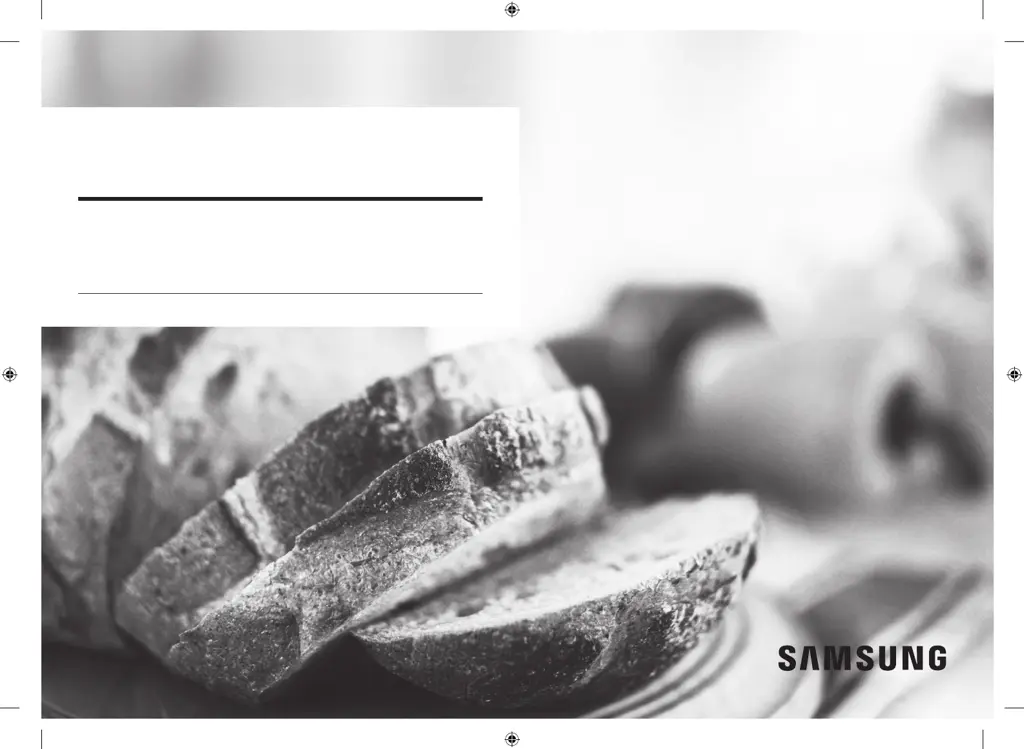
Gas cooktop
User manual
NA30K6550T* / NA30K7750T* /
NA36K6550T* / NA36K7750T*
NA9300K_DG68-00842A-00_EN+MES+CFR.indb 1 7/15/2016 6:06:14 PM

Table of Contents

Questions and Answers

  • P
    Penny OconnorJul 29, 2025
    Why do all the burners on my Samsung NA36K6550T not light?
    • J
      Jeremiah GilbertJul 29, 2025
      If all burners on your Samsung Cooktop fail to light, there are several things you can check: * Ensure the power cord is securely plugged into a working, grounded electrical outlet. * Check your home's fuse box or circuit breaker and replace the fuse or reset the breaker if necessary. * Verify that the gas supply is properly connected and turned on, referring to the Installation Instructions for your cooktop.
  • D
    Dr. Julia MillerAug 4, 2025
    What to do if a surface burner clicks on my Samsung Cooktop?
    • E
      Earl HuntAug 4, 2025
      If a surface burner on your Samsung Cooktop clicks during operation, it might be because the control knob is left in the Lite position. After the burner lights, turn the control knob to your desired setting. If the clicking continues, it is recommended to contact a service technician.
  • C
    Curtis GrossAug 10, 2025
    Why won't the surface burners on my Samsung NA36K6550T light?
    • F
      fcarrollAug 10, 2025
      If the surface burners on your Samsung Cooktop don't light, make sure the control knob is correctly set by pushing it in and turning it to the Lite position. Also, check that the burner caps are properly placed and that the burner base is correctly aligned. Cleaning the electrodes may also help.
  • S
    Shane HenryAug 16, 2025
    What to do if I smell gas from my Samsung NA36K6550T?
    • B
      bmillerAug 16, 2025
      If you smell gas when using your Samsung Cooktop, first ensure that all surface burner knobs are turned to the OFF position. If the odor persists, it could indicate a gas leak. In this case, evacuate the area immediately and call your gas supplier from a neighbor's phone. Follow their instructions carefully. If you cannot reach your gas supplier, contact the fire department.
  • J
    Joel ConleyAug 22, 2025
    Why are the flames on my Samsung Cooktop very large or yellow?
    • C
      Crystal HowardAug 22, 2025
      If the flames on your Samsung Cooktop's surface burners are very large or yellow, it might be due to the wrong burner orifice being installed. Verify the burner orifice size. If it's incorrect (for example, LP gas orifice used instead of natural gas, or vice versa), contact your installer to correct the issue.

Summary

Regulatory Notices

FCC Compliance

Details FCC rules, statement, and radiation exposure limits.

IC Compliance

Outlines IC notice, radiation exposure limits, and compliance.

Important Safety Information

Symbols and General Safety

Explains warning symbols and general safety precautions.

Fire, Gas, and Electrical Safety

Covers fire prevention, gas handling, and electrical grounding safety.

Installation and Cooktop Safety

Details installation, location, and cooktop operation safety.

Overview

Layout and Burner Functions

Illustrates cooktop layout, identifies burners, and explains their functions.

Using the Cooktop

Ignition, Flame Control, and Cookware

Explains ignition, flame control, and safe cookware use.

Grates, Wok Grate, Griddle, and Smart Features

Covers grates, wok grate, griddle, Smart Connect, and hood control.

Care and Cleaning

Cooktop Surface Cleaning

Provides instructions for cleaning porcelain enamel and stainless steel surfaces.

Burner Components Maintenance

Covers cleaning and reassembling control knobs, grates, and burner parts.

Troubleshooting

Checkpoints and Solutions

Lists common problems and their solutions for gas and surface burners.

Warranty

Limited Warranty Information

Details the limited warranty terms, coverage, and exclusions for the cooktop.

Open Source Announcement

Samsung NA36K6550T SERIES Specifications

General IconGeneral
BrandSamsung
ModelNA36K6550T SERIES
CategoryCooktop
LanguageEnglish

Related product manuals