EasyManua.ls Logo

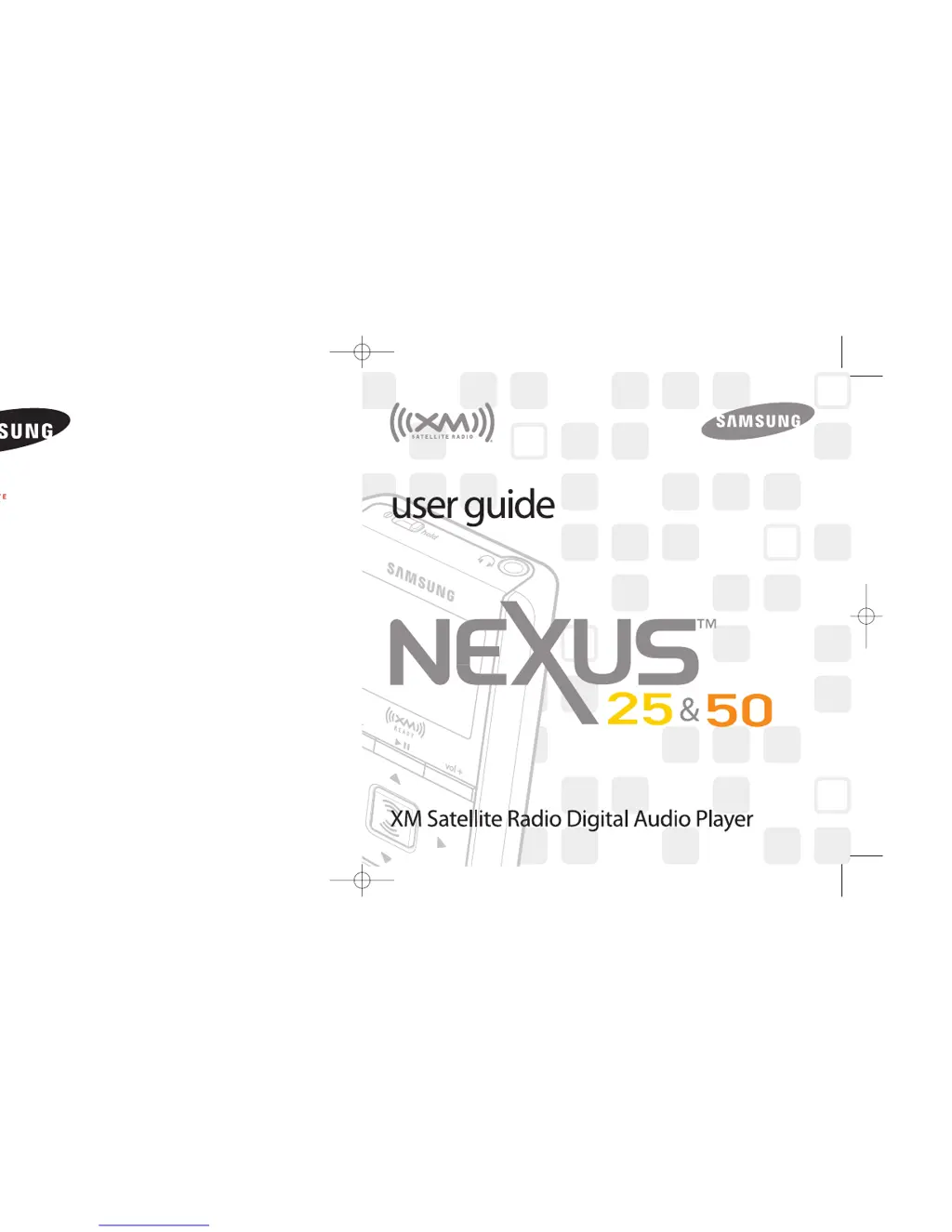
Samsung NeXus 25 - User Manual

Samsung NeXus 25
40 pages
Print Icon
To Next Page IconTo Next Page
Loading...
Samsung Electronics America, Inc.
400 Valley Road
Mount Arlington, NJ 07856
1-800-SAMSUNG (1-800-726-7864)
www.samsung.com
AH81-02185A
XM respects copyrights. This device is for personal use only. XM
Programming stored on the device cannot be transferred off the
unit. Download legally. Buy digital music from XM+Napster.
The XM name, related logo, and NeXus are trademarks of XM
Satellite Radio Inc. All rights reserved.
YP-X5X
YP-X5Z
ENG xm_samsung keys 2/24/06 3:11 PM Page I

Questions and Answers

Summary

Introduction

NeXus Product Modes

Basic usage of the NeXus player and its connected modes.

Safety Instructions

Device Safety Precautions

Warnings for general device use, headphones, and charging.

Battery and Controls

Charging the Battery

Procedure for charging the device's battery.

Player Controls Overview

Description of the device's buttons and ports.

Player Display

Subscribing to XM

Using Your Player Alone: Home Setup

Using Your Player Alone: Vehicle Setup

Using Your Player Alone: Selecting Channels

Recording XM Content

Recorded Content Management

Locking and Unlocking XM Content

Playlists Management

Using Your Player with a PC

System Requirements & Setup

PC needs and software installation.

Connecting Player to PC

Registering with XM+Napster

Organizing Music with PC

Disconnecting Player from PC

XM Radio Online Streaming

Updating NeXus Firmware

PC Update Tool

Manual firmware update process.

Settings: FM and Antenna

Settings: Display and Audio

Settings: Time and Channel Access

Settings: Memory and Reset

Customer Support

Troubleshooting Guide

Resolving common device issues.

Product Specifications

Summary

Introduction

NeXus Product Modes

Basic usage of the NeXus player and its connected modes.

Safety Instructions

Device Safety Precautions

Warnings for general device use, headphones, and charging.

Battery and Controls

Charging the Battery

Procedure for charging the device's battery.

Player Controls Overview

Description of the device's buttons and ports.

Player Display

Subscribing to XM

Using Your Player Alone: Home Setup

Using Your Player Alone: Vehicle Setup

Using Your Player Alone: Selecting Channels

Recording XM Content

Recorded Content Management

Locking and Unlocking XM Content

Playlists Management

Using Your Player with a PC

System Requirements & Setup

PC needs and software installation.

Connecting Player to PC

Registering with XM+Napster

Organizing Music with PC

Disconnecting Player from PC

XM Radio Online Streaming

Updating NeXus Firmware

PC Update Tool

Manual firmware update process.

Settings: FM and Antenna

Settings: Display and Audio

Settings: Time and Channel Access

Settings: Memory and Reset

Customer Support

Troubleshooting Guide

Resolving common device issues.

Product Specifications

Samsung NeXus 25 Specifications

General IconGeneral
BrandSamsung
ModelNeXus 25
CategoryMP3 Player
LanguageEnglish

Related product manuals