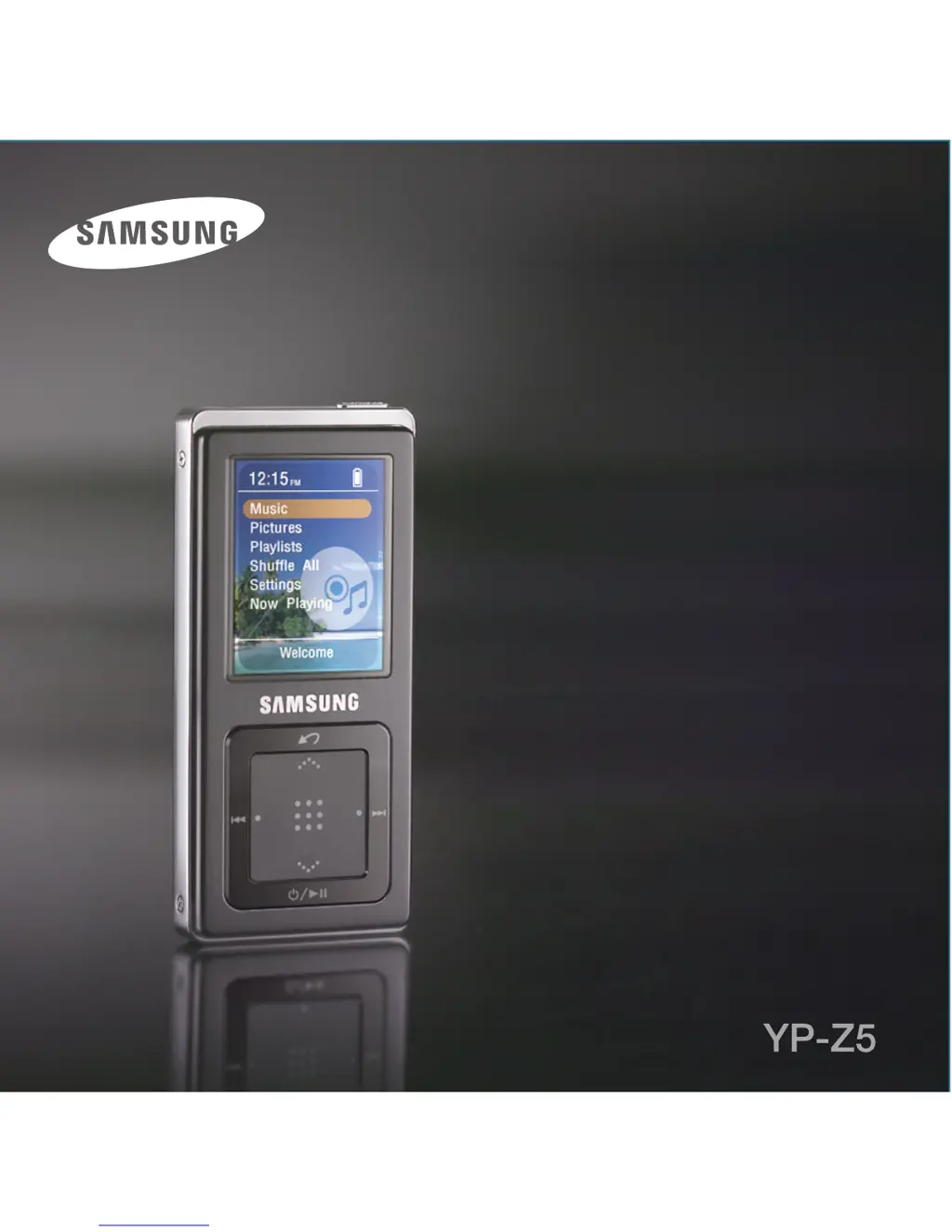
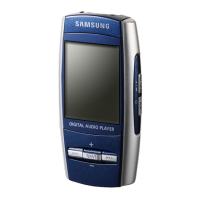
How to fix a Samsung YP-Z5 MP3 Player that will not turn on?
- PPatricia FrancisAug 16, 2025
If your Samsung MP3 Player's power won't turn on, it's likely the batteries are fully discharged. Recharge the batteries and try turning the power on again.
How to fix a Samsung YP-Z5 MP3 Player that will not turn on?
If your Samsung MP3 Player's power won't turn on, it's likely the batteries are fully discharged. Recharge the batteries and try turning the power on again.
What to do if buttons do not work on Samsung YP-Z5?
If the buttons on your Samsung MP3 Player aren't working, first check if the [HOLD] switch is in the HOLD position. If it is, switch it off. If that's not the issue, try pressing the button again. As a last resort, press the Reset button.
What to do if the screen will not turn on on Samsung MP3 Player?
If your Samsung MP3 Player screen won't turn on, it might be because you've set or in the within the Menu. Try pressing any button to turn the screen back on. Also, the screen may not be visible under direct sunlight.
How to fix Samsung YP-Z5 MP3 Player connection to PC is disabled?
If your Samsung MP3 Player is not connecting to a PC, try these steps: 1. Click Start on your PC's toolbar and run Windows Update. 2. Select Key Updates and Service Packs, and then update all available items. 3. Reboot your PC and try reconnecting the MP3 Player.
Why Samsung YP-Z5 battery life differs from the Manual?
If the battery life of your Samsung MP3 Player differs from what's stated in the manual, remember that battery life shortens slowly over time as it is a consumable item. Also, product life may be shortened when left for extended periods in low or high temperatures.
Why does my Samsung YP-Z5 MP3 Player keep turning off?
If your Samsung MP3 Player's power is turning off, the battery is likely fully discharged. Recharge the battery to resolve this issue.
How to fix abnormal display on Samsung MP3 Player?
If your Samsung MP3 Player displays an abnormal image, go to ยก in the Menu screen and set an appropriate language.
What to do if playing is disabled on Samsung YP-Z5?
If playing is disabled on your Samsung MP3 Player, check if the file is saved in the memory. Also, ensure that the music file isn't damaged and that there is enough battery power.
Why file upload is disabled on Samsung YP-Z5?
If you are unable to upload files to your Samsung MP3 Player, check if the USB cable is securely connected and that the memory isn't full. If problems persist, press the Reset button.
Why is there abnormal play time display during play on Samsung MP3 Player?
If your Samsung MP3 Player shows an abnormal play time display during playback, check if the file is in VBR (Variable Bit Rate) format.
Instructions on powering on/off, volume, locking, and resetting the player.
Step-by-step guide to connect the player to a computer using a USB cable.
Lists PC requirements and how to transfer music files using WMP.
How to select and play music by artist, album, genre, or playlist.
Procedures for resetting the system and updating player firmware.
Solutions for problems like power, buttons, screen, and file playback.
Instructions on powering on/off, volume, locking, and resetting the player.
Step-by-step guide to connect the player to a computer using a USB cable.
Lists PC requirements and how to transfer music files using WMP.
How to select and play music by artist, album, genre, or playlist.
Procedures for resetting the system and updating player firmware.
Solutions for problems like power, buttons, screen, and file playback.
| Player media type | Flash memory |
|---|---|
| Total storage capacity | 2 GB |
| Compatible memory cards | - |
| Media types supported | MP3, WMA, OGG |
| Minimum storage drive space | 20 MB |
| Compatible operating systems | Windows 98SE/ME/2000/XP |
| Equalizer | Yes |
| Equalizer bands quantity | 8 |
| Audio formats supported | MP3, OGG, WMA |
| Image formats supported | JPG |
| Headphone frequency | 20 - 20000 Hz |
| Headphone connectivity | 3.5 mm |
| USB 2.0 ports quantity | 1 |
| Display diagonal | 1.83 \ |
| Display resolution | 128 x 160 pixels |
| Product color | Black |
| Minimum RAM | 64 MB |
| Minimum processor speed | 166 MHz |
| Continuous audio playback time | 35 h |
| Depth | 11.4 mm |
|---|---|
| Width | 42.2 mm |
| Height | 89.8 mm |
| Weight | 56 g |