EasyManua.ls Logo

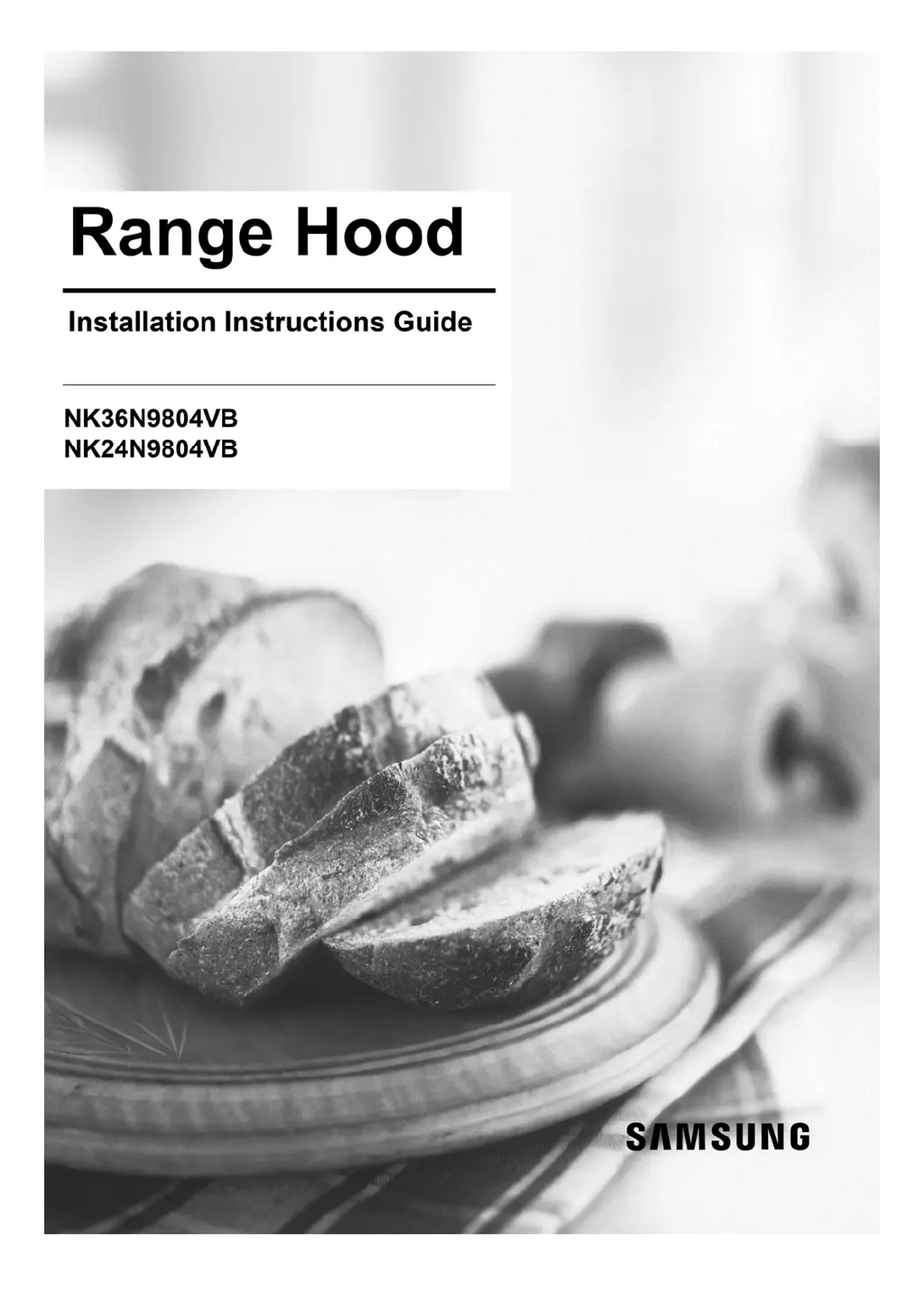
Samsung NK36N9804VB - User Manual

Samsung NK36N9804VB
15 pages
Print Icon
To Next Page IconTo Next Page
Loading...

Questions and Answers

  • S
    Sean HallAug 6, 2025
    What to do if my Samsung Ventilation Hood is not functioning?
    • Z
      zacharymoonAug 6, 2025
      If your Samsung Ventilation Hood isn't functioning, there are a few potential causes. First, check if the fuse in your house wiring is intact; if fuses trip repeatedly, contact an authorized electrician. Ensure the appliance is properly switched on, as the power button may have been accidentally activated. Also, the hood needs 5 seconds to operate at the exact speed, so wait after operating the hood.
  • K
    Kimberly DyerAug 11, 2025
    Why is Bluetooth not working on my Samsung Ventilation Hood?
    • B
      brodriguezAug 11, 2025
      If the Bluetooth connection on your Samsung Ventilation Hood isn't working, note that only Samsung compatible cooktops can connect via Bluetooth. If you're using a compatible cooktop, the hood might be connected to another appliance. In this case, activate Bluetooth disconnection (Pairing reset, T8+T9 for 3 seconds) and then activate the Bluetooth connection process again. If the connection is unstable, disconnect the power for more than 30 seconds, restart the appliance, and repeat the disconnection and connection process.
  • I
    icrawfordAug 15, 2025
    What to do if the touch control on my Samsung NK36N9804VB Ventilation Hood is not working?
    • J
      jamie15Aug 15, 2025
      If the touch control on your Samsung Ventilation Hood isn't working, it might be due to contamination of the control panel with foreign objects or liquid. Clean the control panel to resolve this issue.
  • A
    Andrew BlackAug 19, 2025
    Why is the auto mode not working on my Samsung Ventilation Hood?
    • S
      Shari HillAug 19, 2025
      If the Auto mode on your Samsung Ventilation Hood isn't working properly, it could be due to an unstable sensor algorithm. Press the T6 button for 3 seconds to start the calibration again. After calibration, the Auto mode should function correctly.
  • J
    Jason DukeAug 25, 2025
    What to do if 'EL' is on display on my Samsung Ventilation Hood?
    • J
      Janice ChristianAug 25, 2025
      If “EL” is displayed on your Samsung Ventilation Hood and it's not working properly while the circle is displayed, the hood is likely calibrating its sensor. Allow 5-10 minutes for the calibration process to complete. For detailed information, refer to the sensor instructions in the manual.
  • L
    Lance HoodAug 28, 2025
    How to change the sensor mode on my Samsung NK36N9804VB Ventilation Hood for a gas cooktop?
    • C
      Chad OwensAug 28, 2025
      If you are using a gas cooktop with your Samsung Ventilation Hood, you may need to change the sensor mode. Press T4 + T6 for 3 seconds, and then wait 5-10 minutes for calibration.
  • E
    edward59Sep 1, 2025
    Why is the button not working on my Samsung Ventilation Hood?
    • B
      bonnie36Sep 1, 2025
      If a button on your Samsung Ventilation Hood is not working properly, ensure you are pressing the T9 button for 3 seconds instead of the indicator, as the indicator shows the connection status and is not a functional button.

Samsung NK36N9804VB Specifications

General IconGeneral
TypeWall-mounted
Width90 cm
LightingLED
Control TypeTouch control
Body colorBlack
Number of motors1
Number of speeds4
Number of lights2
MaterialStainless steel
Energy Efficiency ClassA
Air Extraction Diameter150 mm
Recirculation ModeYes
Auto Shut-offYes
Remaining Operation Time IndicatorYes
Filter TypeAluminium

Related product manuals