EasyManua.ls Logo

Samsung NP540U3C - User Manual

Samsung NP540U3C
161 pages
Print Icon
To Next Page IconTo Next Page
Loading...
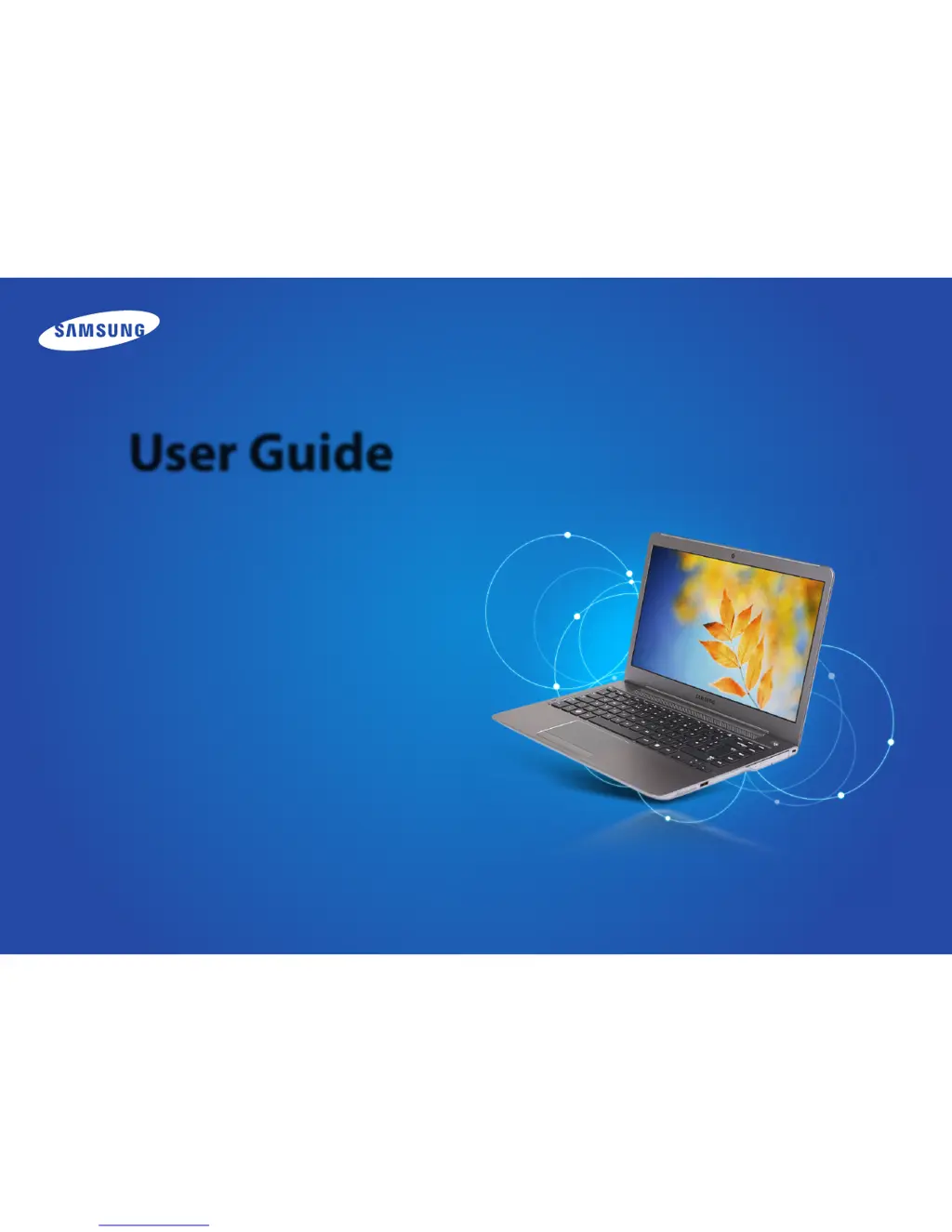
User Guide

Other manuals for Samsung NP540U3C

Questions and Answers

  • J
    Jennifer ArmstrongJul 26, 2025
    What to do if no picture appears on my Samsung NP540U3C screen?
    • T
      Tyler MccoyJul 26, 2025
      If no picture appears on your Samsung Laptop screen, first, check the connection status of the LCD Module LCD Cable and the LCD Cable and Main board LCD Connector. Ensure that the cable and connector are perfectly connected. You might also need to replace the LCD assembly. Also, check if the System LED of the main board is blinking, if the memory module is out of order, and if the Power button can be normally pressed.
  • J
    Jay BairdAug 4, 2025
    How to fix a dark or distorted screen on a Samsung Laptop?
    • T
      Tara BowmanAug 4, 2025
      If the screen on your Samsung Laptop is dark or the colors are distorted, check the connection status of the LCD Module LCD Cable and the LCD Cable and Main board LCD Connector. Ensure the cable and connector are perfectly connected. If that doesn't solve the issue, it could be a defect with the LCD assembly, requiring a replacement. Also, inspect the LCD for any bent or broken parts due to impact; if found, replace the LCD assembly.
  • G
    gordon01Aug 14, 2025
    Why does the LCD blink on my Samsung NP540U3C Laptop?
    • L
      Lauren GreenAug 14, 2025
      If the LCD blinks on your Samsung Laptop while the system is running, check for any magnetic body near the touch pad button or the system itself. Also, inspect the LCD for any exterior defects. If there are no external factors causing the blinking, the LCD assembly may be defective and require replacement.

Summary

Chapter 1. Getting Started

Safety Precautions

Essential safety instructions to prevent personal injury and damage.

Turning the Computer On and Off

Procedures for computer power management and screen brightness adjustment.

Chapter 3. Using the computer

Keyboard

Details on keyboard layout, shortcut keys, and function key operations.

Touchpad

Touchpad functions, gestures, and configuration options for navigation.

Wired Network

Connecting to a wired LAN and configuring network settings.

Wireless Network (Optional)

Connecting to wireless networks and managing Wi-Fi connections.

Samsung Software Update

Instructions for updating system software and drivers.

Diagnosing the Computer Status and Troubleshooting

Using Support Center for system diagnostics and problem resolution.

Chapter 4. Settings and Upgrade

BIOS Setup

How to enter BIOS setup and configure computer hardware settings.

Chapter 5. Troubleshooting

Recovering;Backing up the Computer (Optional)

Guide to restoring the system to factory settings or creating data backups.

Reinstalling Windows (Optional)

Procedures for reinstalling the operating system using recovery media.

Chapter 6. Appendix

Important Safety Information

Critical safety precautions for system operation, setup, and handling.

Samsung NP540U3C Specifications

General IconGeneral
RAM4 GB
Resolution1366 x 768
GraphicsIntel HD Graphics 4000
Operating SystemWindows 8
Storage500 GB HDD
Display13.3"
Battery4-cell
ProcessorIntel Core i3-3217U

Related product manuals