ŝ82Ş
Digimax Biz Reader
ƈ Recognizing the namecard image file
ƃ Downloading camera's namecard images to computer
1. Connect the camera to your PC with the USB cable.
2. On your computer's desktop display, select [My computer] and double click
[Removable Disk ƍ DCIM ƍ 100SSCAM]. The image files will then be
displayed.
* File names assigned in the Biz mode, will be set SB1ZXXXX
3. Downloading camera's namecard images : Refer to page 76 (Downloading
stored images).
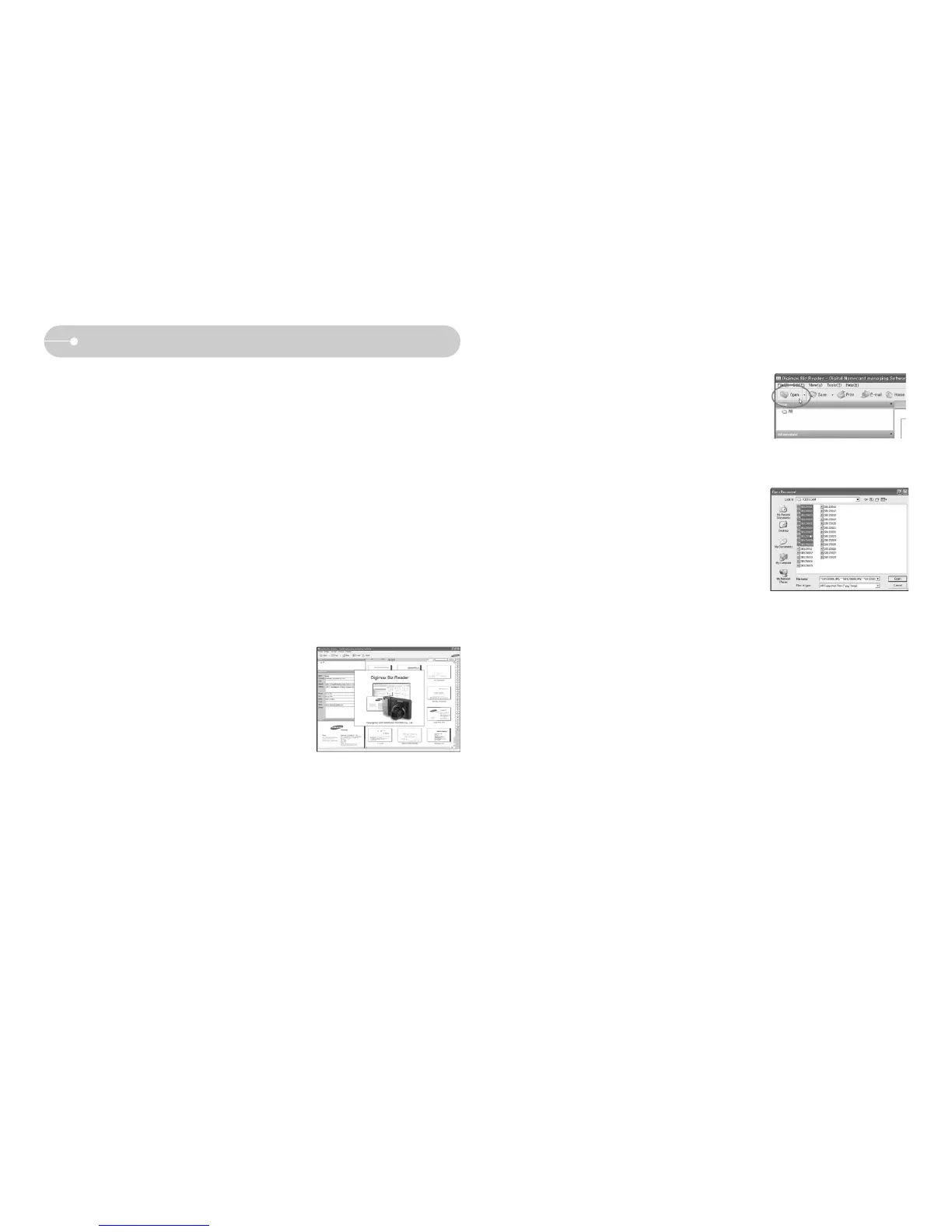
2. Click the [Open] button.
3. Select the namecard image files and click the
[Open] button.
(To select several image files, use <Shift> key
or <Ctrl> key with your mouse.)
4. Namecard images are recognized
automatically.
ƃ Recognizing namecard image file
1. Run the Digimax Biz Reader by double click on
the icon.



 To Next Page