EasyManua.ls Logo

Samsung Owner's - User Manual

Samsung Owner's
32 pages
Print Icon
To Next Page IconTo Next Page
Loading...
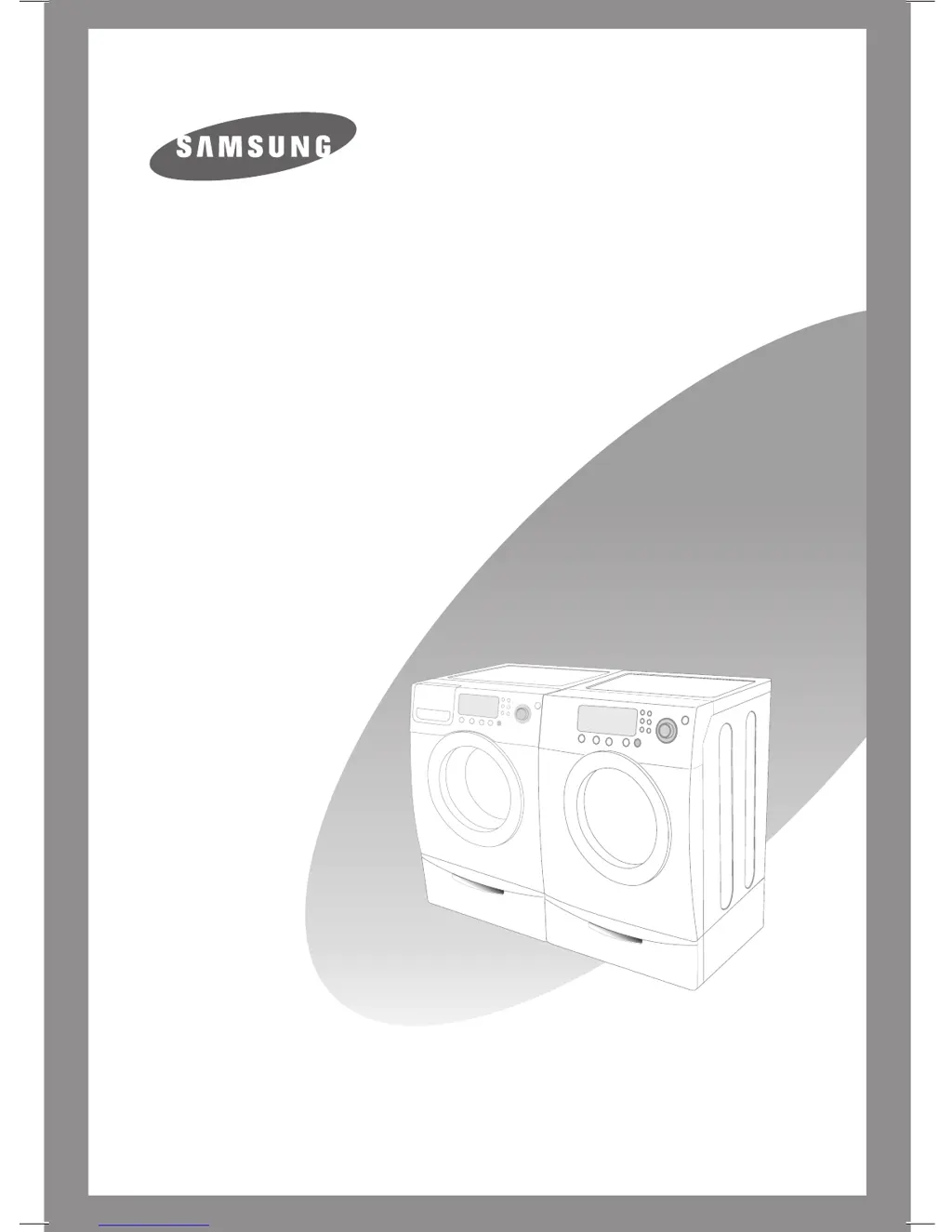
Samsung SilverCare
Washer Owner’s Manual



WF326LAW-02346B-06-EN-no line.indd 1 2007-04-18 ø¿»ƒ 4:24:20

Questions and Answers

  • A
    Amanda FaulknerAug 18, 2025
    What to do if my Samsung Washer/Dryer does not drain and/or spin?
    • J
      johnwilsonAug 18, 2025
      If your Samsung Washer/Dryer isn't draining or spinning, try these solutions: * Check the fuse or reset the circuit breaker. * Straighten the drain hoses to eliminate any kinks. If there's still a drain restriction, call for service. * Ensure the door is closed, then press the Cycle Selector dial to start the washer. The washer won't tumble or spin unless the door is closed for safety reasons.
  • R
    Raymond CollinsAug 20, 2025
    What to do if my Samsung Washer/Dryer door is locked shut or will not open?
    • M
      Ms. Taylor Melendez DDSAug 20, 2025
      If the door of your Samsung Washer/Dryer is locked shut or won't open: * Press the Cycle Selector dial to stop the washer. * Note that the door will remain locked during the heating portion of the Sanitize Cycle. * Allow a few moments for the door lock mechanism to disengage.
  • I
    ifullerAug 23, 2025
    What to do if my Samsung Washer/Dryer won’t tumble?
    • L
      Larry FergusonAug 23, 2025
      If your Samsung Washer/Dryer won’t tumble, please check the following: * Check the fuse or reset the circuit breaker. * Close the door and press the Cycle Selector dial. The washer won't tumble or spin unless the door is closed for safety.
  • J
    Jill RichardsAug 26, 2025
    Why Samsung Owner's will not start?
    • T
      Travis FowlerAug 26, 2025
      If your Samsung Washer/Dryer won't start, there are several things you can check: * Ensure the door is firmly closed. * Make sure the washer is plugged in. * Verify that the water source faucets are turned on. * Press the Cycle Selector dial to start the washer. * Confirm that the Child Lock is not activated (see page C4 of the manual).
  • W
    wtaylorAug 27, 2025
    Why is my Samsung Owner's vibrating or too noisy?
    • J
      Jacqueline McdonaldAug 27, 2025
      If your Samsung Washer/Dryer is vibrating excessively or is too noisy, consider the following: * Ensure the washer is on a level surface; adjust the feet if needed. * Make sure the shipping bolts have been removed. * Verify the washer isn't touching any other objects. * Ensure the laundry load is balanced.
  • S
    Sean WhiteAug 30, 2025
    What to do if Samsung Washer/Dryer stops mid-cycle?
    • A
      Alexander LewisAug 30, 2025
      If your Samsung Washer/Dryer stops during a cycle, consider these possibilities: * Ensure the power cord is plugged into a working electrical outlet. * Check the fuse or reset the circuit breaker. * Make sure the door is fully closed and press the Cycle Selector dial to restart. The washer won't run with an open door for safety. * The washer makes clicking noises and does a quick drain before filling; this is normal. * The cycle may be paused or in a soak period; wait briefly to see if it resumes. * Inspect the screens on the inlet hoses at the faucets for any obstructions and clean them.
  • J
    Jenna YuSep 1, 2025
    What to do if my Samsung Owner's Washer/Dryer load is too wet after washing?
    • E
      Erica ChenSep 1, 2025
      If your laundry is too wet after a cycle in your Samsung Washer/Dryer: * Use the High or Extra High spin speed setting. * Use high efficiency detergent to reduce over-sudsing. * Be aware that very small loads (one or two items) can become unbalanced and not spin completely.
  • J
    johnfaulknerSep 3, 2025
    How to fix Samsung Washer/Dryer that leaks water?
    • Y
      Yolanda BerrySep 3, 2025
      If your Samsung Washer/Dryer is leaking water, check the following: * Ensure the door is firmly closed. * Make sure all hose connections are tight. * Verify the drain hose is correctly inserted and secured to the drain. * Avoid overloading the washer. * Use high efficiency detergent to prevent excessive suds.
  • J
    Janet SparksSep 6, 2025
    Why does my Samsung Owner's have no water or not enough water?
    • L
      Lisa Mcdaniel DDSSep 6, 2025
      If your Samsung Washer/Dryer isn't filling with enough water, try these steps: * Fully turn on both water faucets. * Ensure the door is tightly closed. * Make sure the washer is plugged in. * Check the fuse or reset the circuit breaker. * Press the Cycle Selector dial to start the washer. * Straighten any water inlet hoses that may be kinked. * Disconnect the hoses and clean the screens, as they may be plugged. * Open and close the door, then press the Cycle Selector dial.
  • M
    Matthew FloresSep 8, 2025
    What to do if my Samsung Owner's Washer/Dryer fills with the wrong temperature water?
    • A
      anthonyallisonSep 8, 2025
      If your Samsung Washer/Dryer is filling with water of the wrong temperature: * Ensure both faucets are fully turned on. * Verify the temperature selection is correct. * Check that the hoses are connected to the correct faucets and flush the water lines. * Check the water heater; it should be set to deliver at least 120°F (49°C) hot water, and also check its capacity and recovery rate. * Disconnect hoses and clean screens, as they may be plugged. * Note that the water temperature may change as the automatic temperature control checks the incoming water temperature; this is normal. * Also, you may notice only hot or cold water going through the dispenser when cold or warm wash temperatures are selected; this is a normal function of the automatic temperature control.

Summary

Features

SilverCare Sanitization

Describes the silver nano technology for sanitization.

Safety Precautions

General Safety Instructions

Outlines essential safety warnings and precautions for using the washer.

Washing a Load of Laundry

Control Panel Overview

Explains the function of each button and display on the control panel.

SilverCare Washing Procedure

Details the steps for using the SilverCare™ wash option.

Troubleshooting

Common Operational Issues

Addresses common problems like failure to start or fill.

Additional Operational Issues

Covers issues like temperature, tumbling, drainage, and leaks.

Information Codes

Explains error codes displayed by the washer.

Additional Information Codes

Lists further error codes and their solutions.

Appendix

Cycle Chart 326 LAS

Details the cycles and options available for the 326LAS model.

Cycle Chart 206 LNW, 206 BNW, 206 ANS

Details the cycles and options for 206LNW, 206BNW, 206ANS models.

Cycle Chart 316 LAW, 316 LAS, 316 BAW, 316 HAC, 317 AAW, 317 AAS, 317 AAG

Details cycles and options for multiple 316/317 series models.

Samsung Owner's Specifications

General IconGeneral
BrandSamsung
ModelOwner's
CategoryWasher/Dryer
LanguageEnglish

Related product manuals