ŝ45Ş
ƃ Images taken using the digital zoom may take a little longer for the camera to process.
Allow time for this to take place.
ƃ The digital zoom cannot be used in RAW, TIFF and movie clip shots.
ƃ You may notice a decrease in image quality when using the digital zoom.
ƃ The higher optical and digital zoom, the more camera shake can be take place. If the
focal length is over 200mm, the camera shake warning indicator ( ) will display.
When you select a higher optical or digital zoom, we recommend using the Finder LCD
and the tripod.
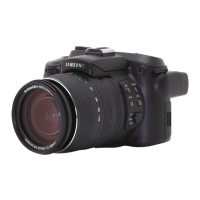
ƃ Take care not to press the lens as this may cause a camera malfunction.
ƃ Do not pull the lens by hand and do not rotate the zoom ring quickly.
It may cause a camera malfunction. Please be careful when using the lens.
INFORMATION
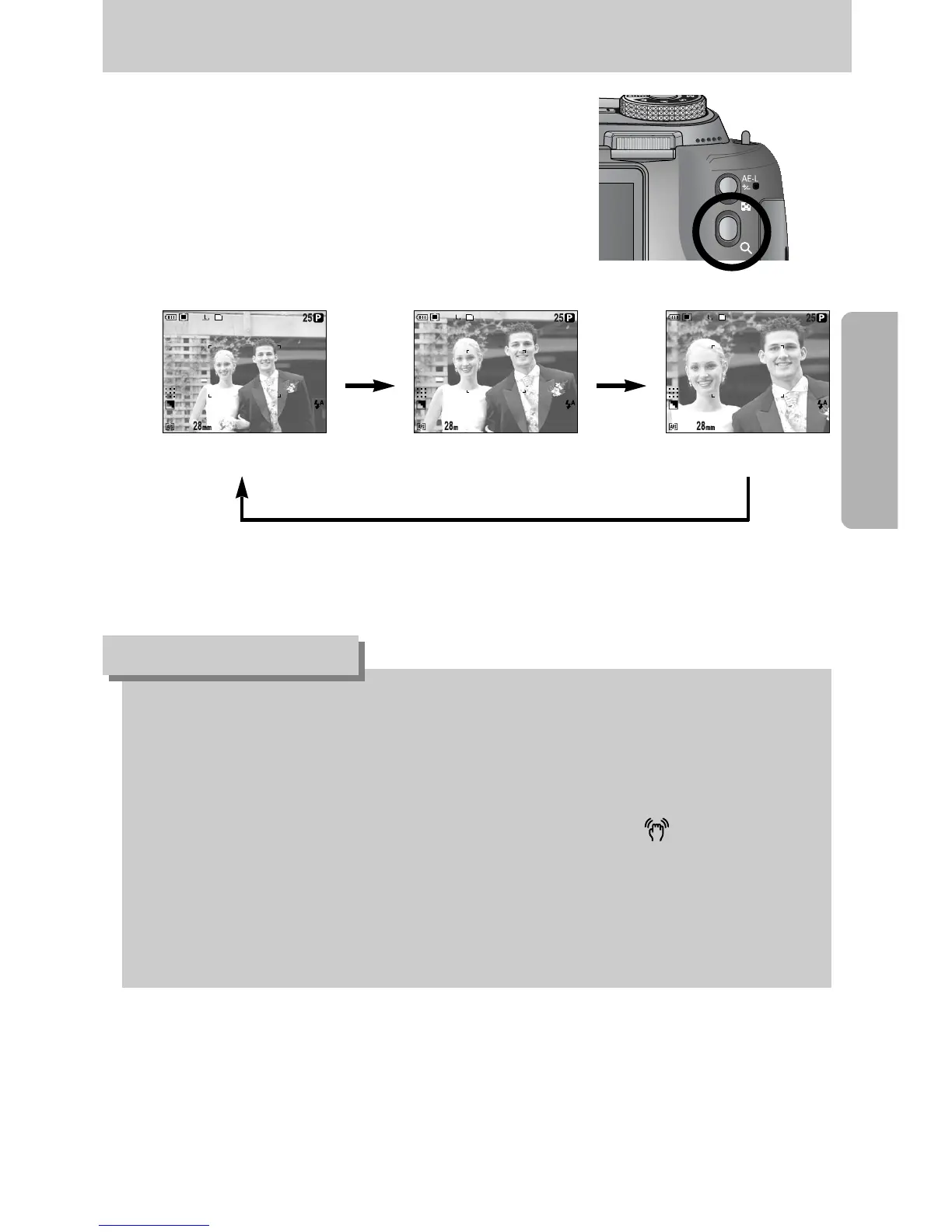
ƃ Digital zoom
Pressing the Digital zoom button for over 1 second will
enlarge the subject as shown below.
[ Off ] [ Digital zoom 2X ] [ Digital zoom 4X ]
Pressing
the Zoom
button
Pressing the Zoom button
Pressing
the Zoom
button
x2.0 x4.0
Zoom operation


 To Next Page