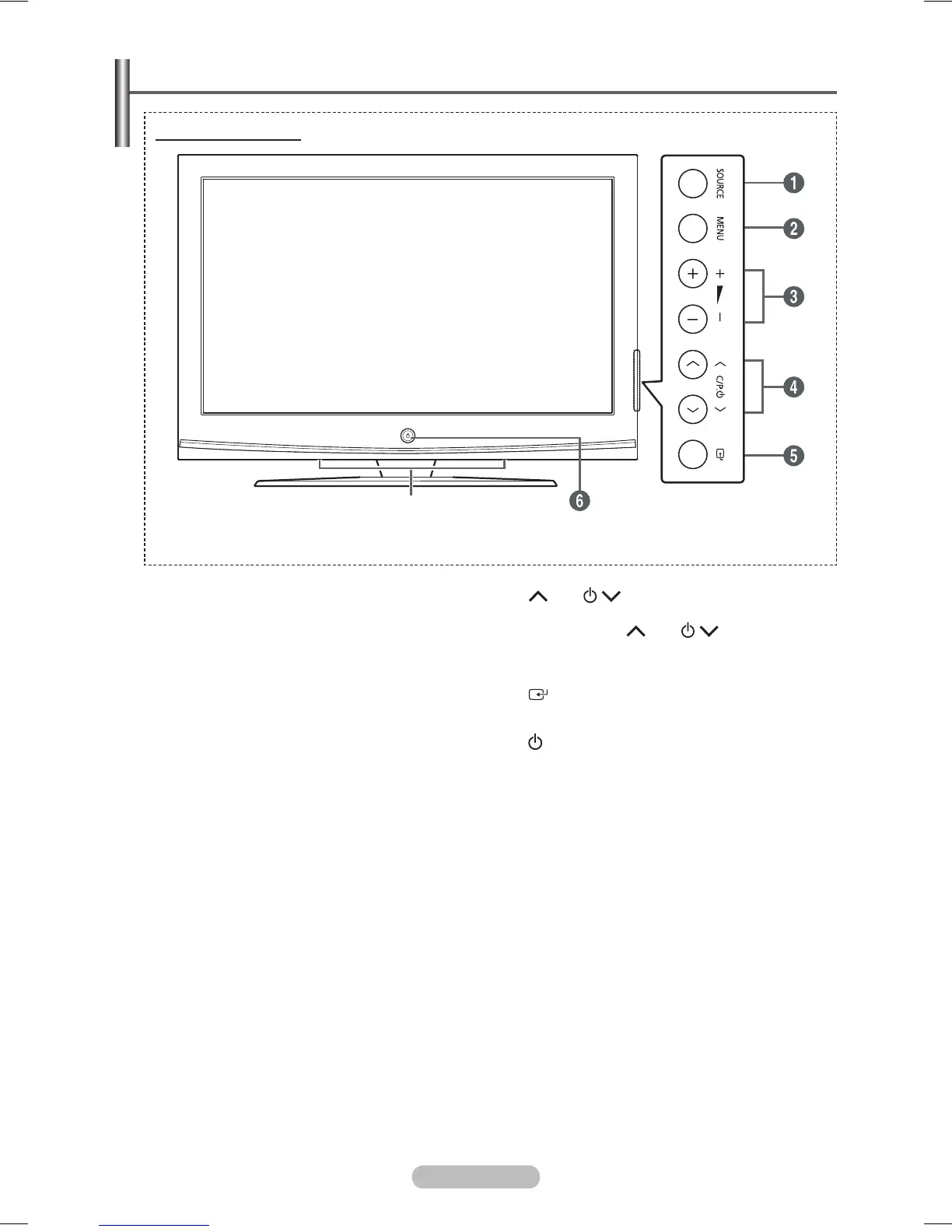
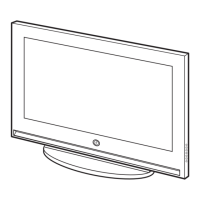
Control Panel
1
SOURCE
Displays a menu of all of the available input
sources (TV, Ext.1, Ext.2, Component, PC, and
HDMI).
2
MENU
Press to see the on-screen menu of your TV’s
features.
3
+
−
Press to increase or decrease the volume.
In the on-screen menu, use the +
−
buttons as you use the ◄ and ► buttons on
the remote control.
4
C/P.
Press to change channels. In the on-screen
menu, use the C/P. buttons as
you use the ▲ and ▼ buttons on the remote
control.
5
(ENTER)
Press to confirm a selection.
6
(Power) button
Press to turn the TV on and off.
Power Indicator
Blinks and turns off when the power is on and
lights up in stand-by mode.
Remote Control Sensor
Aim the remote control towards this spot on
the TV.
7
Speaker
➢
The product colour and shape may vary depending on the model.



 To Next Page