
 Need help?
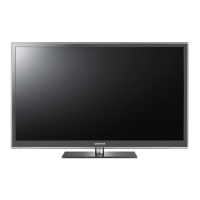
Do you have a question about the Samsung PS59D6910DS and is the answer not in the manual?
Displays chassis and model code for the Plasma TV.
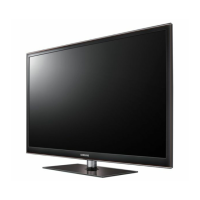
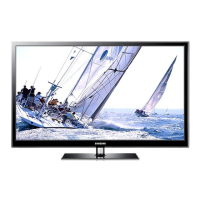
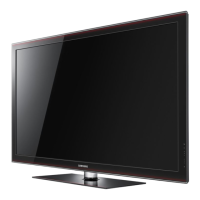
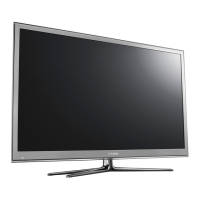
Details physical dimensions and design of the TV models.
Lists technical features and specifications for PDP TV models.
Compares specifications across different TV models.
Provides details on factory options and settings for specific PDP models.
Details the items provided in the product package.
Lists accessories not included but available for purchase.
Outlines essential safety measures for handling, installation, and servicing the device.
Provides crucial precautions for service personnel to ensure safe repair procedures.
Details precautions to prevent damage from static electricity when handling components.
Specifies safety guidelines for installing the television unit correctly.
Provides a general overview and step-by-step guide for disassembling and reassembling the unit.
Guides users through initial checks and common error modes for troubleshooting.
Provides a primary checklist for identifying and resolving common troubleshooting issues.
Details checks for error modes, focusing on 'No Power' issues and diagnostics.
Addresses troubleshooting steps for scenarios where there is no picture displayed.
Provides troubleshooting steps for issues where the TV has no audio output.
Lists common faults and their corresponding corrective actions for troubleshooting.
Explains normal and abnormal operating patterns of logic LED indicators.
Guides through pairing Bluetooth devices and 3D glasses with the TV.
Details how to enter and navigate the factory mode for advanced adjustments.
Provides instructions on entering the service/factory mode using a remote control.
Presents factory data options and control settings for various TV parameters.
Lists various Service menu options and settings related to testing and diagnostics.
Details expert settings and adjustments available within the service menu.
Covers Analog-to-Digital Converter and White Balance calibration settings.
Displays results of ADC calibration for color parameters.
Provides settings for adjusting white balance in low and high light conditions.
Details advanced picture settings and enhancements, including 2D and 3D.
Explains calibration for white balance using patterns and equipment.
Details steps for color calibration via AV input.
Outlines color calibration procedure using Component input.
Provides instructions for color calibration through HDMI/DVI input.
Describes white balance adjustment in low and high light settings.
Explains firmware upgrades using a USB drive and their implications.
Details RS-232C control parameters and pin descriptions for serial communication.
Lists AV control codes for functions like Power, Volume, Input, and Picture settings.
Shows the overall wiring diagram for the 51", 59", and 64" FHD models.
Details pin connections between Main and Logic boards.
Describes the functions of specific connectors used in the wiring diagram.
Presents an exploded view of the PS59D6910DSXXH model for parts identification.
Lists all parts with codes, descriptions, and quantities for the PS59D6910DSXXH model.
Details electrical components and their specifications for the PS59D6910DSXXH model.
Provides an exploded view of the PS43D490A1WXBT model for parts identification.
Lists parts for the PS43D490A1WXBT model, including codes and specifications.
Details electrical components for the PS43D490A1WXBT model.
 General
| Screen Size | 59 inches |
|---|---|
| Display Type | Plasma |
| 3D Technology | Yes |
| Smart TV | Yes |
| HDMI Ports | 4 |
| USB Ports | 3 |
| Built-in Wi-Fi | Yes |
| Resolution | 1920 x 1080 |
| Refresh Rate | 600 Hz Subfield Motion |


 To Next Page