6-6
Manual
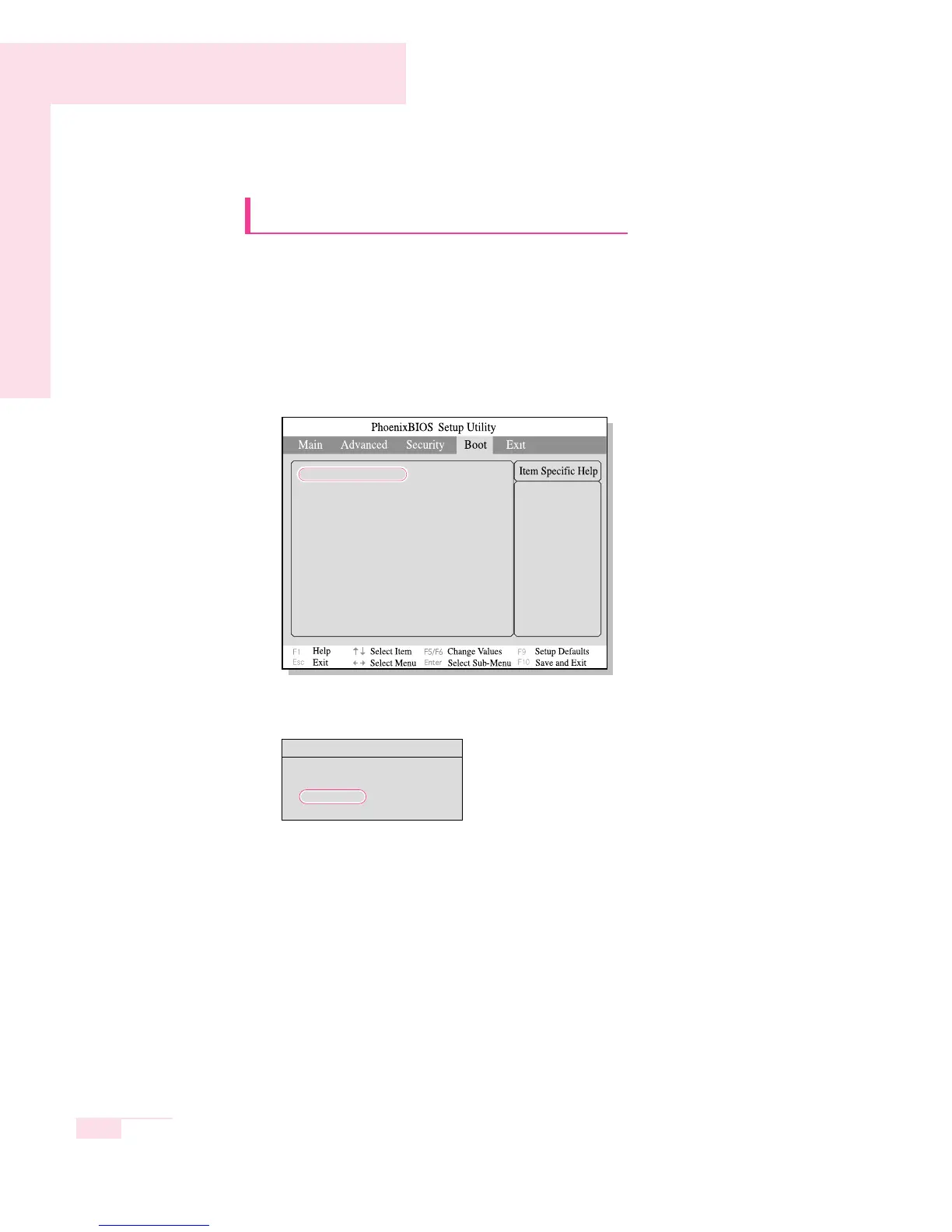
Changing Booting Priority
You can select the booting priority among the devices such as the hard
drive, CD-ROM drive, etc. The following example describes how to con-
figure the hard drive as the first booting device when the CD-ROM drive
is configured as the first booting device by default.
1. Select the Boot Menu in System Setup.
2. Press <Enter> on Boot Device Priority item.
3. Use the <↓> key to move to the Hard Drive item, and press <F6> key until it
is at the very top.
4. Press <F10> to save the changed configuration, and exit System Setup.
Now you can boot the system with the hard disk drive as the first booting device.
Boot Options
CD-ROM/DVD
Removable Devices
+ Hard Drive
Select system boot
options
Boot Device Priority
NumLock [Off]
Enable Keypad [By NumLock]
Summary screen [Disabled]
Boor-time Diagnostic Screen [Disabled]
PXE OPROM [Only with F12]
Brightness Mode Control [Auto]
Wireless device control [Always On]
Smart Battery Calibration
▶



 To Next Page