Need help?
Do you have a question about the Samsung QB85R-N and is the answer not in the manual?
Verify all product components are present and in good condition upon receipt.
Outlines ventilation requirements for perpendicular and indented wall installations.
Guidance on preparing for and performing the wall mount installation, including recommendations.
Provides VESA screw hole specifications and safety guidelines for wall mount kits.
Step-by-step guide to calibrate the touchscreen monitor in Windows for accurate input.
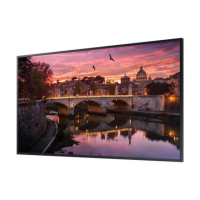
This document serves as a user manual for Samsung Smart Signage displays, covering various models including QBR, QBR-B, QBR-N, QER, QMR, QMR-A, QMR-AN, QMR-B, and QMR-T series. It provides essential information regarding product setup, operation, technical specifications, and maintenance guidelines.
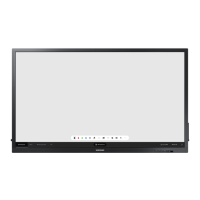
The Samsung Smart Signage displays are designed for commercial use, offering high-quality visual output for various applications. These displays support a range of input sources and can be integrated into network environments for centralized management. Specific models, such as the QMR-T series, feature touchscreen capabilities, allowing for interactive use without external input devices like keyboards or mice. The displays are capable of operating in both landscape and portrait modes, with specific guidelines for tilting and rotation to ensure optimal performance and longevity.
The manual details specifications across numerous models, categorized by panel size and resolution.
 General
| Brand | Samsung |
|---|---|
| Model | QB85R-N |
| Category | Digital Signage |
| Language | English |


 To Next Page