English 37
Operations
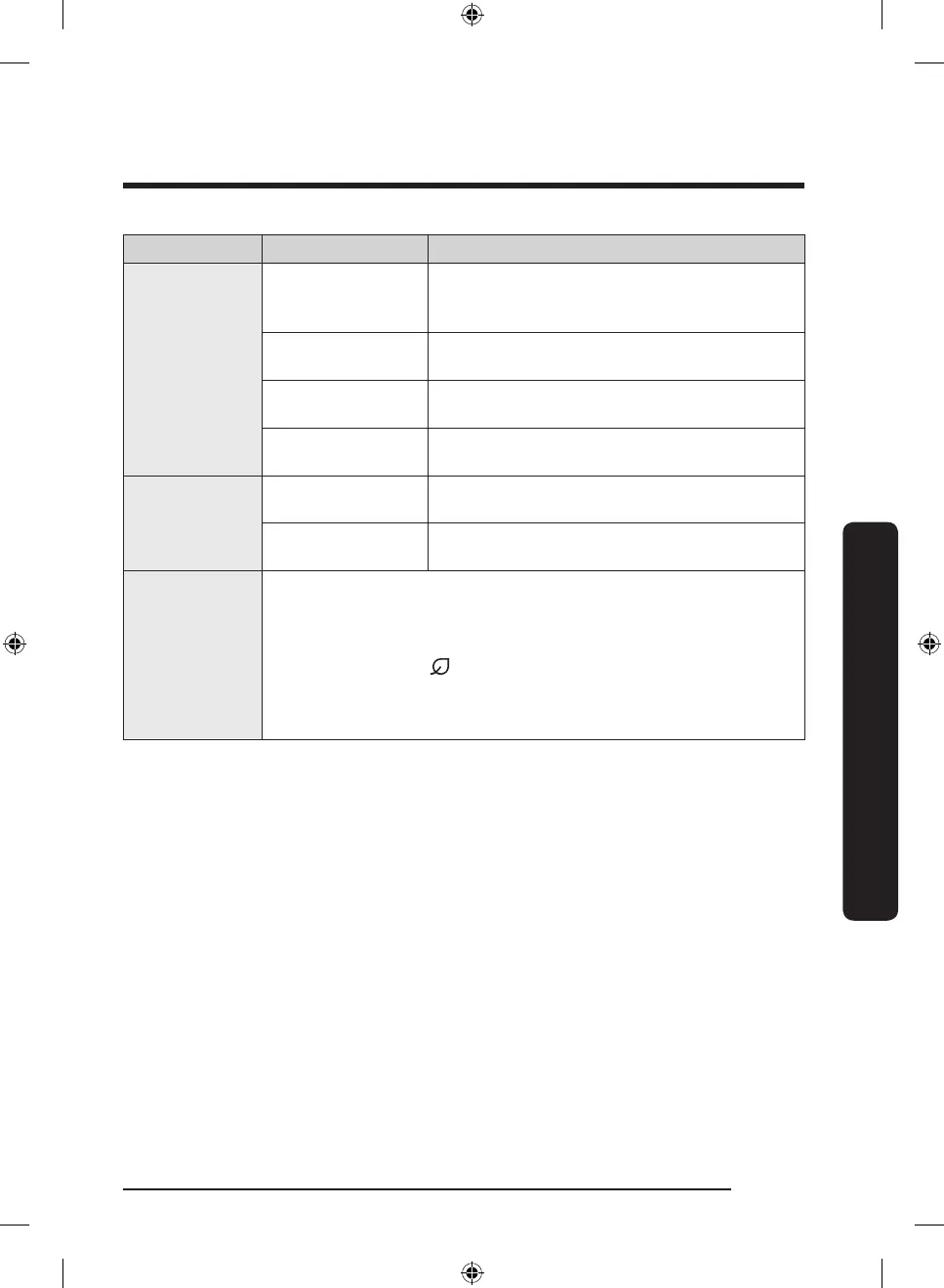
Category Item Description
Monitor &
Control
Fridge temperature
Displays the current temperature setting of the
fridge.
Freezer
temperature
Displays the current temperature setting of the
freezer.
Power Cool
You can turn Power Cool on or off, and check
the current settings.
Sabbath Mode
You can activate and deactivate the Sabbath
mode.
Alarms
Abnormally high
temperature
This alarm is triggered when the fridge has
abnormally high temperatures.
Door opening
This alarm is triggered if the fridge or freezer
door is open for more than 2 minutes.
AI Energy Mode
You can turn on or off the AI Energy Mode under the Energy menu in
the SmartThings app.
You can check the status of the AI Energy Mode on the SmartThings
app.
On some models, the icon appears on the main panel to indicate
that AI Energy Mode is operating. (applicable models only)
Turning on the AI Energy Mode decreases energy consumption, but it
may also reduce the cooling performance.
Untitled-1 37 2023-10-11 10:46:30



 To Next Page