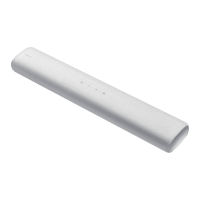
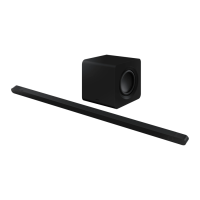
2-2
Samsung Electronics
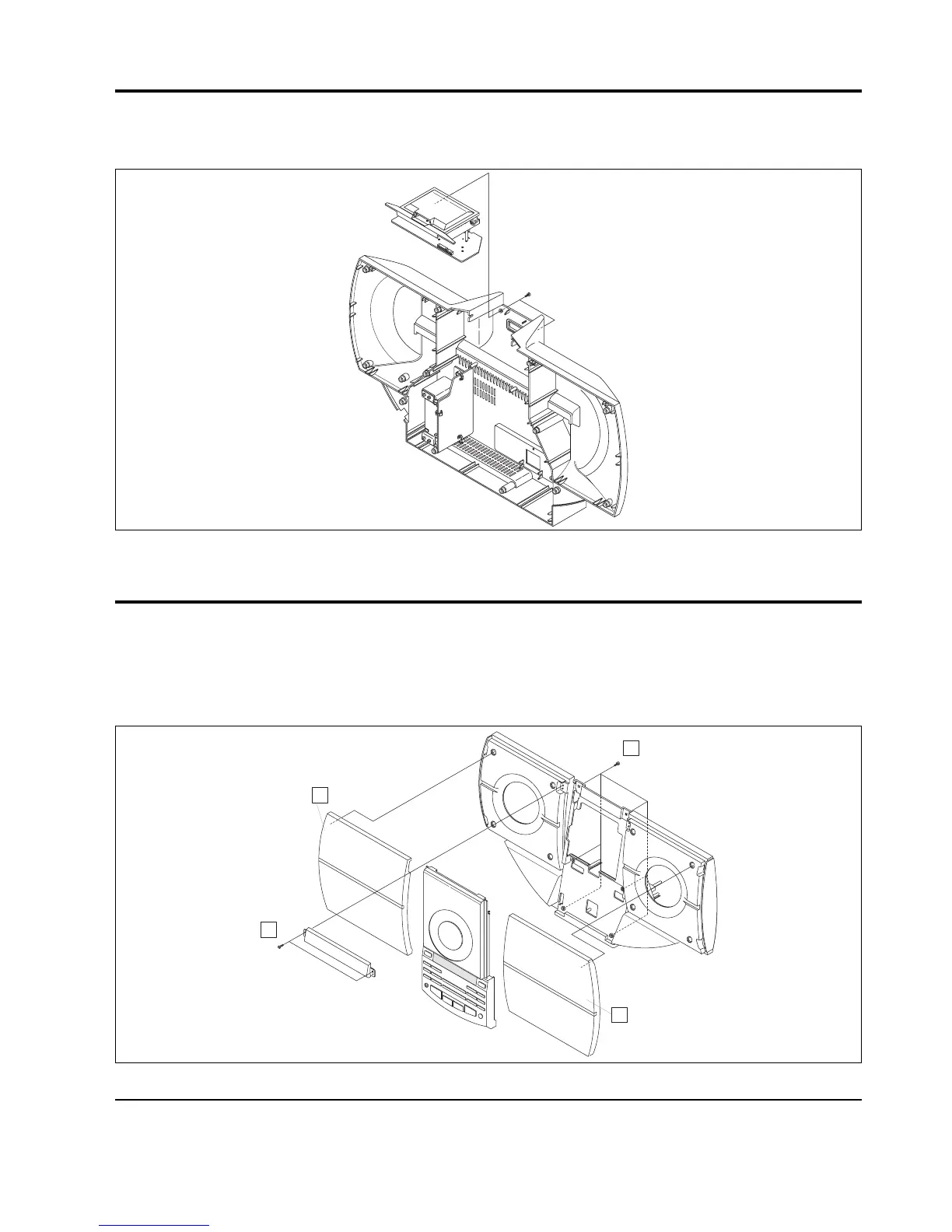
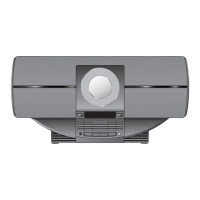
1. Remove 2 screws of @ of its rear part.
2. Pull up Cabinet-Top Ass’y to frontward, and remove it.
Fig 2-3
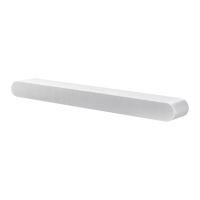
2-3 Cabinet-Top ASS’Y
1. Remove Tersey-Frame of C
2. Remove 2 screws of A (Deco-Front).
3. Remove 6 screws of B (Cap-Front).
4. Remove Cap-Front Ass’y to frontward.


 To Next Page