Display( [_ )
Quick view
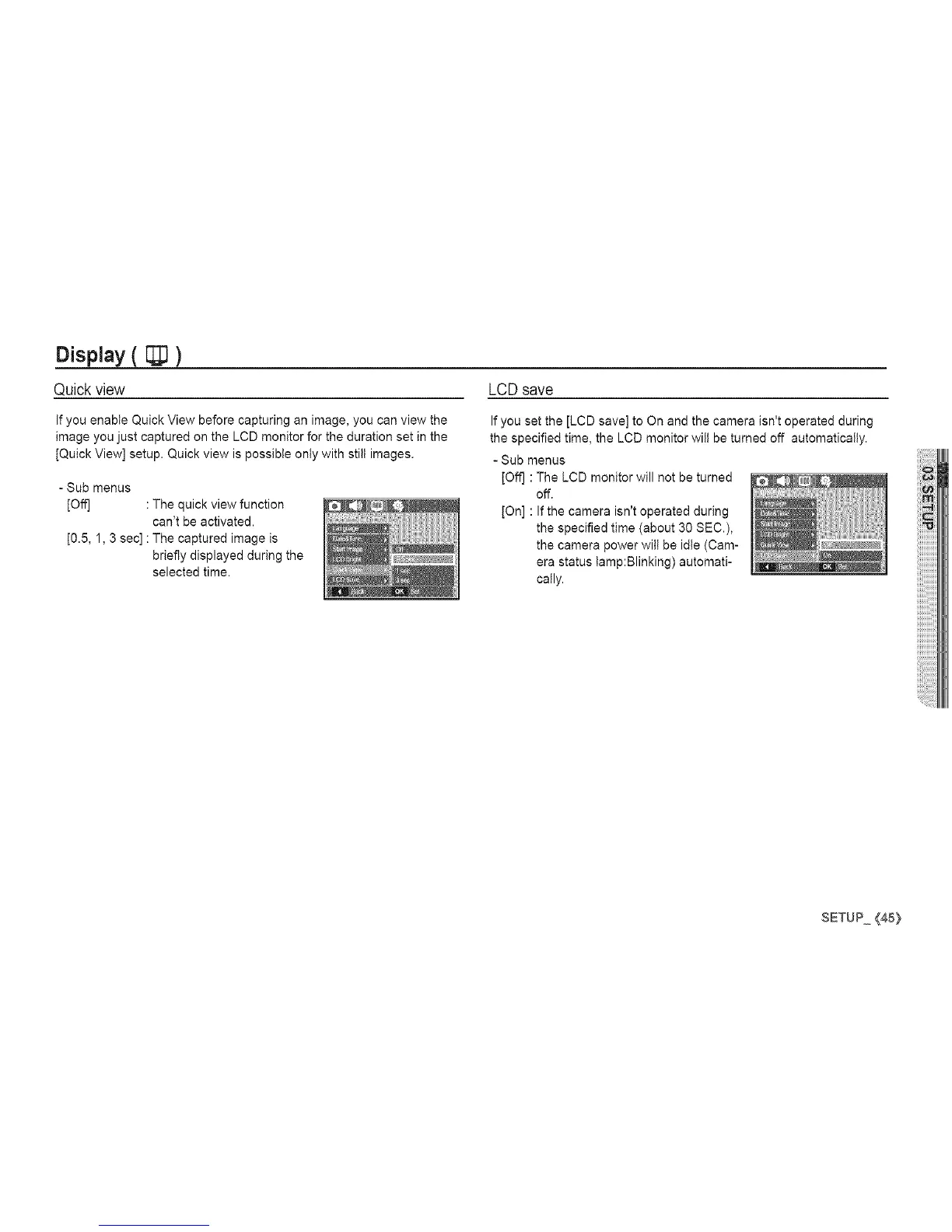
If you enable Quick View before capturing an image, you can view the
image you just captured on the LCD monitor for the duration set in the
[Quick View] setup. Quick view is possible only with still images.
- Sub menus
[Off] : The quick view function
can't be activated.
[0.5, 1, 3 sec]: The captured image is
briefly displayed during the
selected time.
LCDsave
If you set the [LCD save] to On and the camera isn't operated during
the specified time, the LCD monitor wilt be turned off automatically.
- Sub menus
[Off] : The LCD monitor will not be turned
off.
[On] : If the camera isn't operated during
the specified time (about 30 SEC.),
the camera power wilt be idle (Cam-
era status tamp:Blinking) automati-
cally.
SETUP{45}


 To Next Page