41
Starting Bixby using buttons on the Samsung Smart
Remote
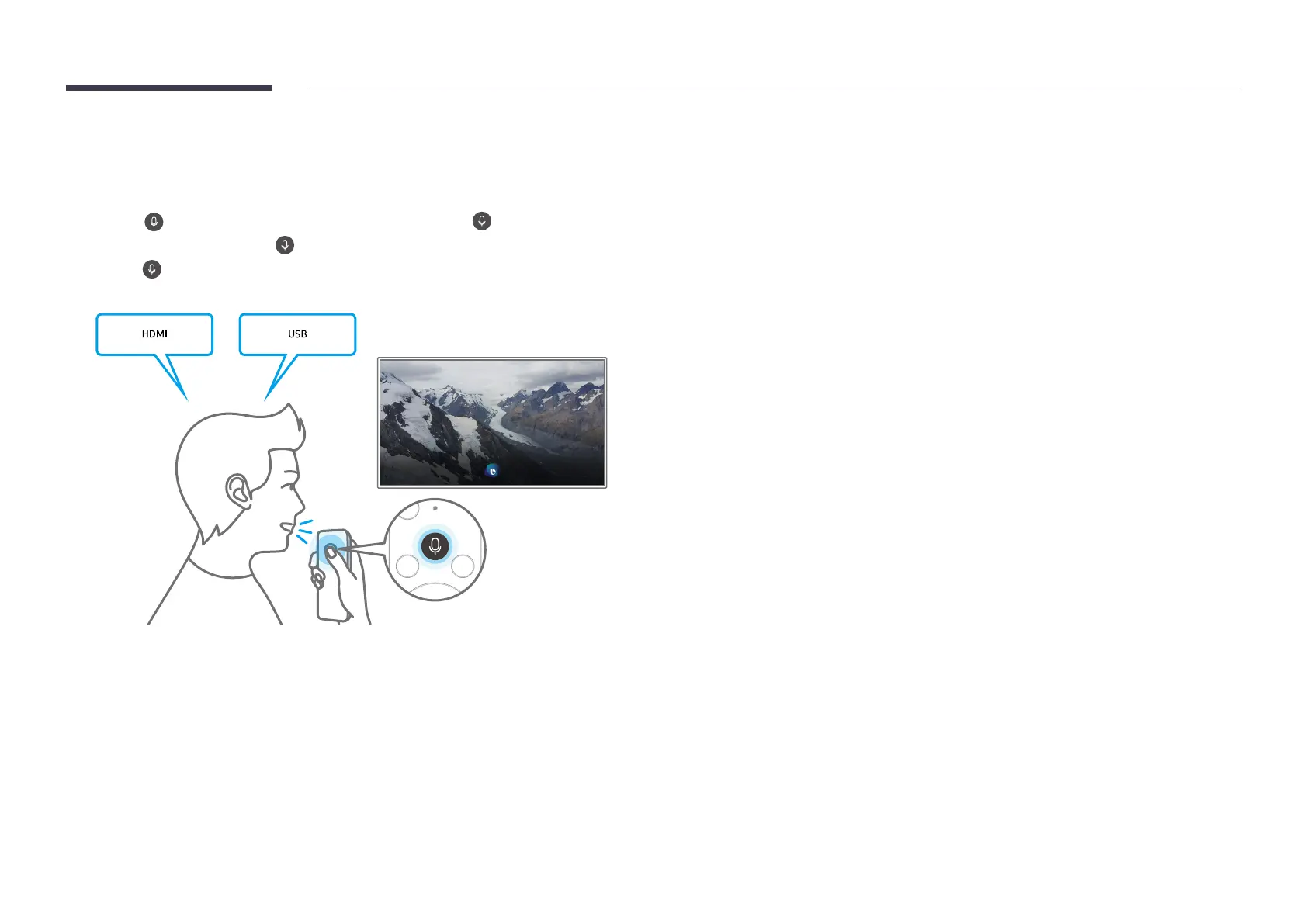
You can also make a conversation with Bixby using the Samsung Smart Remote buttons. Press
and hold the
button, say a voice command, and then release the button.
To read the Bixby user guide, press button once.
• Pressing displays the Explore Now button on the bottom of the screen. Press the Select
button to navigate to the Explore Bixby screen.


 To Next Page