8080
ENGLISH
Digital Still Camera mode
8080
✤ The Memory Stick(SCD24 only) stores and manages still images
recorded by the camera.
Memory Stick Functions
✤ Recording still images and MPEG4 movie
✤ Viewing still images
■
Single
■
Slide show
✤ Multi display
✤ Protecting images against accidental erasure
✤ Deleting images recorded on a card
✤ Print marking still images
✤ Formatting a card (MEMORY STICK)
Reference
■
You can use most of the camera’s functions when recording to the
Memory Stick.
■
“ ” appears on the screen while recording to the
Memory Stick.
■
While recording or loading an image, do not eject or insert the Memory
Stick.
- Inserting or ejecting a Memory Stick while recording or loading an
image can cause data damage.
■
If you want to save all images on the Memory Stick, set the write protect
tab on the Memory Stick to LOCK.
●
“Memory Stick” and are trademarks of Sony Corporation.
●
All other product names mentioned herein may be the trademarks or
registered trademarks of their respective companies.
Furthermore, “™”and “
®
” are not mentioned in each case in this manual.
●
“Memory Stick PRO” is not prepared.
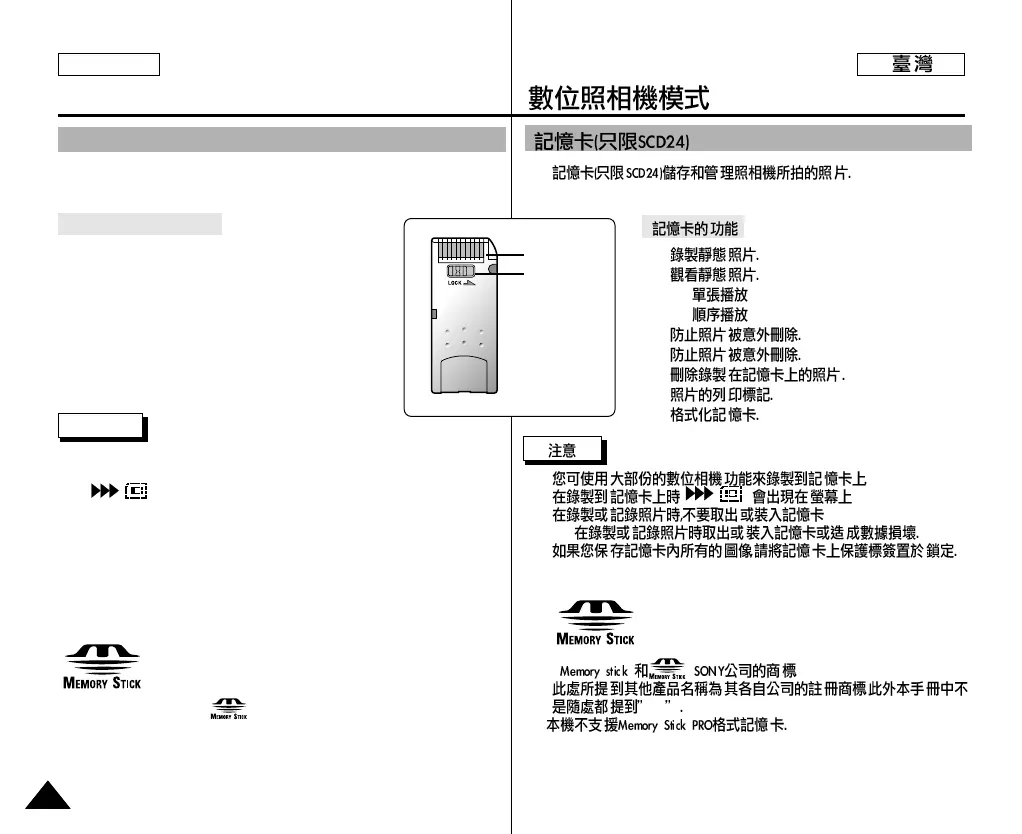
Terminal
Protection
tab
MEMORY STICK (SCD24 only)
TM
TM
✤
✤
✤
■
■
✤
✤
✤
✤
✤
■
■
""
■
-
■
●
" "
●
™ “
®
”
●



 To Next Page