Samsung Electronics 1-37
Alignment and Adjustment
1-2-3 (b) ADJUSTMENT
Please, aim at colorbar chart or colorful object.
1. Contrast
1) Adjust ADDRESS that a data of 5E8 is equal to 2E(default). If you want, you can adjust other data in
range “00~35”
2) Adjust ADDRESS that a data of 5E9 is equal to 15(default). If you want, you can adjust other data in
range “00~35” (Adjustment of 5EA, 5EB is in the same way.)
3) Adjust ADDRESS that a data of 5EA is equal to 15(default).
4) Adjust ADDRESS that a data of 5EB is equal to 1A(default).
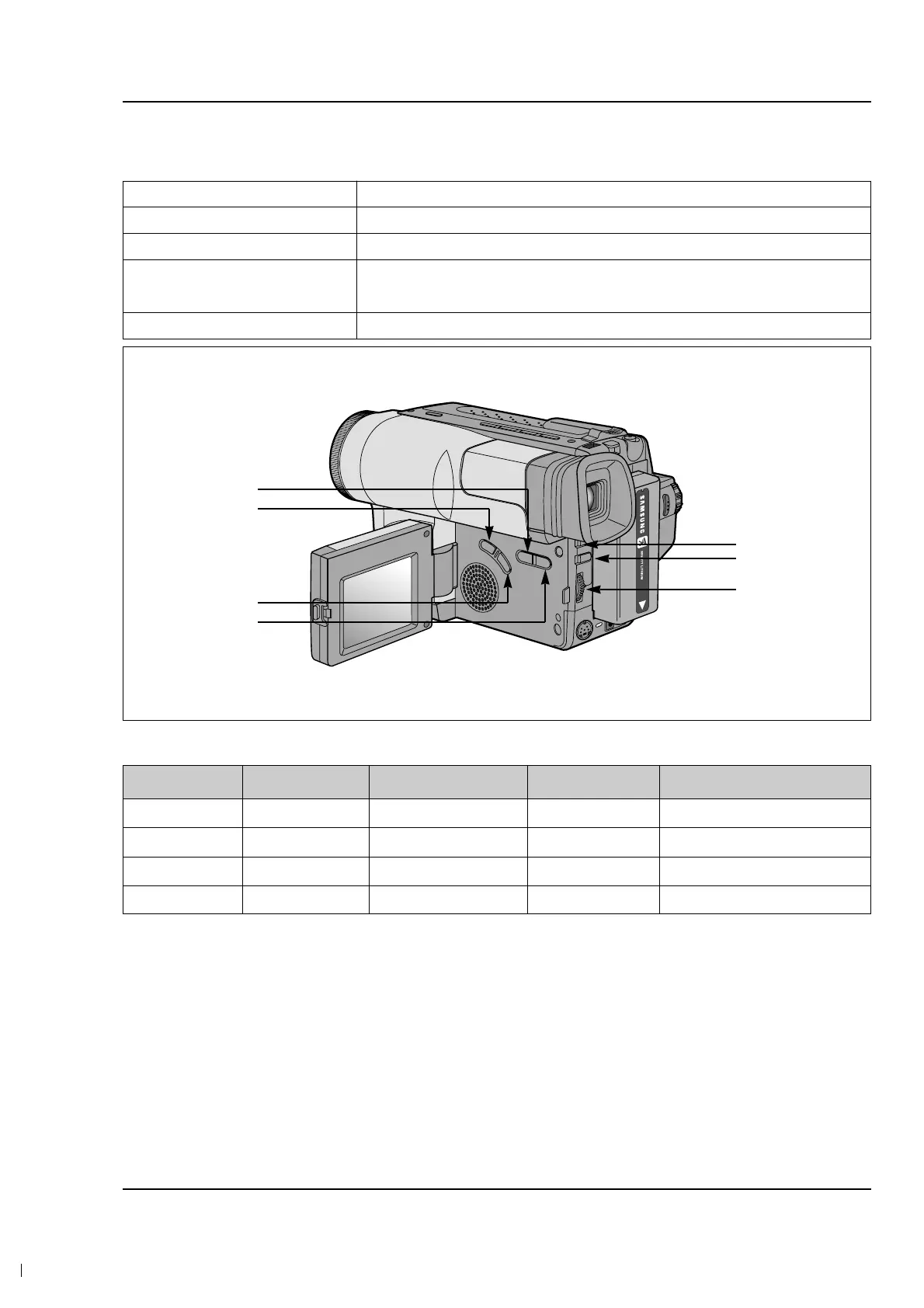
2. The following chart shows the function of each button. In service adjustment mode, button names are
different from those in customer camera function control mode. EX)DISPLAY button is the same as con-
firm.
The following table shows the data of each address that you must adjust.
Button
FADE
BLC
P.AE
DSE
ENTER
Function
When change the adjustment mode.
When change the adjustment mode.
When change data value of adjust state.
Data store after finishing adjustment by “DATA UP/DATA DOWN” button
ADDRESS DATA MEAN REMARK ADJUSTMENT RANGE
5E8 2E CONTRAST DEFAULT 00~35
5E9 15 BRIGHT R DEFAULT 00~35
5EA 15 BRIGHT G DEFAULT 00~35
5EB 1A BRIGHT B DEFAULT 00~35
DATA DOWN
MODE DOWN
MODE UP
DATA UP
MODE ‘100’ UP
CONFIRM
FOCUS
NEAR/FAR



 To Next Page