EasyManua.ls Logo

Samsung SCL770 - User Manual

Samsung SCL770
174 pages
Print Icon
To Next Page IconTo Next Page
Loading...
© Samsung Electronics Co.,Ltd. JAN. 2002
Printed in Korea
AD68-00420R
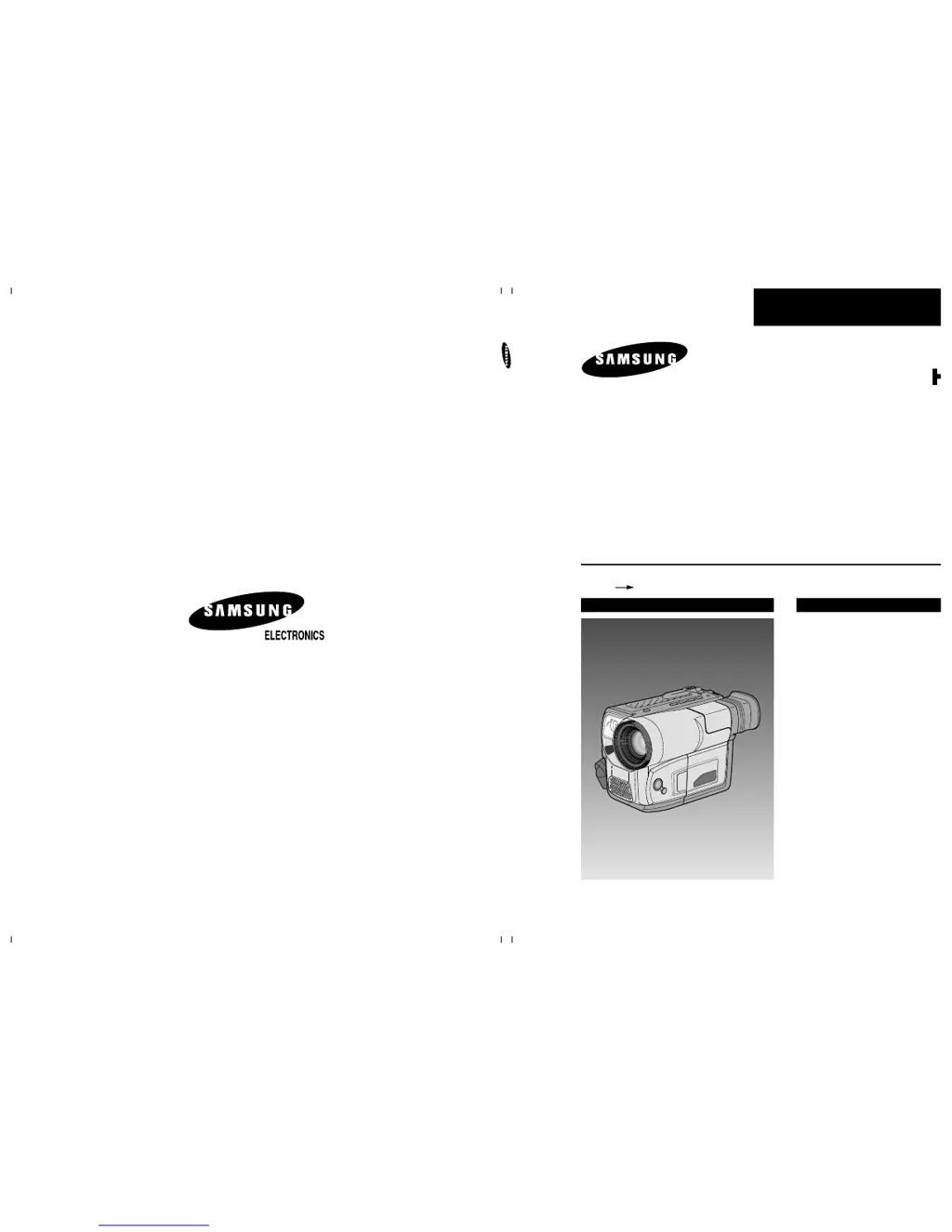
SERVICE MANUAL
SCL700/710/750/770
8mm CAMCORDER
SCL700/710/750/770
SERVICE
1. Precautions
2. Product Specifications and
Comparison Chart
3. Disassembly and Reassembly
4. Alignment and Adjustment
5. Exploded View and Parts List
6. Electrical Parts List
7. PCB Diagrams
8. Wiring Diagram
9. Schematic Diagrams
Manual
8mm CAMCORDER
CONTENTS
For mechanical disassembly and adjustment, refer to the “Mechanical Manual”
(DE-10 AD68-00420H).
8

Table of Contents

Questions and Answers

  • D
    Debra MartinezAug 8, 2025
    Why is my Samsung SCL770 Camcorder display blinking?
    • R
      rileykimberlyAug 8, 2025
      If your Samsung Camcorder displays 'Blinking Display', it means the battery pack is either almost or fully discharged. To resolve this, simply replace the current battery with a charged one.
  • M
    Melanie MurilloAug 13, 2025
    What to do if my Samsung SCL770 Camcorder says 'TAPE END! no'?
    • I
      iboydAug 13, 2025
      If your Samsung Camcorder shows 'TAPE END! no', it indicates that the tape has reached its end. You should replace it with a new tape to continue recording.
  • R
    Ricky FoxAug 19, 2025
    What does 'TAPE END! slow' mean on my Samsung SCL770 Camcorder?
    • J
      Jessica GuzmanAug 19, 2025
      If your Samsung Camcorder displays 'TAPE END! slow', it means the tape is almost at its end. You should prepare a new tape to avoid interruptions.
  • A
    andersondanielAug 25, 2025
    Why does my Samsung SCL770 say 'TAPE! slow'?
    • T
      Thomas GillAug 26, 2025
      If your Samsung Camcorder displays 'TAPE! slow', it means there is no tape inserted in the camcorder. Insert a tape to resolve this issue.
  • K
    keyvalerieSep 1, 2025
    What to do if Samsung SCL770 displays 'D.EMG C.EMG R.EMG L.EMG slow'?
    • A
      Alan BushSep 1, 2025
      If your Samsung Camcorder displays 'D.EMG C.EMG R.EMG L.EMG slow', this indicates a mechanical fault. Here's what you can try: 1. Eject the tape. 2. Set the camcorder to OFF. 3. Detach the battery. 4. Reattach the battery.

Samsung SCL770 Specifications

General IconGeneral
BrandSamsung
ModelSCL770
CategoryCamcorder
LanguageEnglish

Related product manuals