Samsung Electronics1-40
Alignment and Adjustment
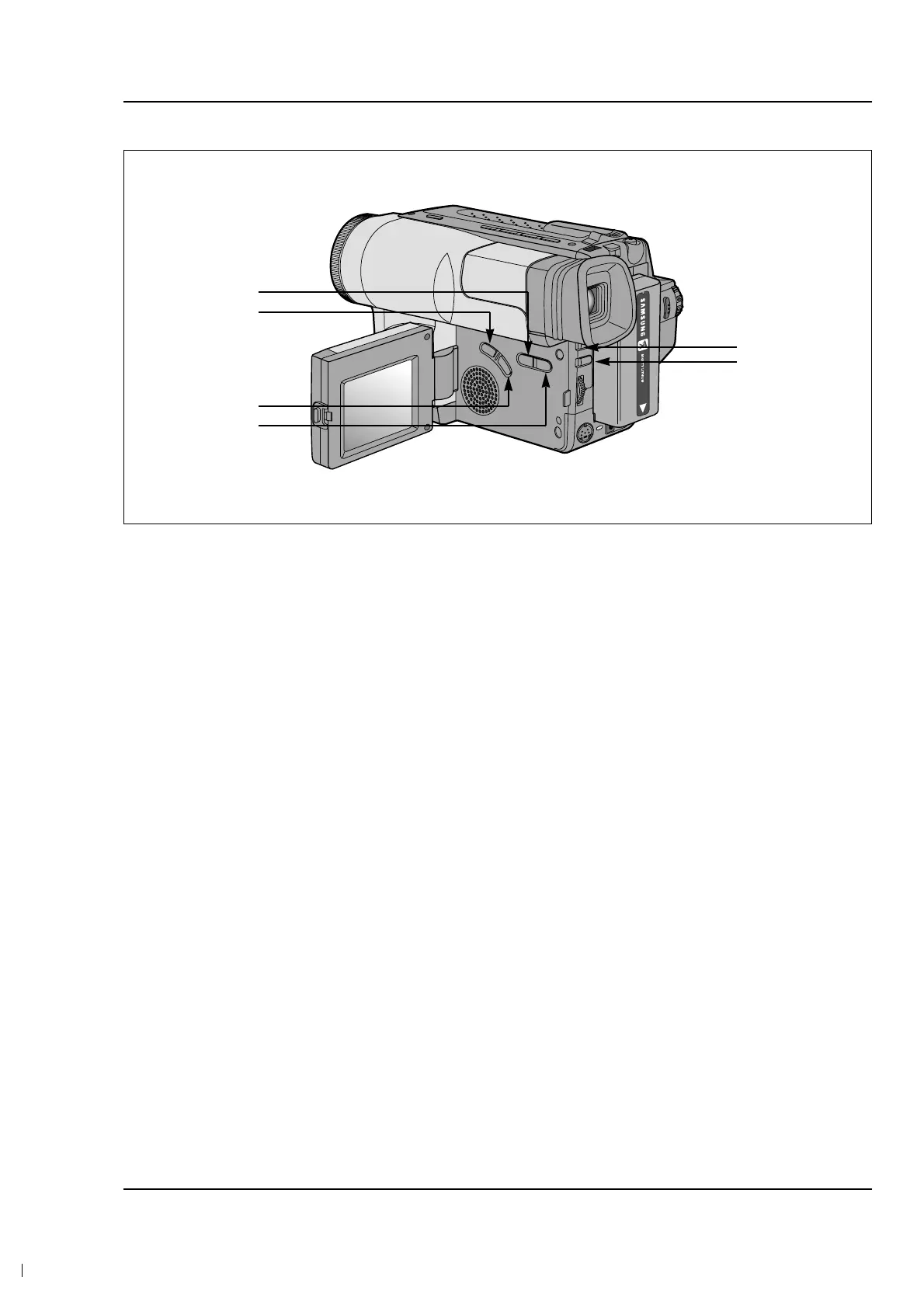
4. The location of function button.
5. If you want to finish the adjustment mode, you have to do “Battery Reset”.
The “Battery Reset” means that you pull out the power source and pull in it again.
Then, the adjustment is ended and the camcorder works normally.
Note :
In service adjustment mode, button names are different
from those in customer function control mode.
EX) “ENTER” button is the same as “CONFIRM”.
DATA DOWN
MODE DOWN
MODE UP
DATA UP
MODE ‘100’ UP
CONFIRM



 To Next Page