Get started
11
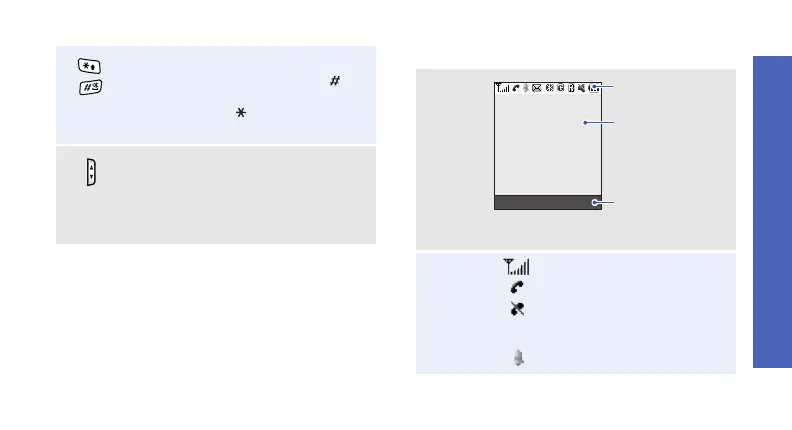
Display
Enter special characters.
In Idle mode, press and hold [
]
to
activate or deactivate Silent mode.
Press and hold [
]
to enter a pause
between numbers.
Adjust the phone volume.
In Idle mode, with the phone open,
adjust the key tone volume. With
the phone closed, press and hold to
turn on the external display.
Layout
Icons
1
Received signal strength
Call in progress
Out of your service area;
you cannot make or
receive calls
Alarm set
p. 86
Text and graphics
display messages,
instructions, and
information you enter.
Soft key function
indicators
show the current
functions assigned
to the soft keys.
Icons
display various icons.
Menu Contacts



 To Next Page