7
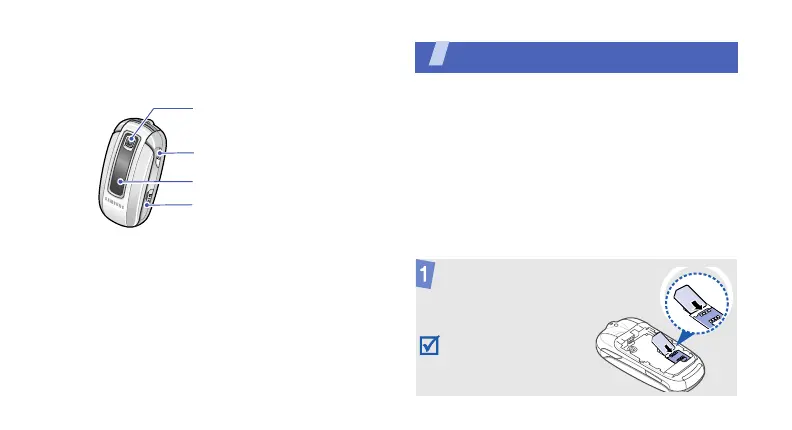
With the phone closed
Get started
First steps to operating your phone
SIM card information
When you subscribe to a cellular network, you
receive a plug-in SIM (Subscriber Identity
Module) card loaded with your subscription
details, such as your PIN, and available optional
services.
Assemble and charge the phone
Camera lens
Headset/
Adapter jack
External display
Camera key
Insert the SIM card.
Make sure that the gold-
coloured contacts on the
card are face down.



 To Next Page