28
Enter text
ABC, T9, Number, and Symbol modes
You can enter text in some features, such as
Messages, Phonebook, or Calendar, using ABC
mode, T9 mode, Number mode, and Symbol
mode.
Changing the text input mode
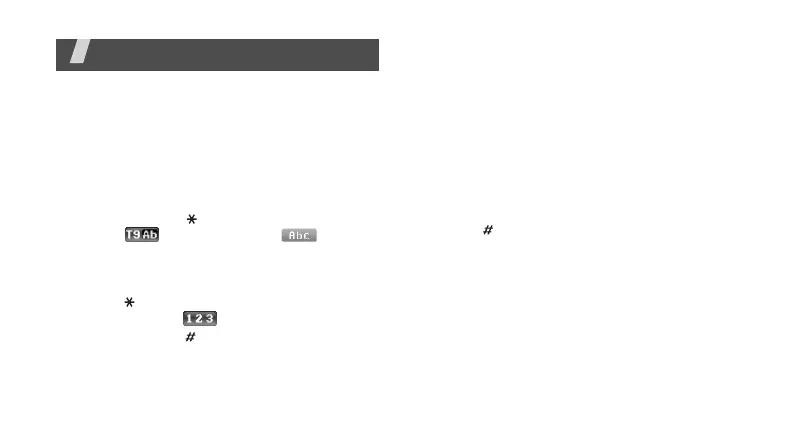
• Press and hold [ ] to switch between T9
mode ( ) and ABC mode ( ).
Depending on your country, you may also be
able to access an input mode for your
specific language.
• Press [ ] to change case or switch to
Number mode ( ).
• Press and hold [ ] to switch to Symbol
mode.
Using ABC mode
Press the appropriate key until the character
you want appears on the display.
To enter the same letter twice or to enter a
different letter on the same key, wait for the
cursor to move to the right automatically or
press [Right]. Then, enter the next letter.
Other ABC mode operations
•Press [
1
] to enter special characters.
• Press [ ] to insert a space.
• Press the Navigation keys to move the
cursor.
•Press [
C
] to delete characters one by one.
Press and hold [
C
] to clear the entire display.



 To Next Page